
If you’re a C-suite leader, product manager, or marketing director, you need message precision and a human, trustworthy presence. A teleprompter makes that possible—when it’s set up, scripted, and operated correctly. Below is the playbook we use in studio and on location to help non-actors look relaxed, sound authoritative, and land the message on time.
Why Use a Teleprompter in the First Place?
- Accuracy: Legal, compliance, and investor language must be exact.
- Consistency at scale: One message across multiple markets, languages, or spokespeople.
- Throughput: Shoot more segments per day with fewer retakes and faster approvals.
- Editorial efficiency: Prompter scripts feed captions, translations, and transcripts.
Eye-Line & Optics: Where Authenticity Starts
Goal: align the audience’s eyes with yours. Do that and you’ll read as confident and sincere.
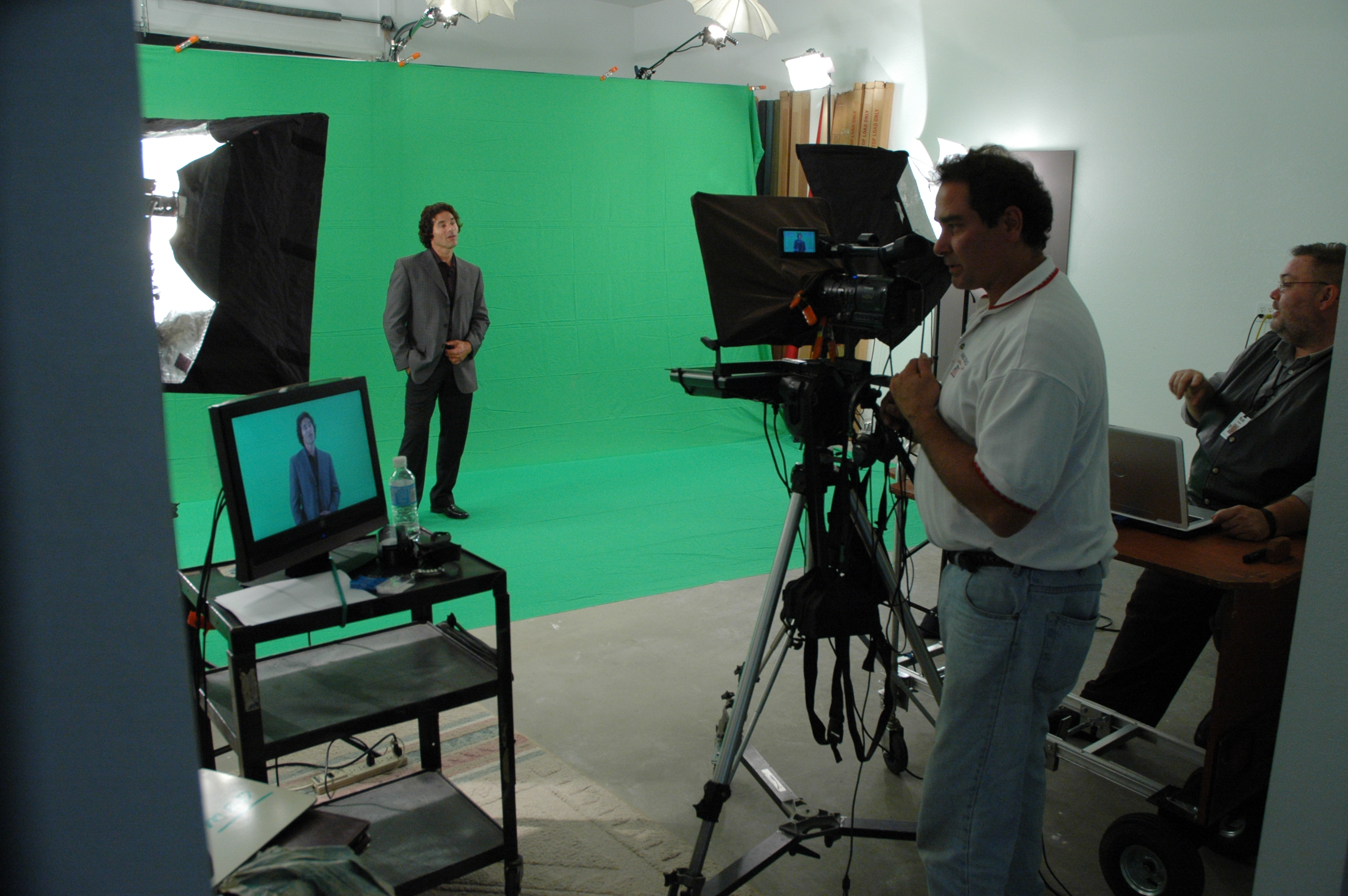
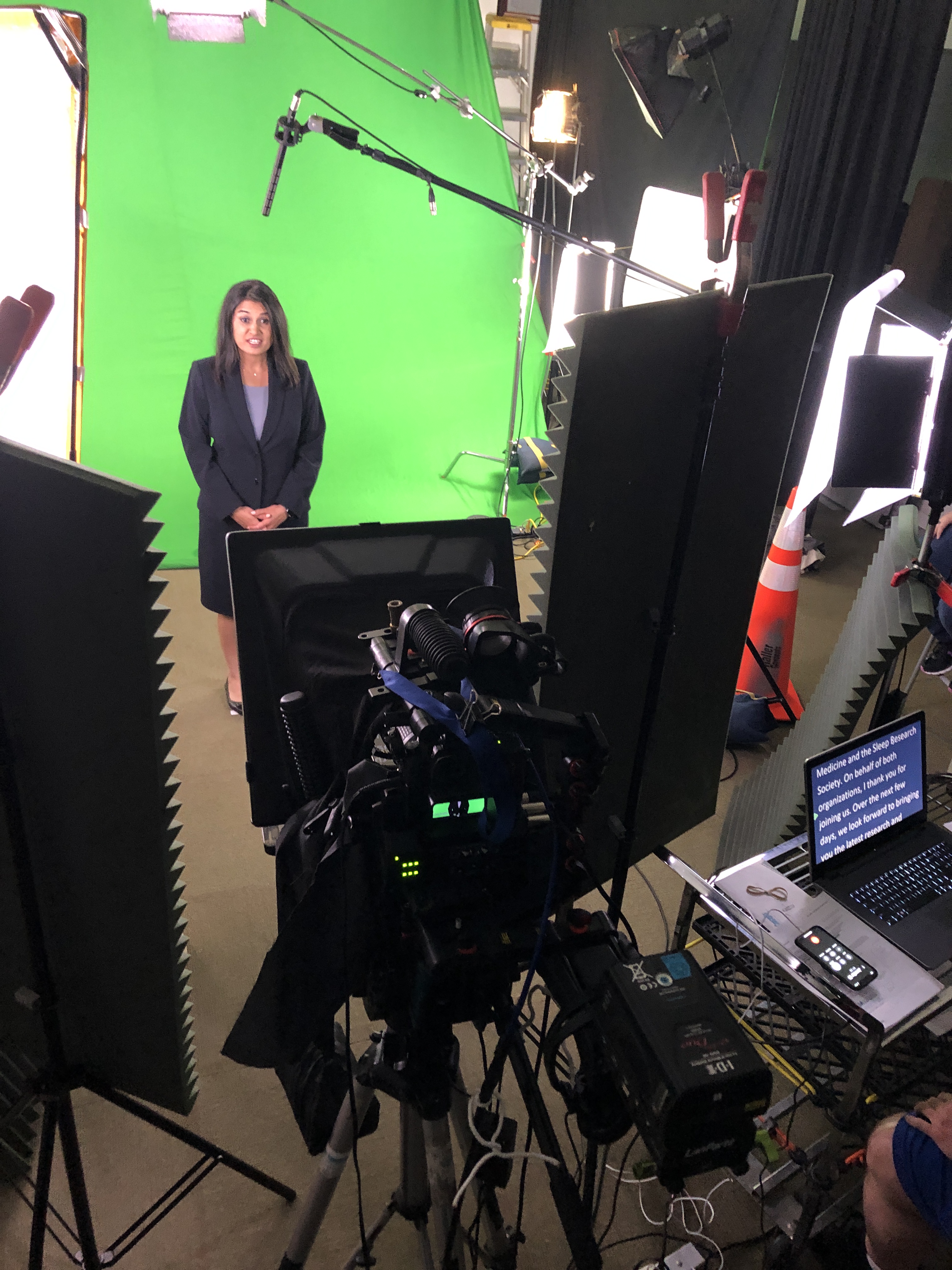
- Prompter type: Through-the-lens (TTL) beam-splitter in front of the lens for direct-to-camera delivery.
- Lens choice: 50–85 mm (full-frame) subtly compresses perspective and reduces visible eye travel.
- Distance & font: Place talent ~5–10 ft from the glass; set font so each line reads without scanning (typically 48–72 pt at that distance).
- Scroll window: Keep active text centered vertically; avoid top/bottom edges which trigger noticeable eye jumps.
- Glasses & glare: Slightly raise the key light, tilt the glass a few degrees, use flags/hoods, and favor matte/AR-coated frames.
Script Engineering: Write for the Ear (Not the Page)
- Cadence target: 110–135 words per minute for conversational corporate delivery.
- One idea per line: 12–18 words; short clauses beat long sentences.
- Mark the “music”:
- Bracketed cues:
[PAUSE] [SMILE] [B-ROLL CUT] [GRAPHIC] - Phonetics for tricky names/terms: “kuh-TEG-uh-ree”
- LIGHT emphasis—avoid ALL CAPS everywhere.
- Bracketed cues:
- Numbers that land: Round when possible; put dense data on graphics/B-roll, not in a single spoken sentence.
- Version control: Name files clearly (
CEO_TownHall_v7_APPROVED) and keep a visible change log.



Scroll Craft: The Operator Follows You
- The operator matches the speaker, not the other way around.
- Smooth acceleration/deceleration prevents mechanical “stair-step” motion.
- White space between paragraphs lowers cognitive load and eye flicker.
- Live edits: one owner routes last-minute changes—no dueling cursors.
Coaching Non-Actors: Small Levers, Big Gains
- 90-second warm-up: hum on “M,” tongue twisters at 70% speed, then one throwaway read to find pace.
- Breath mapping: land breath at punctuation; commas = half-beat, periods = full beat.
- Landing words: linger a beat on the key noun/verb; let connector words glide.
- Posture & presence: feet planted, shoulders soft, chin level, micro-smile through transitions.
- Pickups that edit cleanly: redo the full sentence, not the fragment.
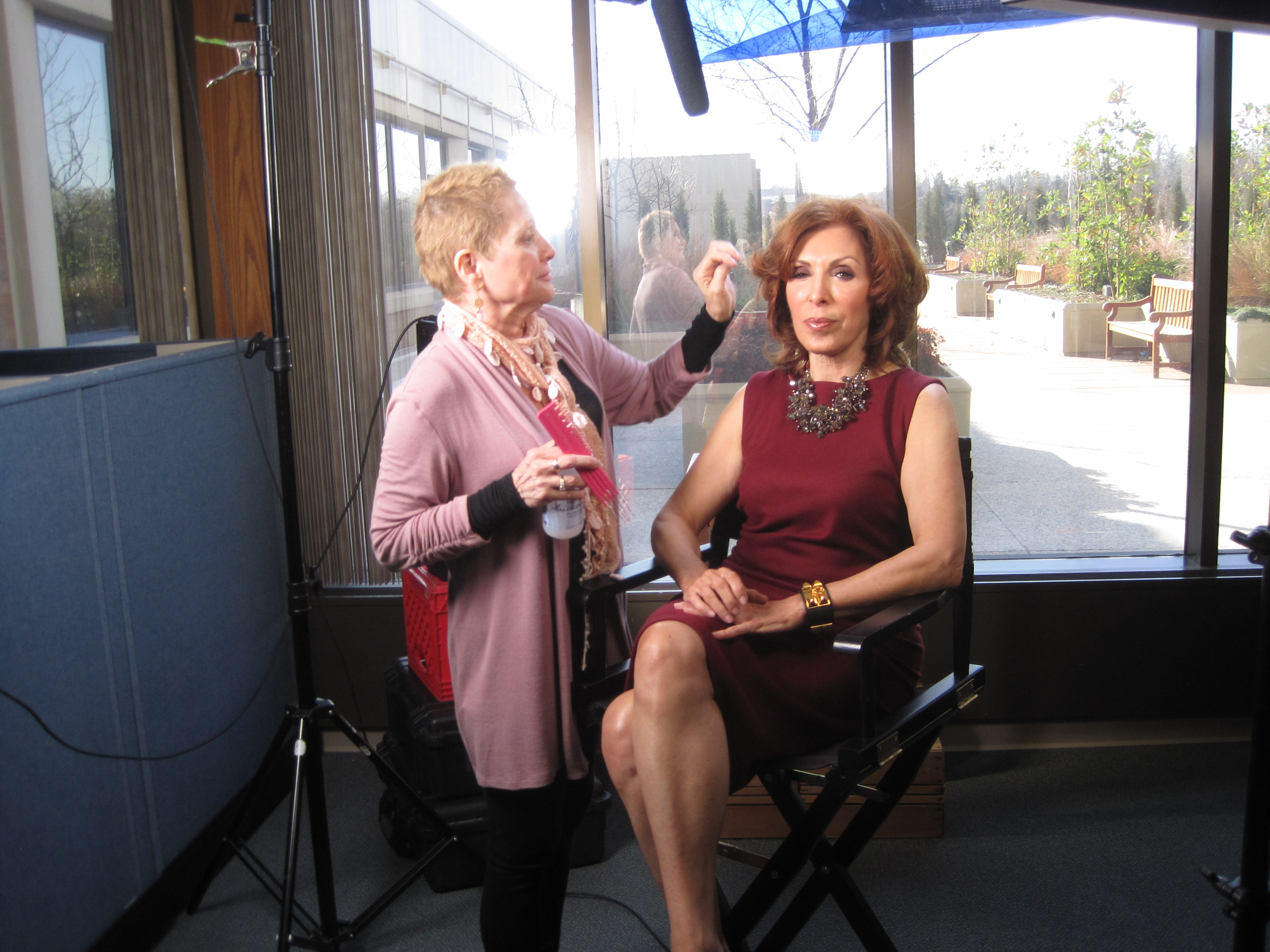
- Wardrobe notes: avoid tight stripes or loud jewelry; powder forehead/nose; keep lav clear of necklaces.
Multi-Camera, Panels, and Walk-and-Talks
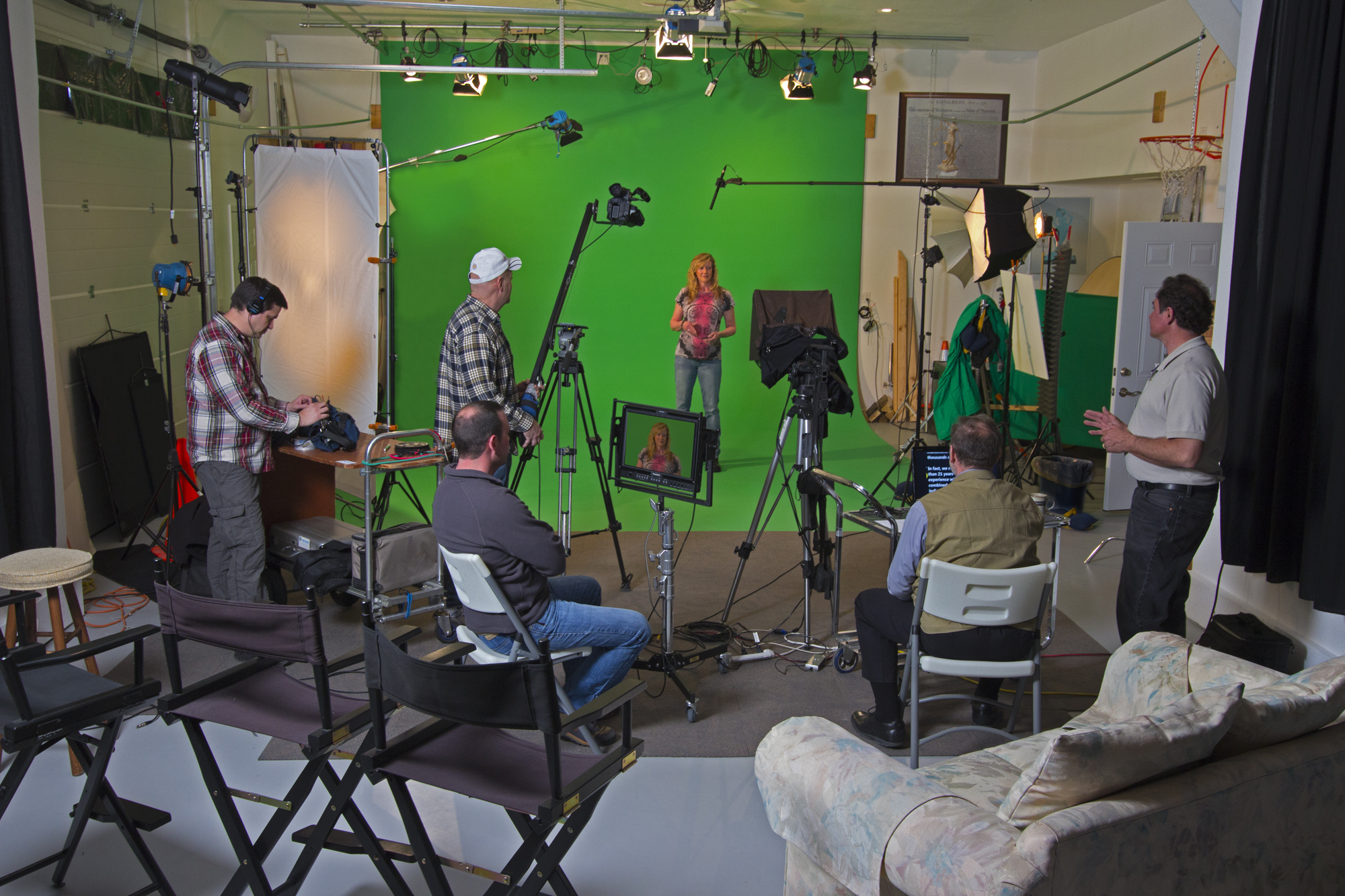
- A/B cameras: match prompter size & distance to keep eye-line consistent across angles.
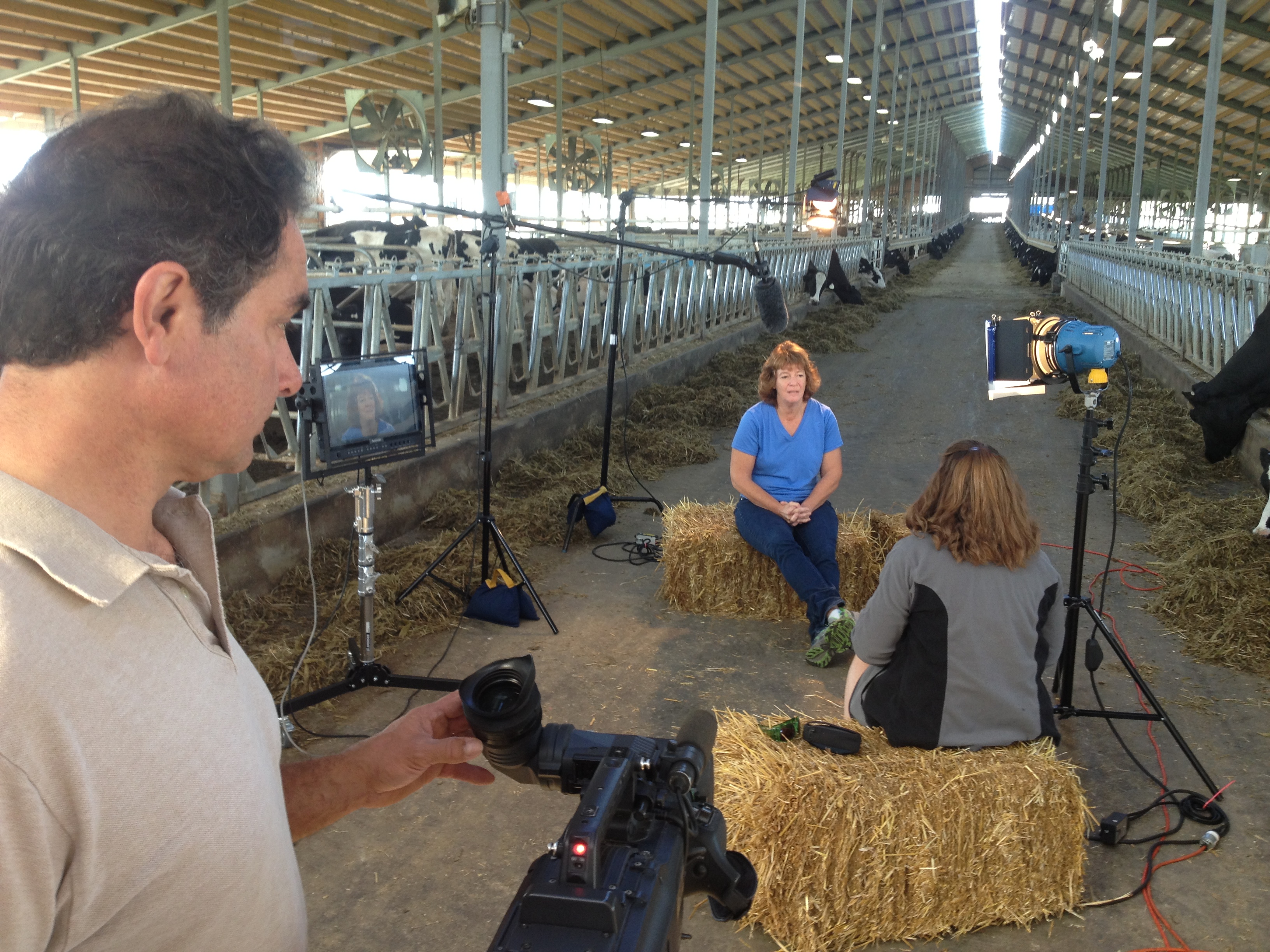
- Panels/interviews: use confidence monitors with talking points instead of full sentences to encourage natural interplay.
- Walk-and-talks: small prompter on a gimbal, pre-block turns so eye-line stays near lens axis.
Remote & Hybrid Setups (Executives on the Move)
- Place the overlay within 1–2 inches of the webcam lens.
- Use wired controllers to avoid Bluetooth lag.
- Rehearse in the actual meeting platform to test latency and frame pacing.
- Treat the remote space like a set: key/fill/back light, controlled background, treated audio.
Editorial Integration: Shoot for the Edit
- Plan cover shots: bake
[B-ROLL CUT]and[GRAPHIC]cues into the script. - Handles: roll 5 seconds before/after each take for clean transitions.
- Captions & access: prompter scripts accelerate accurate captions and multi-language subs.
- Continuity notes: log best takes, pronunciation locks, and any approved ad-libs.



Troubleshooting: Fast Fixes We Use On Set
- Eyes darting: enlarge font, reduce scroll speed, recenter active line.
- Flat delivery: insert breath/beat marks, add verbs up front, encourage micro-smile.
- Glare on lenses: adjust light angle first; then tilt glass and flag spill.
- Rushing the close: add
[HOLD SMILE 2s]at the final line and capture a clean button.
Day-Before & Day-Of Checklists
Day-Before
- Final script in shared doc + PDF; pronunciations verified
- Shot list with B-roll/graphic cues
- Teleprompter/laptop/controller tested, mirror flip confirmed
- Wardrobe guidelines sent; location noise/light checks completed
Day-Of
- TTL prompter + hood, backup unit, UPS/power distro
- Lens set 50/85 mm, flags/matte box, anti-glare wipes
- Eye-line test recording (10 s) and speed calibration pass
- Mark landing words/CTAs; confirm durations per segment
Copy-Paste Script Skeleton (≈2:00, 240–260 words)
OPEN [SMILE]
I’m [Name], [Title]. Today, three updates designed to help your team move faster and make smarter decisions. [PAUSE]
BENEFIT HEADLINE
First: [Feature/Program] reduces steps in [workflow] so your process is simpler, safer, and easier to scale. [B-ROLL CUT]
PROOF
Teams like [Client] saw results in weeks—not months—and cut [metric] by [X%]. [PAUSE]
WHAT’S NEW
Second: [Feature] adds [capability], so admins spend less time on manual tasks.
Third: [Feature] improves [process], with clearer approvals and better visibility. [GRAPHIC]
CALL TO ACTION
If you’re on [plan], these roll out [date]. To learn more, visit your admin panel or talk with your account team. [SMILE]
CLOSE [HOLD 2s]
Thanks for choosing us to help you do more with less. [HOLD SMILE]
Why This Matters for Decision Makers
Teleprompter-driven workflows reduce retakes, protect compliance language, and shorten post-production—all while helping your leaders show up as themselves. The business result: tighter schedules, faster approvals, and on-brand content that persuades.
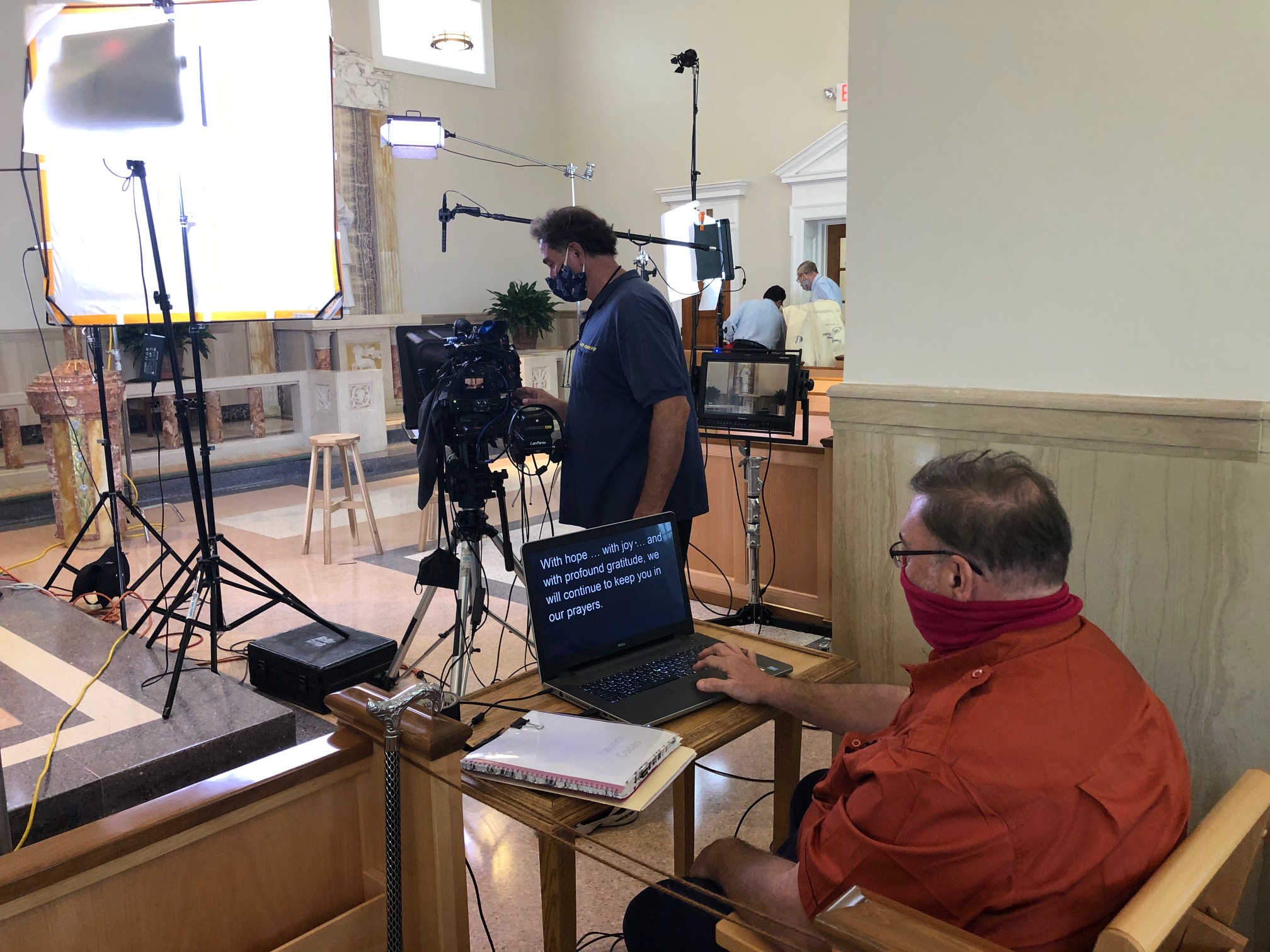
Work With a Studio That Makes Prompters Invisible
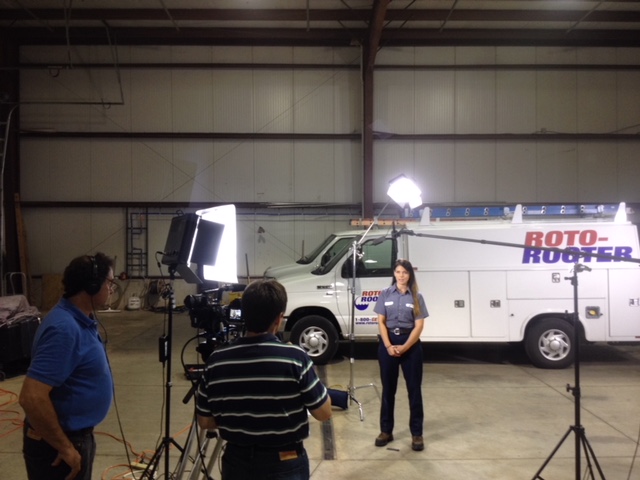
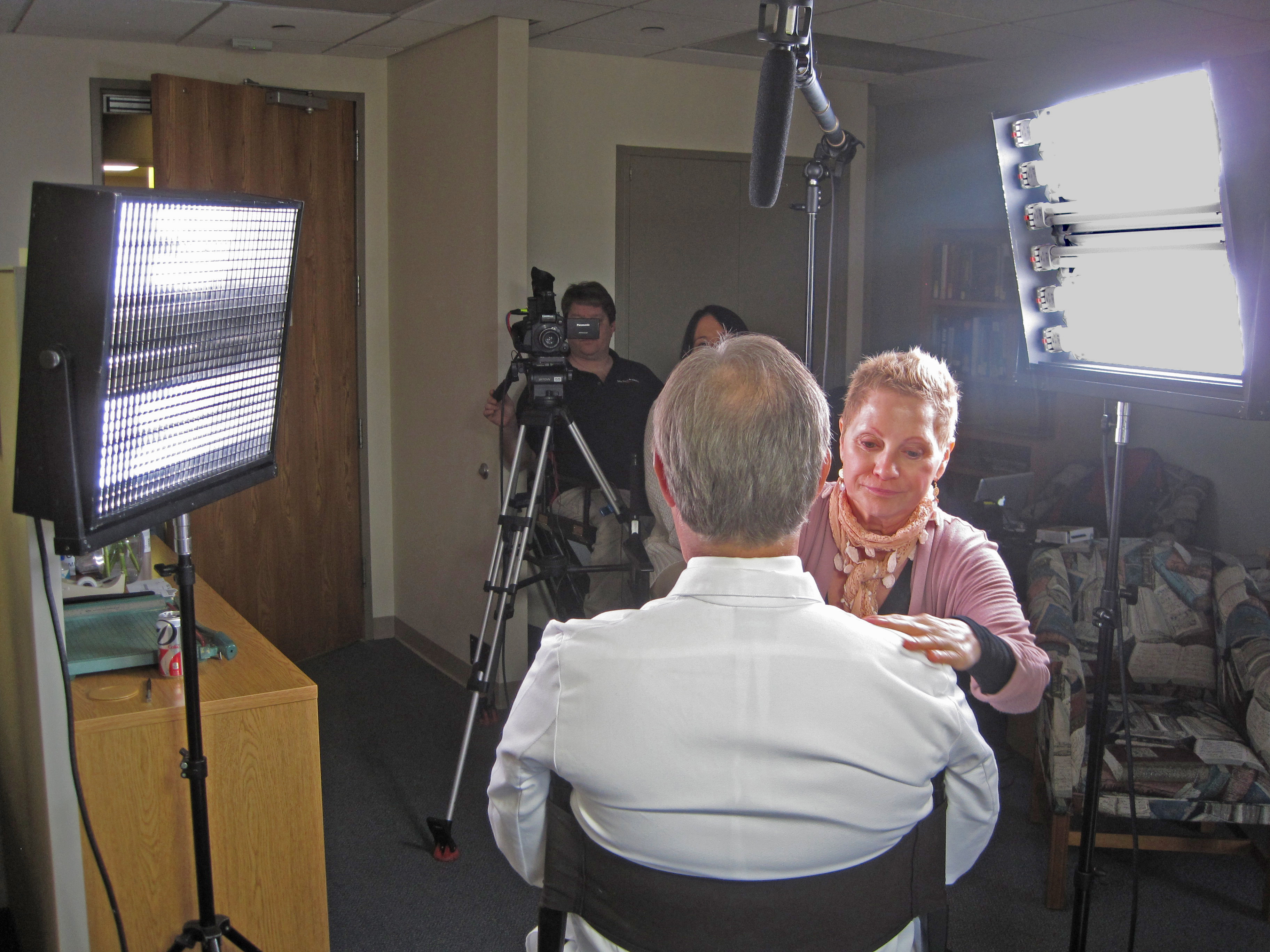
St Louis Video Studio is a full-service professional commercial photography and video production company with the right equipment and creative crew service experience for successful image acquisition. We offer full-service studio and location video and photography, as well as editing, post-production and licensed drone pilots. St Louis Video Studio can customize your productions for diverse types of media requirements. Repurposing your photography and video branding to gain more traction is another specialty. We are well-versed in all file types and styles of media and accompanying software. We use the latest in Artificial Intelligence for all our media services. Our private studio lighting and visual setup is perfect for small productions and interview scenes. Our studio is large enough to incorporate props to round out your set. We support every aspect of your production—from setting up a private, custom interview studio to supplying professional sound and camera operators, as well as providing the right equipment—ensuring your next video production is seamless and successful. We can fly our specialized drones indoors. As a full-service video and photography production corporation, since 1982, St Louis Video Studio has worked with many businesses, marketing firms and creative agencies in the St. Louis area for their marketing photography and video.






 St Louis Video Studio