
If you run—or market—a service repair business, you already know what customers want before they call: confidence.
They want to know:
- Are you legit?
- Will you show up?
- Will you treat my home or facility with respect?
- Will you fix it right the first time?
- Will I get surprised by the price?
A polished brand video helps, but the videos that consistently book more repairs often look simpler: real technicians, real jobs, real proof. That’s the core idea behind “Film Your Day”—a practical content approach where you capture your work as it happens and turn it into high-trust marketing that converts.
This isn’t about becoming an influencer. It’s about documenting what you already do—then editing it into videos that reduce hesitation and increase bookings.
Why “Film Your Day” works for repairs
Most service companies compete on similar claims: fast, friendly, affordable, experienced. Your prospects assume everyone says that.
What they can’t easily see is how you operate:
- cleanliness and professionalism
- diagnostic skill
- safety practices
- communication style
- quality control
- tools and process
“Film Your Day” bridges the trust gap. It shows competence in a way a website can’t.
When done well, these videos become:
- lead generators (social + local search)
- appointment setters (retargeting + landing pages)
- objection handlers (sales follow-up)
- reputation builders (Google Business Profile content, reviews support)


The 4 video types that book more service repairs
You don’t need dozens of concepts. You need a repeatable set that targets how customers decide.
1) The “Before / After + What We Found” video
Purpose: Prove results and expertise quickly.
Length: 20–60 seconds.
Structure:
- 1–2 seconds: the visible symptom (“no heat,” “leaking,” “won’t start,” “sparking,” “clogged line”)
- 5–10 seconds: the diagnosis moment (“here’s the actual cause”)
- 5–10 seconds: the fix
- 3–5 seconds: the result (“back to normal,” “pressure restored,” “safe and code-ready”)
- CTA: “If you’re seeing this, call us before it gets worse.”
These perform because they’re visual, specific, and instantly relatable.
2) The “What It Costs If You Wait” video
Purpose: Create urgency without fear-mongering.
Length: 15–45 seconds.
Examples:
- “A small leak isn’t small for long.”
- “This sound is your early warning.”
- “This panel issue is a safety problem, not a convenience problem.”
Keep it calm, professional, and grounded in real consequences: damage, downtime, safety, repeat failures.
3) The “How to Know It’s Time” checklist video
Purpose: Capture high-intent searches and reduce uncertainty.
Length: 30–90 seconds.
Examples:
- “3 signs your water heater is about to fail”
- “When that breaker keeps tripping, here’s what it usually means”
- “If your commercial unit does this, schedule service before peak season”
These position you as helpful (not pushy) and drive inbound calls.
4) The “Meet the Tech + Process” trust video
Purpose: Replace the fear of letting someone in the building/home.
Length: 30–60 seconds.
Show:
- shoe covers / floor protection
- how you explain options
- how you quote and document
- cleanup habits
- professionalism and safety
For homeowners and facility managers alike, trust is the product.
What to film during a normal day (without slowing the work)
A “Film Your Day” approach only works if it stays practical.
Here’s a realistic shot list that fits into real jobs:

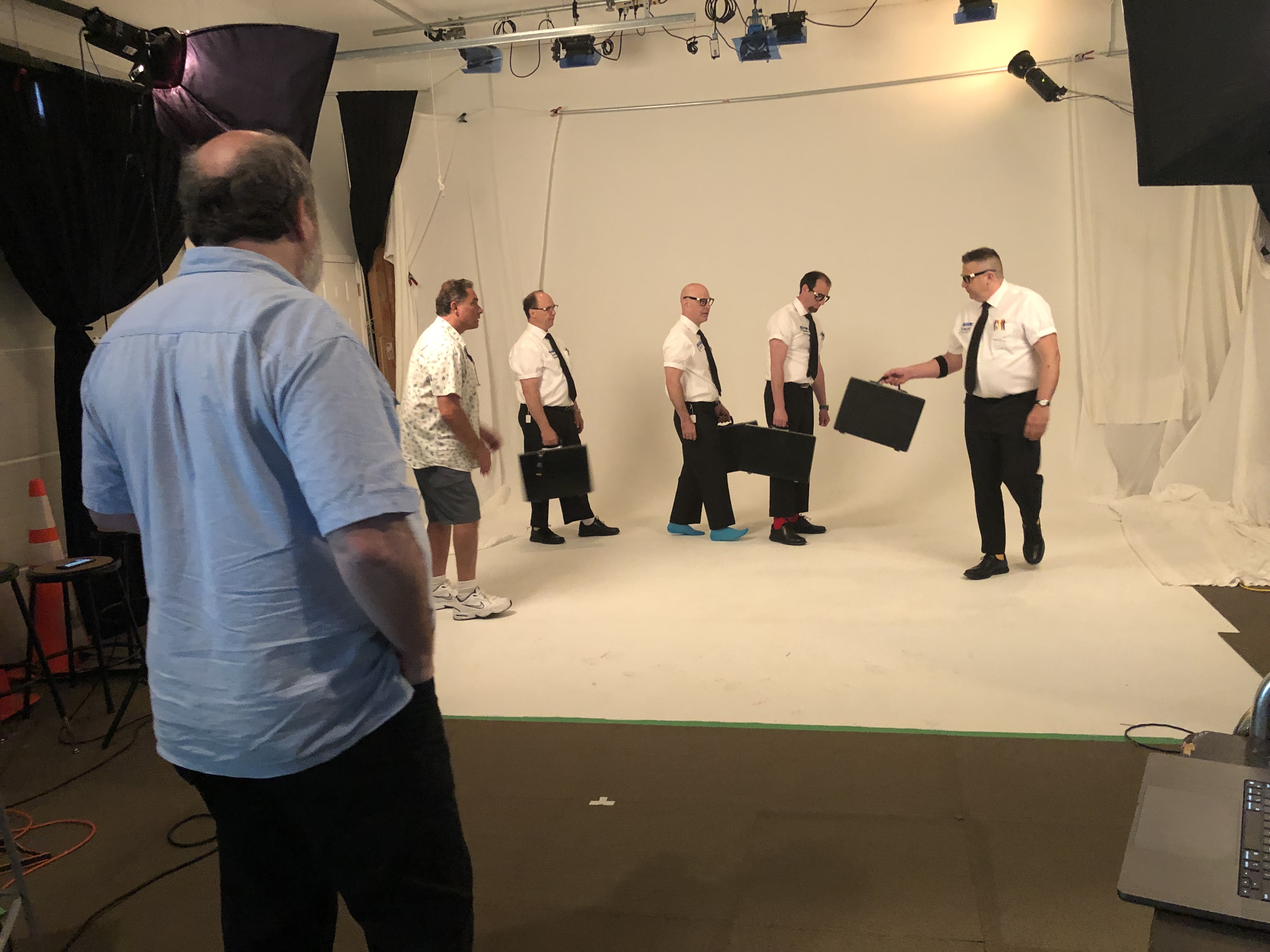
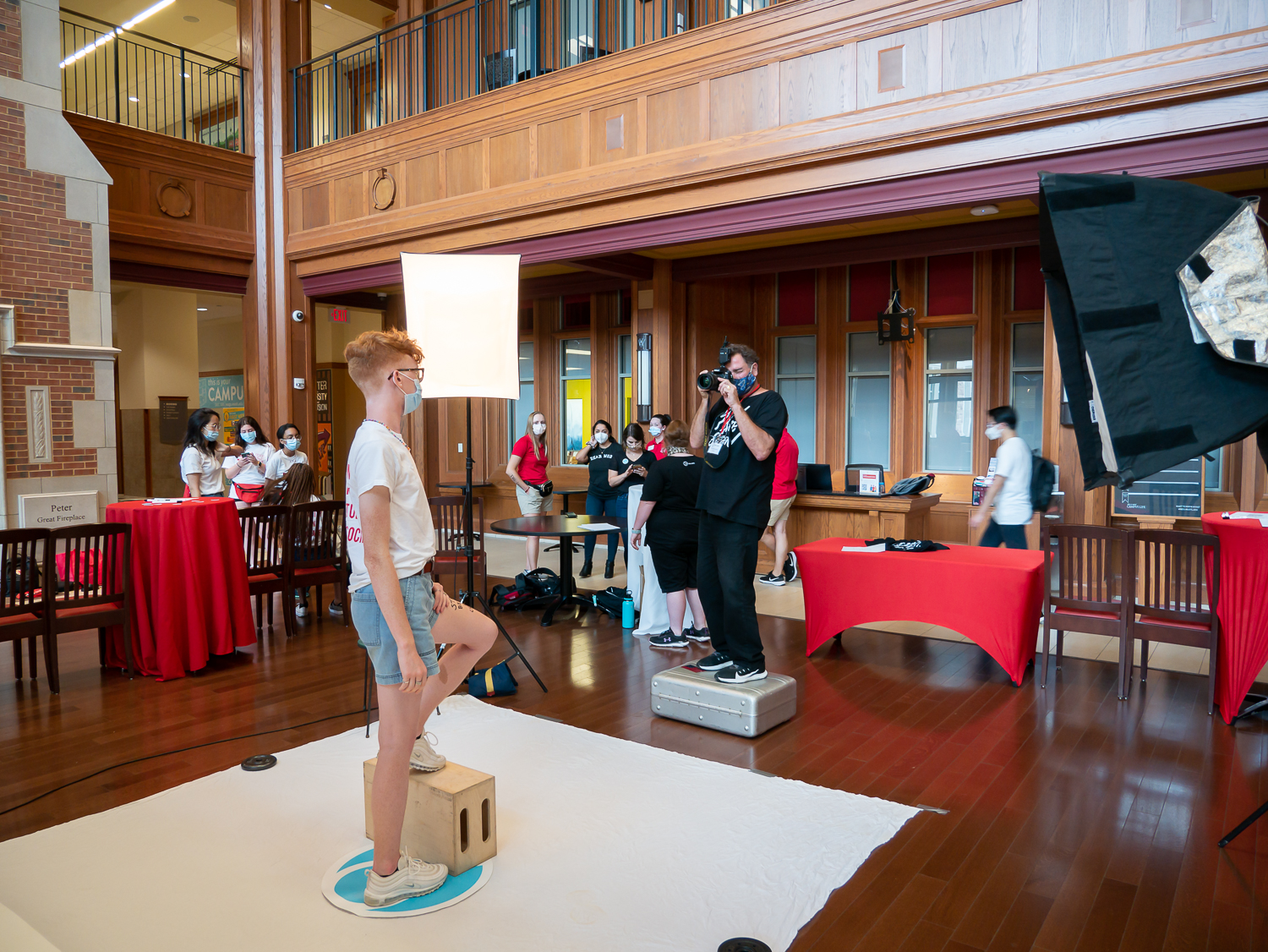
Quick clips to capture
- arriving at the job (truck + logo + location context)
- the “problem moment” (leak, noise, error code, damaged part)
- diagnostic step (meter reading, camera scope, thermal check, pressure test)
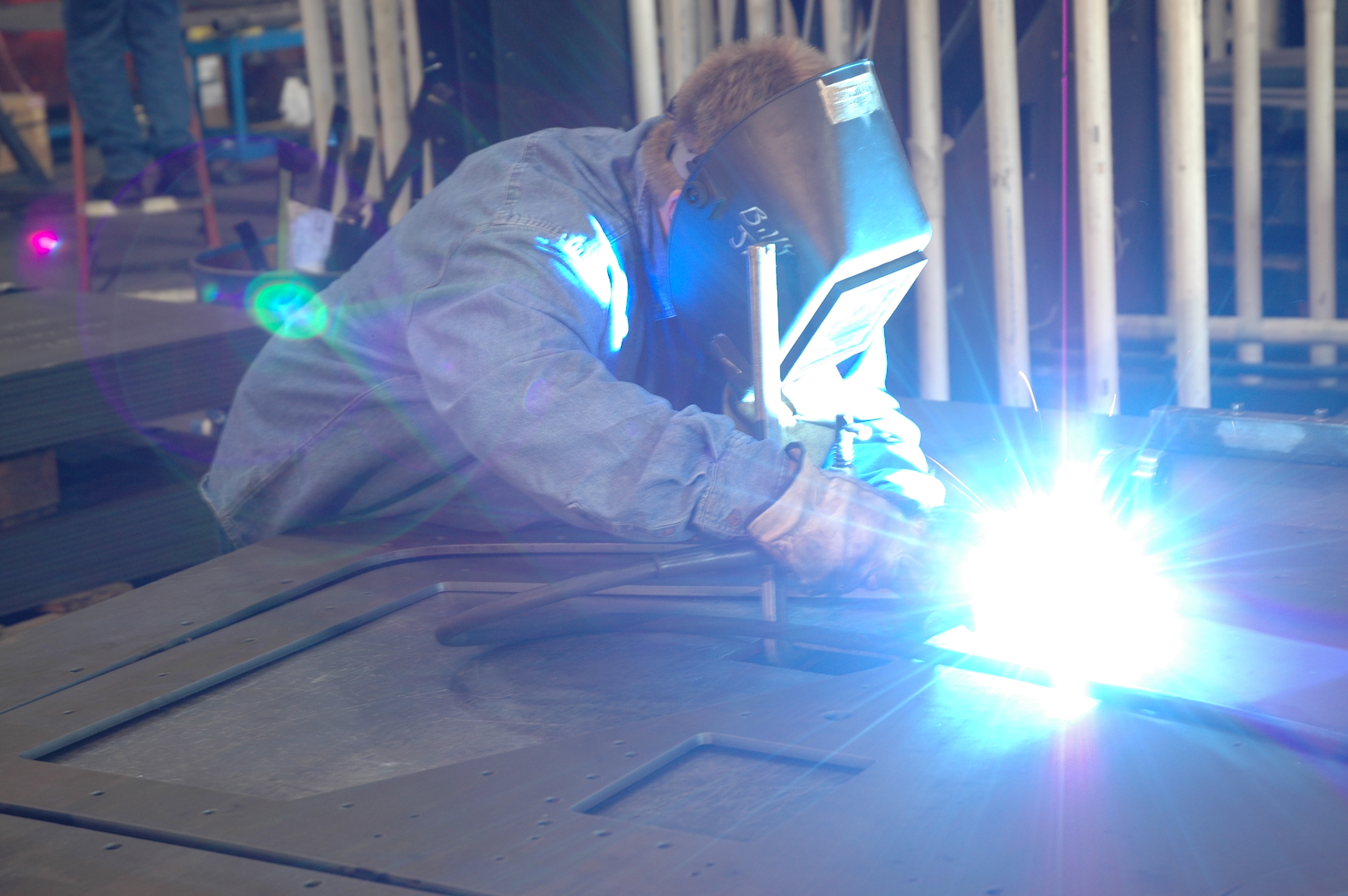
- repair action (tight shots: hands/tools, replacement part, connections)
- verification (system running, gauge stable, temp restored)
- cleanup/protection (drop cloths, wiping, tidy workspace)
- quick tech-to-camera line (10 seconds): “Here’s what caused it…”
What not to film
- customer faces / private documents / addresses in frame
- sensitive security systems without permission
- anything that reveals a client’s vulnerabilities (especially commercial facilities)
A professional production partner will help build a simple on-site workflow that’s fast, compliant, and repeatable.
The script that converts: “Problem → Cause → Fix → Proof → Next step”
Service video scripts should be short and structured. Here’s a template that works across trades:
Hook (1 sentence): “If your [unit/system] is doing this… don’t ignore it.”
Cause: “In this case, the real issue was [specific cause].”
Fix: “We [repair step] and replaced [part] to restore [function].”
Proof: “Now you can see [result]—and here’s what we checked to confirm it.”
CTA: “If you’re seeing this at your home/facility, call us and we’ll diagnose it before it turns into a bigger repair.”
It’s not sales copy. It’s competent communication.
Editing choices that separate “content” from “bookings”
The difference between views and booked calls is often the edit.
Make it scannable
Decision makers and homeowners watch on phones. Use:
- tight pacing (cut dead space)
- on-screen keywords (“Cause,” “Fix,” “Result”)
- simple captions (not walls of text)
- clear audio (no echo, no compressor pumping)
Show proof, not just talking
Use b-roll of the diagnostic step and the verification step. That’s where credibility lives.
Add local trust signals
For repair services, local presence matters. Include:
- neighborhood/city cues (without revealing addresses)
- fleet consistency
- uniformed techs
- shop/studio presence
- “serving [area]” text overlays
Build a versioning system
One job can become:
- 1 “hero” cut (60–90s)
- 3 short clips (15–30s) for socials
- 1 vertical story/reel
- 1 website embed
- 1 ad-ready version with CTA
This is how you scale without constantly “creating new ideas.”
Where these videos make the phone ring
If you want bookings, distribute where intent and trust intersect:
- Google Business Profile: post weekly clips; supports local conversion behavior
- Service pages: embed the most relevant videos on each service page (HVAC, plumbing, electrical, roofing, etc.)
- Retargeting ads: show “before/after” and “what we found” videos to people who visited your site
- Sales follow-up: text/email a 30-second proof clip after an estimate
- LinkedIn (B2B service repairs): facility managers respond well to process + safety + reliability content
Common mistakes (and quick fixes)
- Mistake: Every video is “we’re the best.”
Fix: Make videos about customer problems and your process. - Mistake: Too long, too slow.
Fix: Lead with the problem/result, then explain. - Mistake: No call to action.
Fix: One line: “If you’re seeing this, schedule service.” - Mistake: Footage exists but never gets used.
Fix: Batch-edit and publish on a simple cadence (e.g., 2 shorts/week).


Closing: why St. Louis Video Studio is built for “Film Your Day” service content
At St. Louis Video Studio, we’ve worked with businesses, marketing firms, and creative agencies in the St. Louis area since 1982, helping organizations turn real-world operations into professional marketing assets that build trust and drive action.
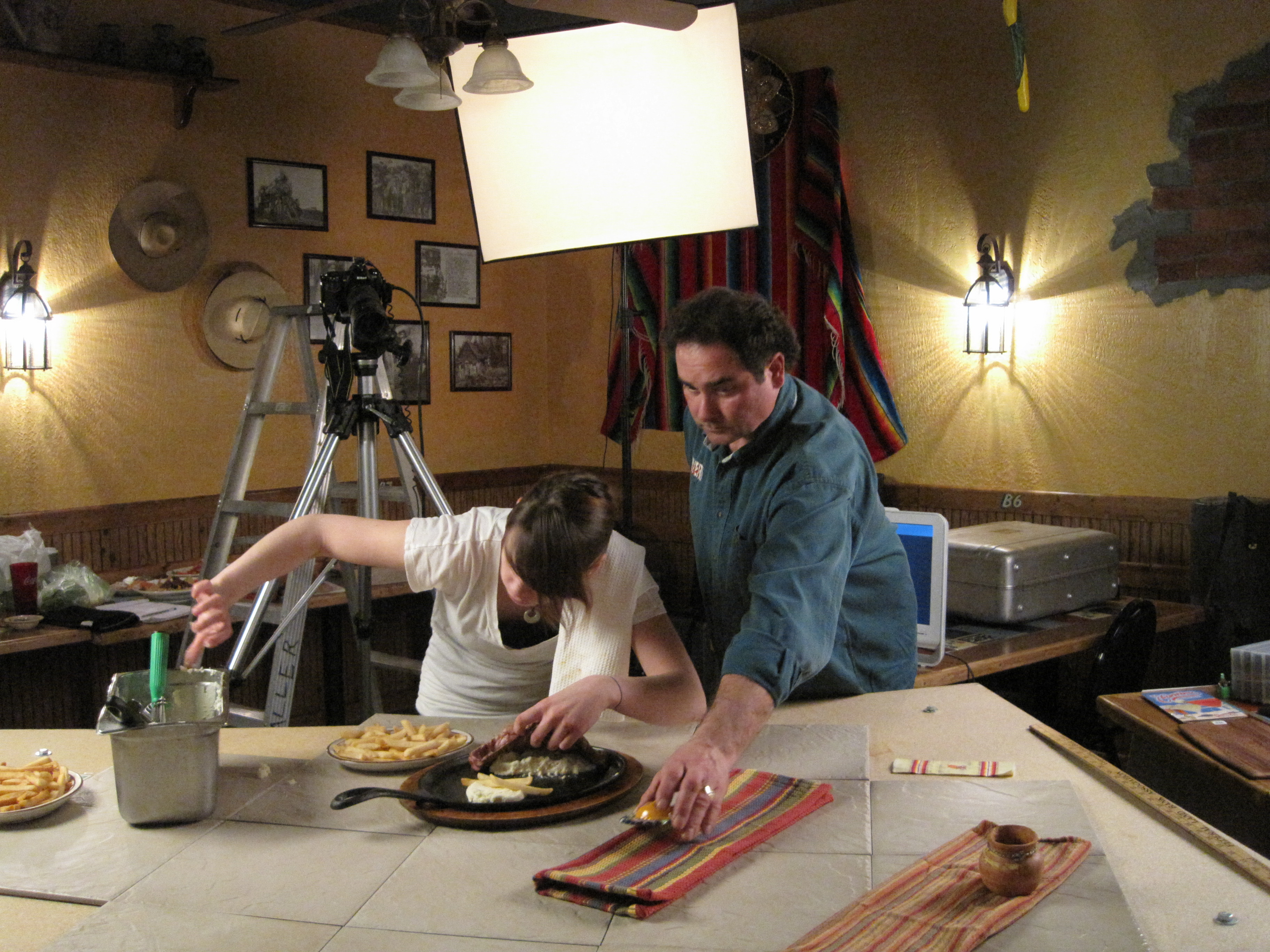
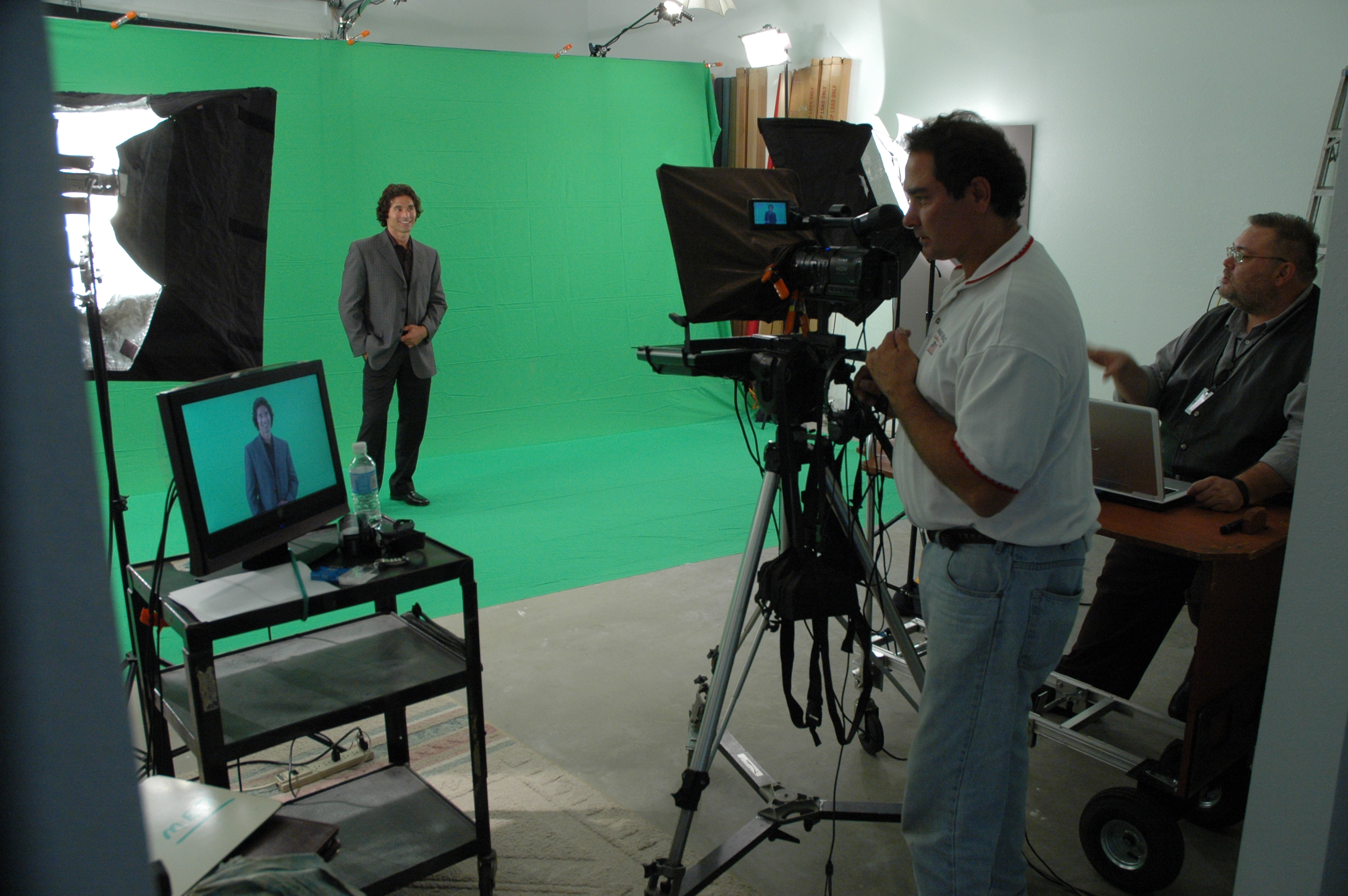
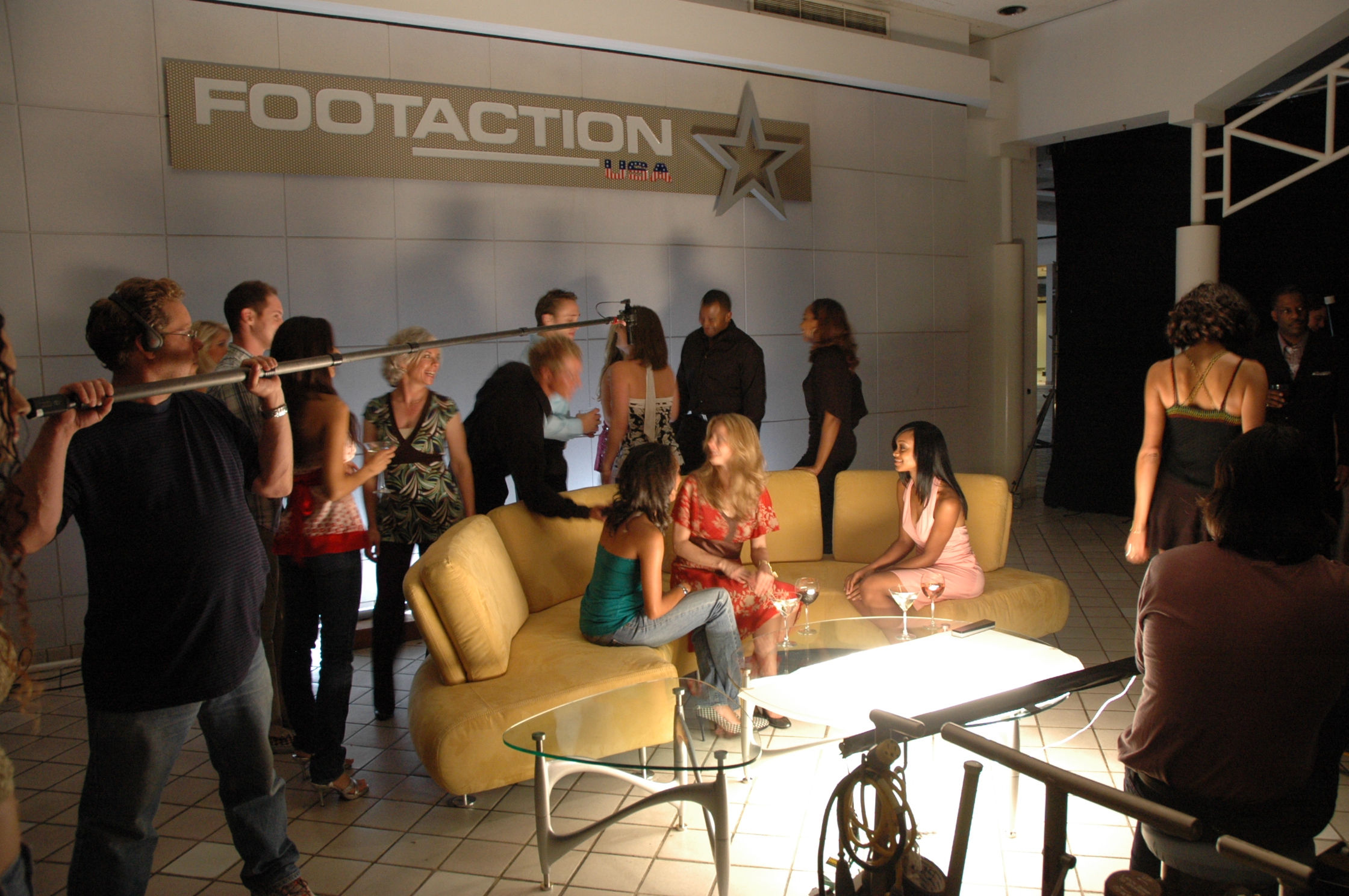
We’re a full-service professional commercial photography and video production company with the right equipment and creative crew service experience for successful image acquisition. We offer full-service studio and location video and photography, plus editing and post-production, and licensed drone support—including the ability to fly specialized drones indoors when the project calls for it.
St. Louis Video Studio can customize your productions for diverse media requirements, and we specialize in repurposing your photography and video branding so each shoot produces multiple deliverables across platforms. We’re well-versed in all file types, media styles, and the software needed to deliver clean, usable assets for web, social, broadcast, and internal communications. We also use the latest Artificial Intelligence tools to accelerate editing workflows, create fast cutdowns, and help you publish consistently without sacrificing quality.
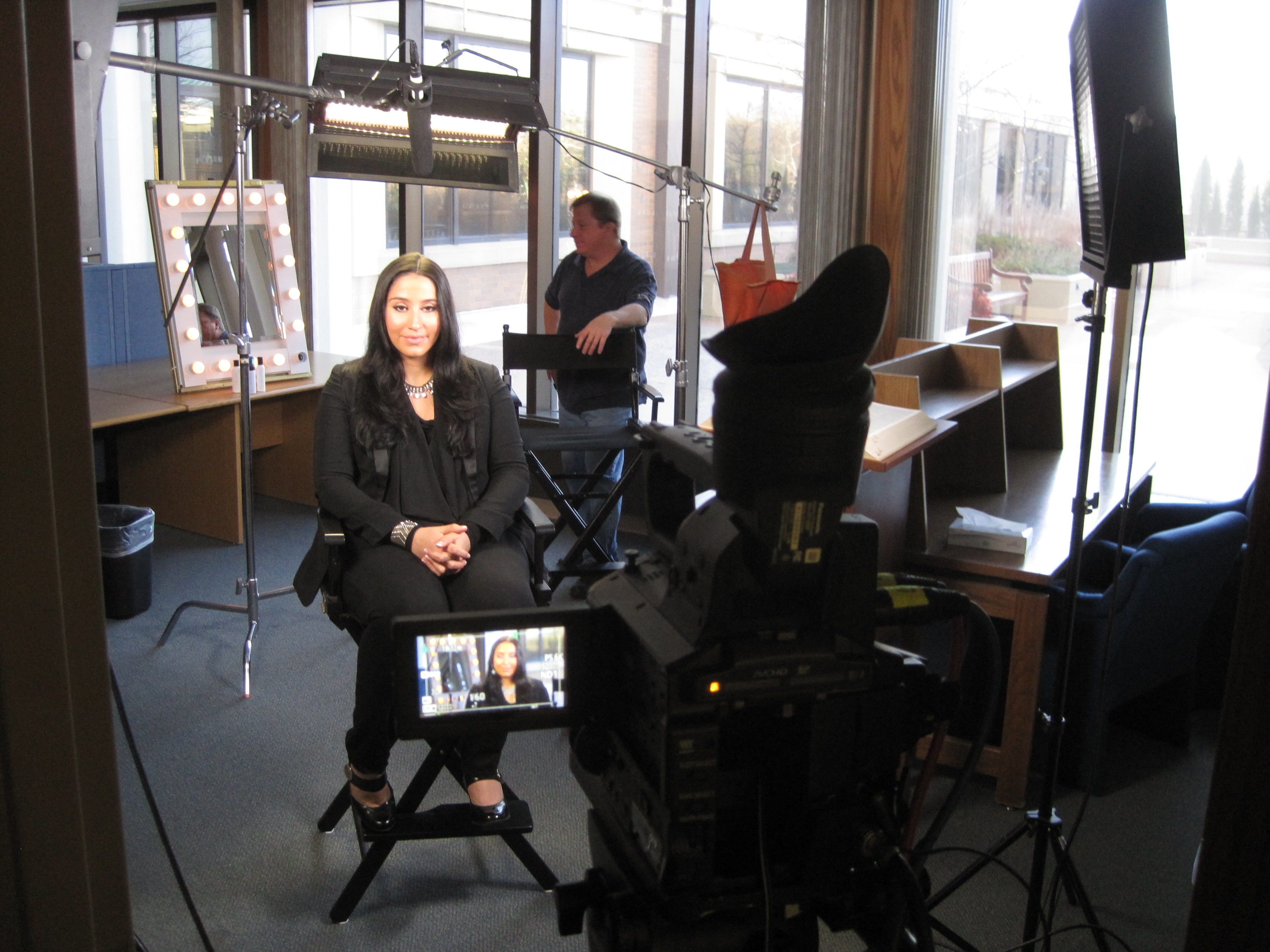
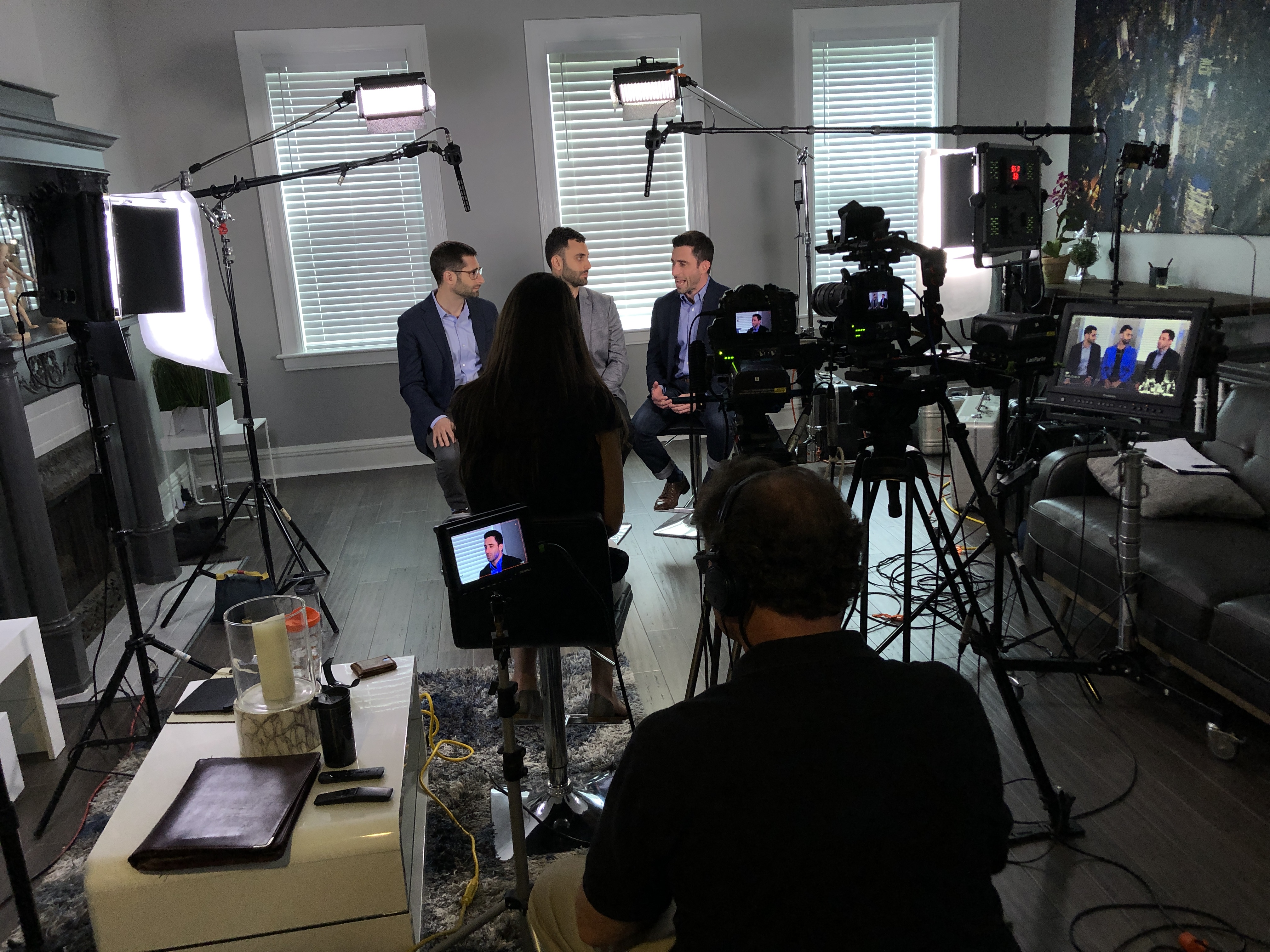
Our private studio lighting and visual setup is perfect for small productions and interview scenes, and our studio has room for props and set elements to round out your look. We support every aspect of your production—from building a private, custom interview studio to supplying professional sound and camera operators and the right equipment—so your next video production is seamless and successful.
If you want to film your day and turn everyday repairs into consistent bookings, we can help you build a practical video system that captures real proof, edits for trust, and publishes with purpose.
 St Louis Video Studio