Unknown's avatar

How Service-Repair Companies Can Use Simple, Real-World Video to Book More Jobs

If you run—or market—a service repair business, you already know what customers want before they call: confidence.

They want to know:

  • Are you legit?
  • Will you show up?
  • Will you treat my home or facility with respect?
  • Will you fix it right the first time?
  • Will I get surprised by the price?

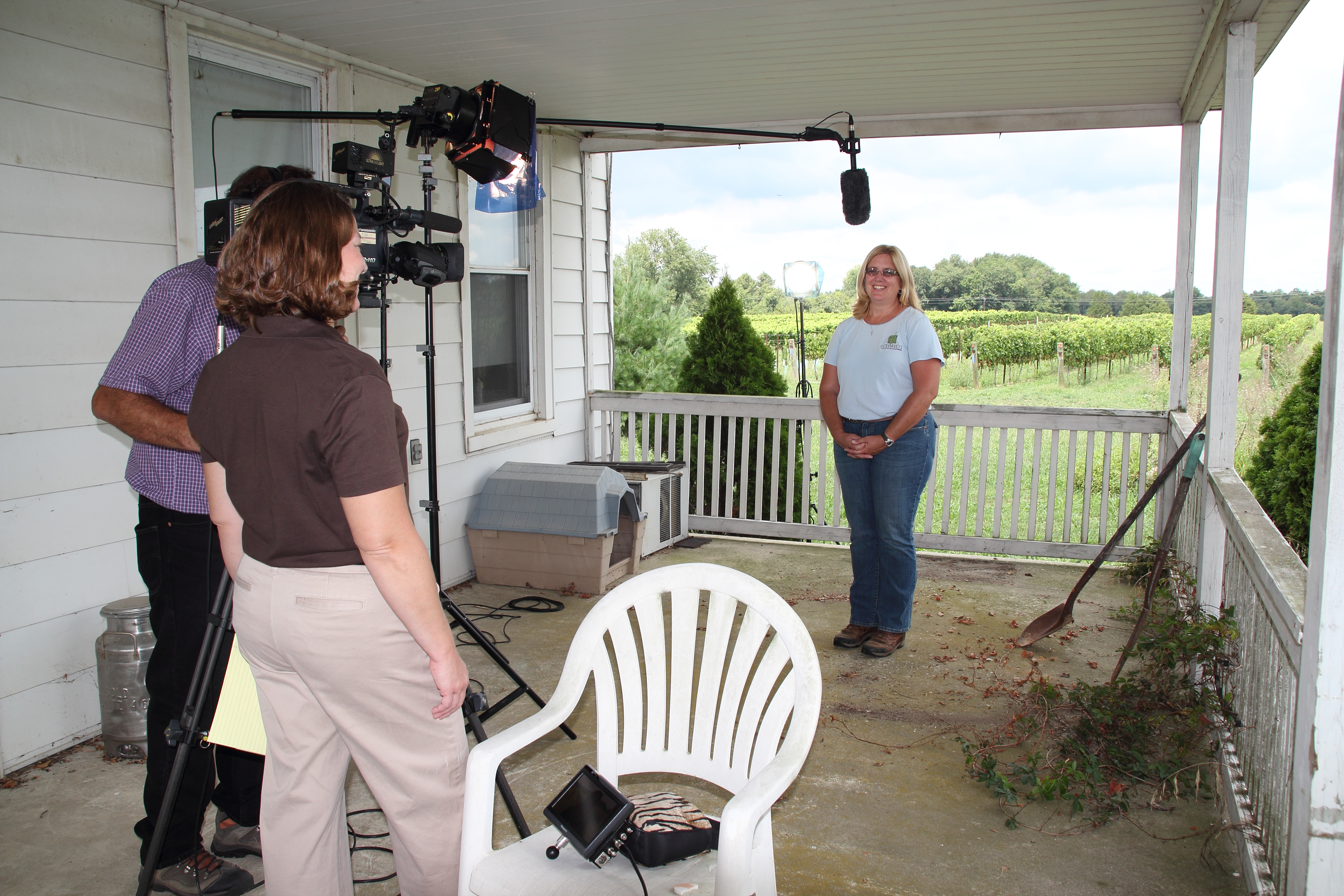
A polished brand video helps, but the videos that consistently book more repairs often look simpler: real technicians, real jobs, real proof. That’s the core idea behind “Film Your Day”—a practical content approach where you capture your work as it happens and turn it into high-trust marketing that converts.

This isn’t about becoming an influencer. It’s about documenting what you already do—then editing it into videos that reduce hesitation and increase bookings.


Why “Film Your Day” works for repairs

Most service companies compete on similar claims: fast, friendly, affordable, experienced. Your prospects assume everyone says that.

What they can’t easily see is how you operate:

  • cleanliness and professionalism
  • diagnostic skill
  • safety practices
  • communication style
  • quality control
  • tools and process

“Film Your Day” bridges the trust gap. It shows competence in a way a website can’t.

When done well, these videos become:

  • lead generators (social + local search)
  • appointment setters (retargeting + landing pages)
  • objection handlers (sales follow-up)
  • reputation builders (Google Business Profile content, reviews support)

The 4 video types that book more service repairs

You don’t need dozens of concepts. You need a repeatable set that targets how customers decide.

1) The “Before / After + What We Found” video

Purpose: Prove results and expertise quickly.
Length: 20–60 seconds.

Structure:

  • 1–2 seconds: the visible symptom (“no heat,” “leaking,” “won’t start,” “sparking,” “clogged line”)
  • 5–10 seconds: the diagnosis moment (“here’s the actual cause”)
  • 5–10 seconds: the fix
  • 3–5 seconds: the result (“back to normal,” “pressure restored,” “safe and code-ready”)
  • CTA: “If you’re seeing this, call us before it gets worse.”

These perform because they’re visual, specific, and instantly relatable.

2) The “What It Costs If You Wait” video

Purpose: Create urgency without fear-mongering.
Length: 15–45 seconds.

Examples:

  • “A small leak isn’t small for long.”
  • “This sound is your early warning.”
  • “This panel issue is a safety problem, not a convenience problem.”

Keep it calm, professional, and grounded in real consequences: damage, downtime, safety, repeat failures.
3) The “How to Know It’s Time” checklist video

Purpose: Capture high-intent searches and reduce uncertainty.
Length: 30–90 seconds.

Examples:

  • “3 signs your water heater is about to fail”
  • “When that breaker keeps tripping, here’s what it usually means”
  • “If your commercial unit does this, schedule service before peak season”

These position you as helpful (not pushy) and drive inbound calls.

4) The “Meet the Tech + Process” trust video

Purpose: Replace the fear of letting someone in the building/home.
Length: 30–60 seconds.

Show:

  • shoe covers / floor protection
  • how you explain options
  • how you quote and document
  • cleanup habits
  • professionalism and safety

For homeowners and facility managers alike, trust is the product.


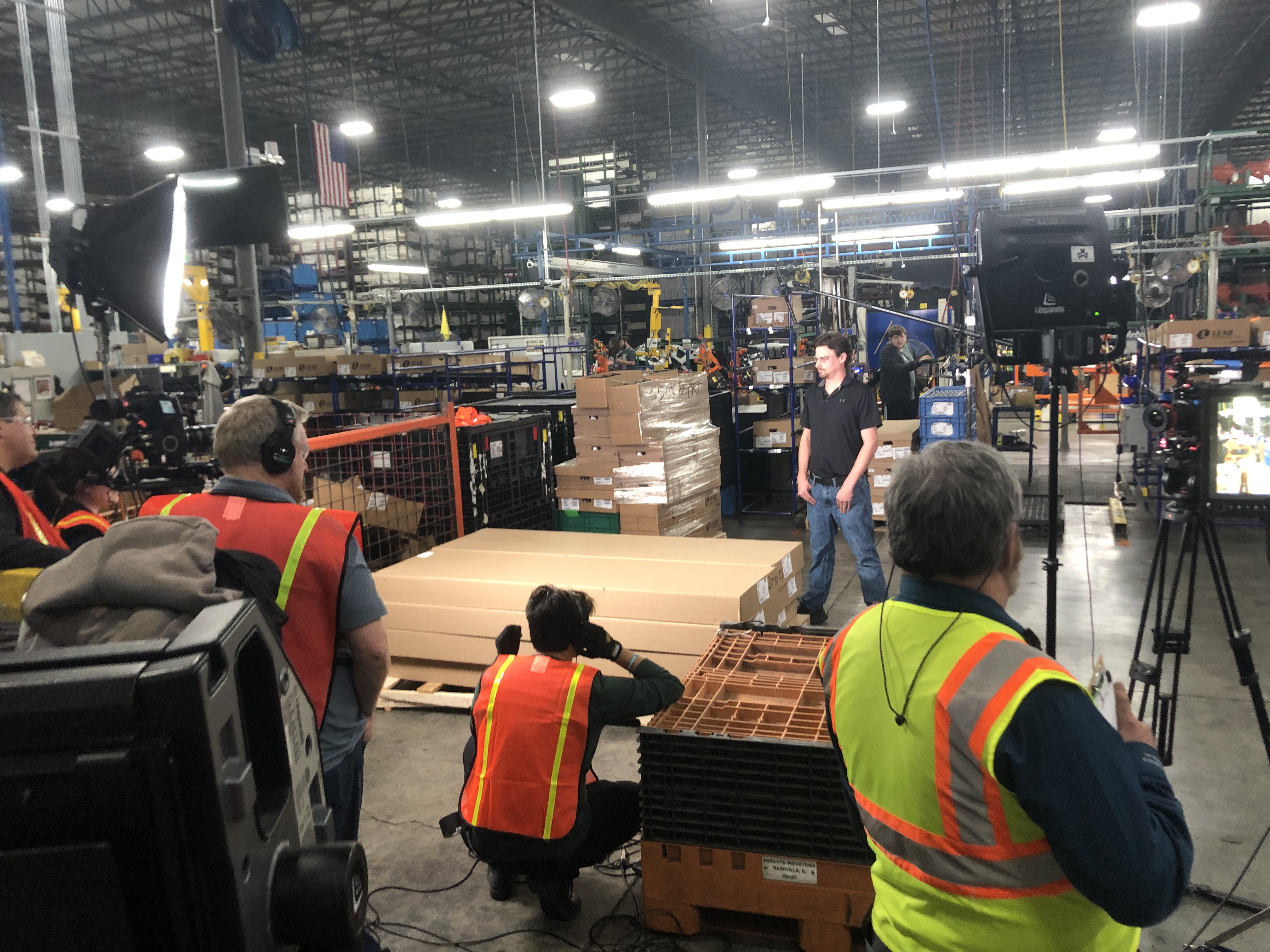
What to film during a normal day (without slowing the work)

A “Film Your Day” approach only works if it stays practical.

Here’s a realistic shot list that fits into real jobs:

Quick clips to capture

  • arriving at the job (truck + logo + location context)
  • the “problem moment” (leak, noise, error code, damaged part)
  • diagnostic step (meter reading, camera scope, thermal check, pressure test)
  • repair action (tight shots: hands/tools, replacement part, connections)
  • verification (system running, gauge stable, temp restored)
  • cleanup/protection (drop cloths, wiping, tidy workspace)
  • quick tech-to-camera line (10 seconds): “Here’s what caused it…”

What not to film

  • customer faces / private documents / addresses in frame
  • sensitive security systems without permission
  • anything that reveals a client’s vulnerabilities (especially commercial facilities)

A professional production partner will help build a simple on-site workflow that’s fast, compliant, and repeatable.


The script that converts: “Problem → Cause → Fix → Proof → Next step”

Service video scripts should be short and structured. Here’s a template that works across trades:

Hook (1 sentence): “If your [unit/system] is doing this… don’t ignore it.”
Cause: “In this case, the real issue was [specific cause].”
Fix: “We [repair step] and replaced [part] to restore [function].”
Proof: “Now you can see [result]—and here’s what we checked to confirm it.”
CTA: “If you’re seeing this at your home/facility, call us and we’ll diagnose it before it turns into a bigger repair.”

It’s not sales copy. It’s competent communication.


Editing choices that separate “content” from “bookings”

The difference between views and booked calls is often the edit.

Make it scannable

Decision makers and homeowners watch on phones. Use:

  • tight pacing (cut dead space)
  • on-screen keywords (“Cause,” “Fix,” “Result”)
  • simple captions (not walls of text)
  • clear audio (no echo, no compressor pumping)

Show proof, not just talking

Use b-roll of the diagnostic step and the verification step. That’s where credibility lives.
Add local trust signals

For repair services, local presence matters. Include:

  • neighborhood/city cues (without revealing addresses)
  • fleet consistency
  • uniformed techs
  • shop/studio presence
  • “serving [area]” text overlays

Build a versioning system

One job can become:

  • 1 “hero” cut (60–90s)
  • 3 short clips (15–30s) for socials
  • 1 vertical story/reel
  • 1 website embed
  • 1 ad-ready version with CTA

This is how you scale without constantly “creating new ideas.”


Where these videos make the phone ring

If you want bookings, distribute where intent and trust intersect:

  • Google Business Profile: post weekly clips; supports local conversion behavior
  • Service pages: embed the most relevant videos on each service page (HVAC, plumbing, electrical, roofing, etc.)
  • Retargeting ads: show “before/after” and “what we found” videos to people who visited your site
  • Sales follow-up: text/email a 30-second proof clip after an estimate
  • LinkedIn (B2B service repairs): facility managers respond well to process + safety + reliability content

Common mistakes (and quick fixes)

  • Mistake: Every video is “we’re the best.”
    Fix: Make videos about customer problems and your process.
  • Mistake: Too long, too slow.
    Fix: Lead with the problem/result, then explain.
  • Mistake: No call to action.
    Fix: One line: “If you’re seeing this, schedule service.”
  • Mistake: Footage exists but never gets used.
    Fix: Batch-edit and publish on a simple cadence (e.g., 2 shorts/week).
Closing: why St. Louis Video Studio is built for “Film Your Day” service content

At St. Louis Video Studio, we’ve worked with businesses, marketing firms, and creative agencies in the St. Louis area since 1982, helping organizations turn real-world operations into professional marketing assets that build trust and drive action.

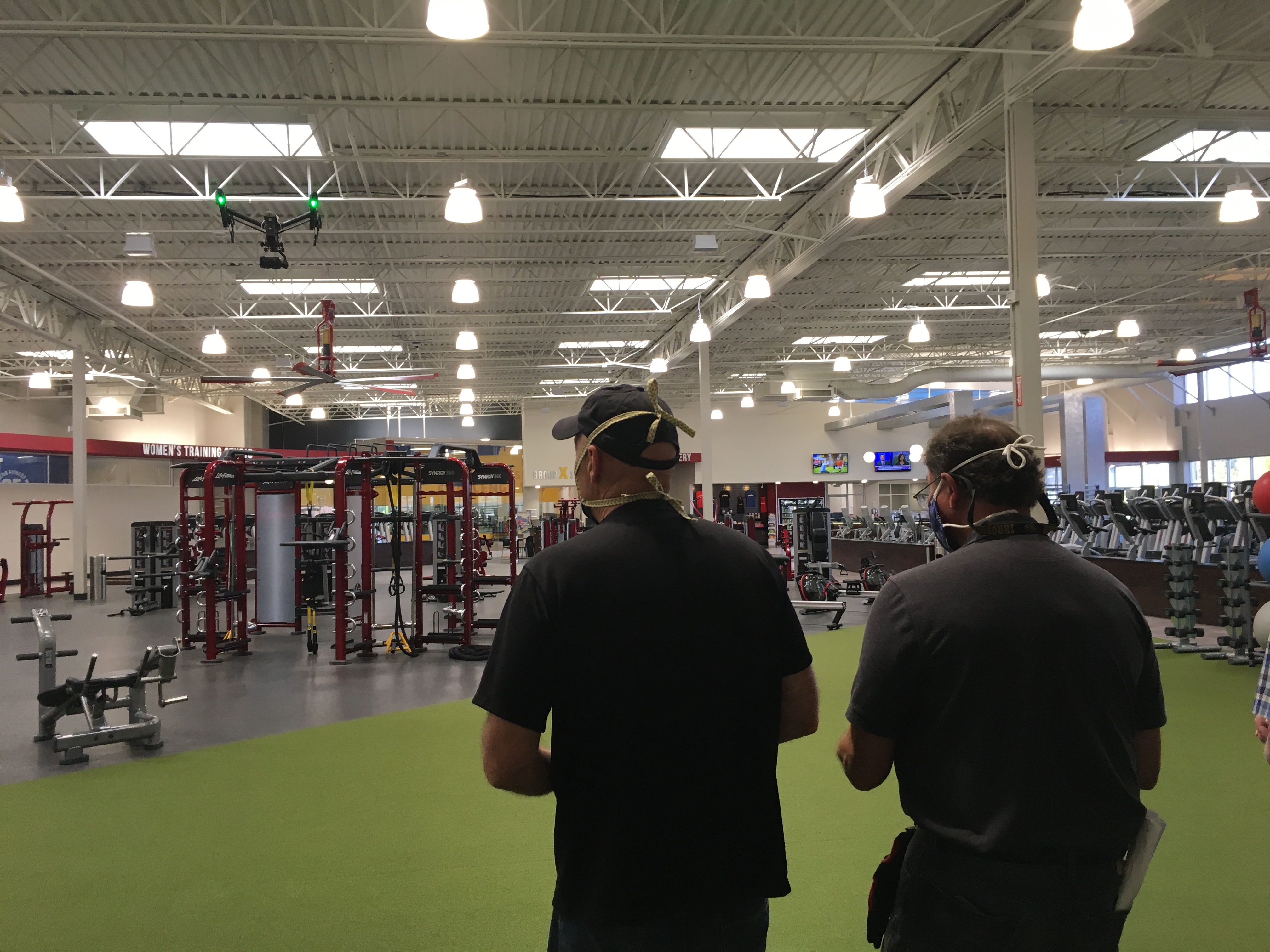
We’re a full-service professional commercial photography and video production company with the right equipment and creative crew service experience for successful image acquisition. We offer full-service studio and location video and photography, plus editing and post-production, and licensed drone support—including the ability to fly specialized drones indoors when the project calls for it.

St. Louis Video Studio can customize your productions for diverse media requirements, and we specialize in repurposing your photography and video branding so each shoot produces multiple deliverables across platforms. We’re well-versed in all file types, media styles, and the software needed to deliver clean, usable assets for web, social, broadcast, and internal communications. We also use the latest Artificial Intelligence tools to accelerate editing workflows, create fast cutdowns, and help you publish consistently without sacrificing quality.

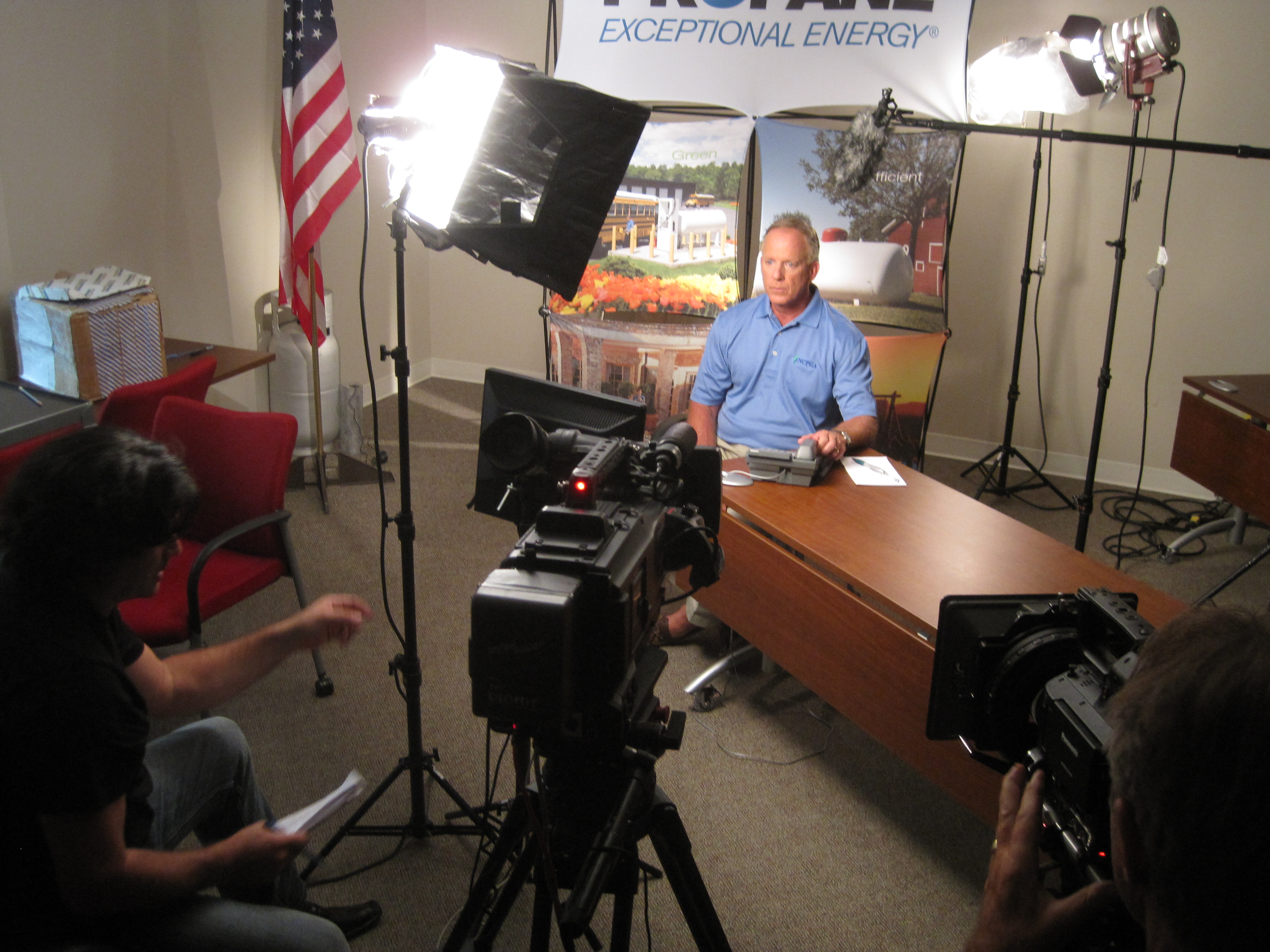
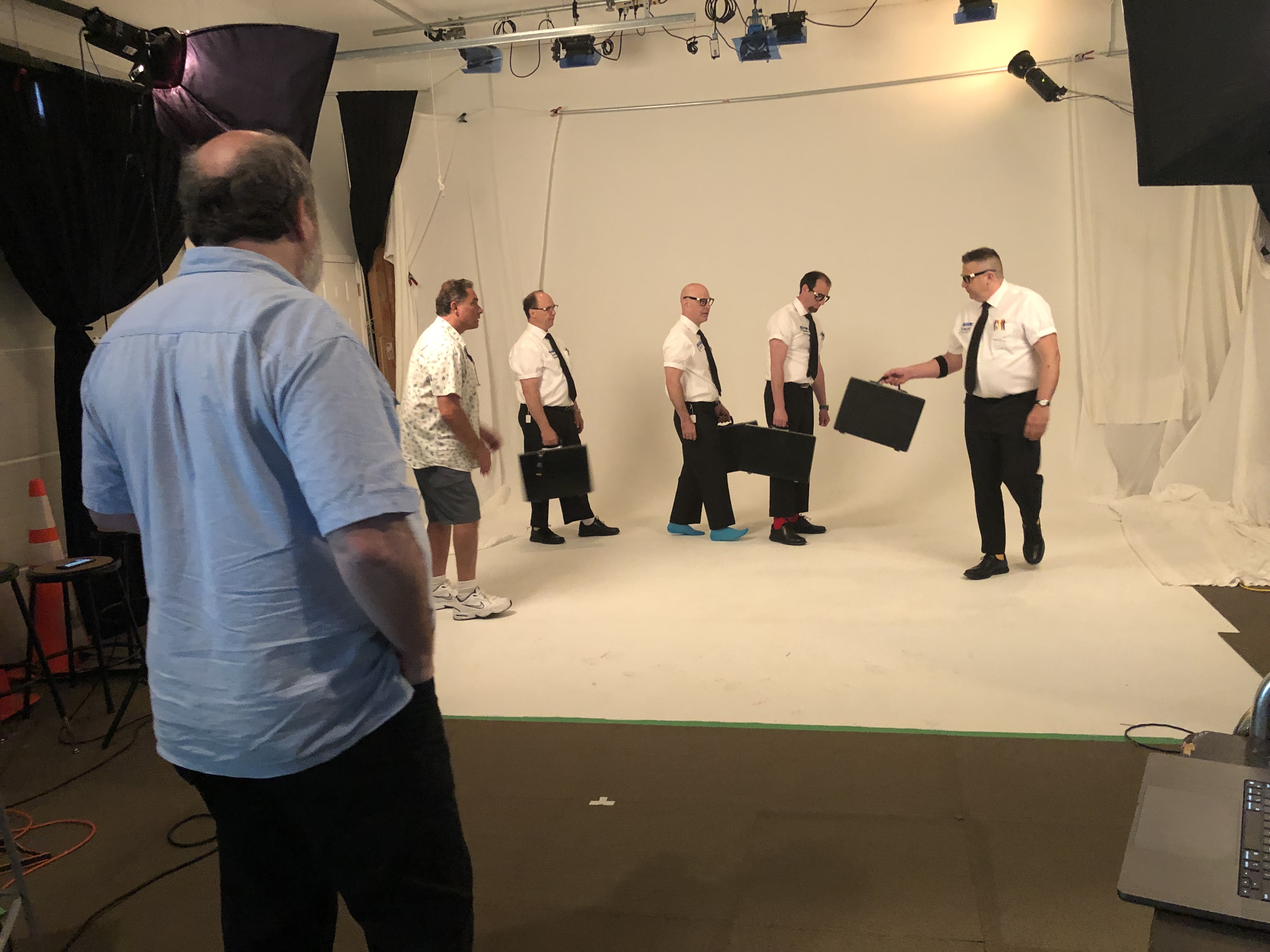
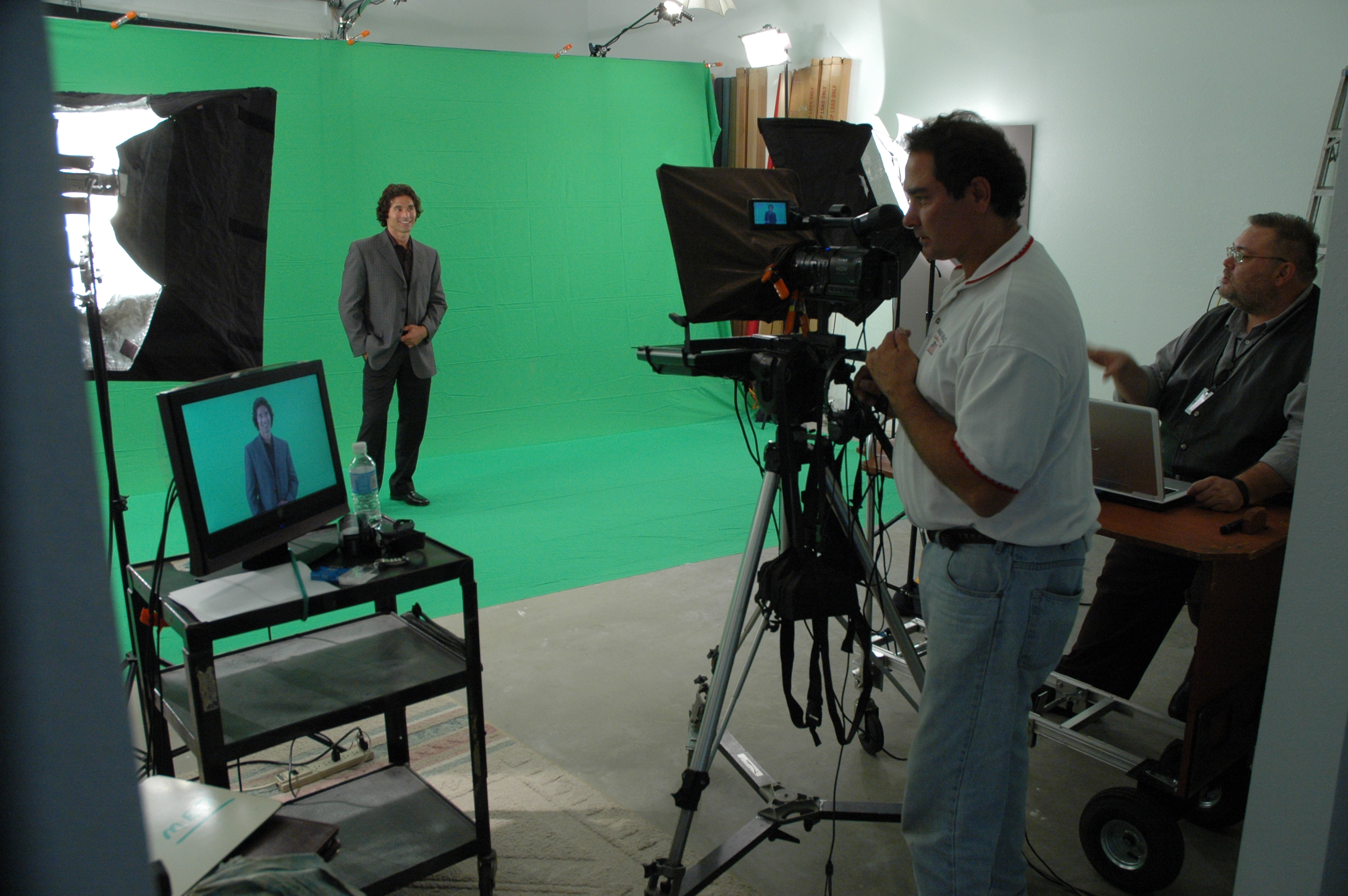
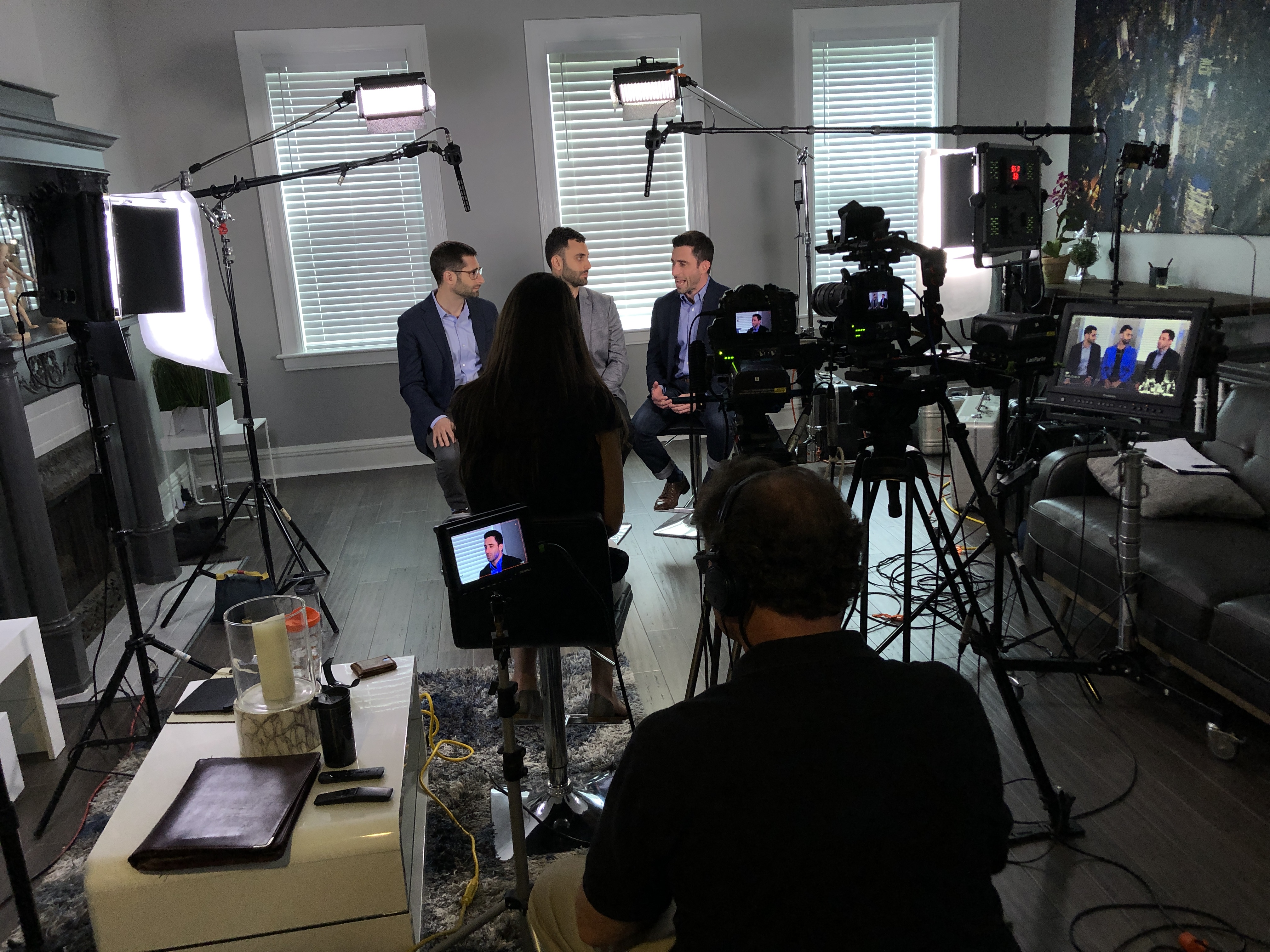
Our private studio lighting and visual setup is perfect for small productions and interview scenes, and our studio has room for props and set elements to round out your look. We support every aspect of your production—from building a private, custom interview studio to supplying professional sound and camera operators and the right equipment—so your next video production is seamless and successful.

If you want to film your day and turn everyday repairs into consistent bookings, we can help you build a practical video system that captures real proof, edits for trust, and publishes with purpose.

314-913-5626

stlouisvideostudio@gmail.com

Unknown's avatar

From Marathon to Micro: The Power of Repurposing Long-Form Training into Engaging Video Bites

In today’s fast-paced business landscape, attention spans are shrinking, and the demand for digestible, easily accessible information is at an all-time high. For decision-makers in marketing, video production, and photography services, this presents a unique challenge: how do you deliver essential training and educational content effectively when your audience is time-poor and inundated with information? The answer lies in the strategic repurposing of your valuable long-form training sessions into shorter, more impactful video clips.

Traditional lengthy training videos, while comprehensive, often suffer from diminishing engagement. Learners can become overwhelmed, lose focus, and struggle to retain key information. This is where the “micro-learning” approach, fueled by intelligently segmented video content, truly shines.

Why Shorter is Smarter: The Benefits of Video Micro-Content

  • Enhanced Engagement and Retention: Shorter videos are less daunting and easier to consume. This leads to higher completion rates and, more importantly, improved information retention. When content is broken down into specific, bite-sized modules, learners can focus on one concept at a time, making it easier to absorb and recall.
  • On-Demand Accessibility and Flexibility: Imagine your employees needing a quick refresher on a specific procedure. Instead of sifting through an hour-long training video, they can instantly access a two-minute clip that addresses their exact need. This on-demand availability empowers self-directed learning and immediate problem-solving.
  • Targeted Learning Paths: By segmenting your training, you can create customized learning paths. Different departments or roles may only need specific information from a broader training session. Shorter clips allow you to tailor content precisely, avoiding information overload and increasing relevance.
  • Versatility in Distribution: Short video clips are incredibly versatile. They can be embedded in internal communication platforms, shared on social media for external outreach, used in email newsletters, or even integrated into interactive learning modules. This expands the reach and utility of your initial investment in training content.
  • Cost-Effective Updates and Iteration: If a particular policy or procedure changes, it’s far more efficient to update or reshoot a short, specific video clip than to revise an entire long-form production. This agility ensures your training content remains current and accurate with minimal overhead.
  • SEO and Discoverability: For external-facing educational content, shorter, keyword-rich videos are more likely to rank higher in search results, driving organic traffic and positioning your organization as a thought leader.

The Strategic Approach to Transformation

Converting your extensive training sessions into impactful micro-content isn’t simply about cutting a long video into arbitrary segments. It requires a thoughtful, strategic approach:

  1. Content Audit and Identification of Key Concepts: Begin by meticulously reviewing your existing long-form training. Identify the core learning objectives, key takeaways, and distinct topics that can stand alone as individual video segments. Think about the natural breaks in the information flow.
  2. Scripting for Brevity and Clarity: Even if the original training was unscripted, consider creating concise scripts or outlines for your shorter clips. Each video should have a clear purpose, a defined beginning, middle, and end, and deliver a single, focused message.
  3. Visual Reinforcement: Leverage strong visuals to enhance understanding. This might include on-screen text, graphics, animations, or relevant B-roll footage. Remember, the goal is to convey information efficiently, and visuals are a powerful tool for this.
  4. Professional Editing and Post-Production: The quality of your micro-content reflects on your brand. Professional editing ensures smooth transitions, clear audio, consistent branding, and an overall polished look. This includes color correction, sound design, and the addition of lower thirds or graphics.
  5. Strategic Call to Action (Where Applicable): For external content, consider a subtle call to action. This could be a link to more information, a sign-up form, or an invitation to explore related topics. For internal training, the call to action might be a quick quiz or a link to a relevant resource.
  6. Leveraging AI in Media Production: Modern video production is significantly enhanced by Artificial Intelligence. AI can assist in transcription, content summarization, identifying key moments for segmentation, and even generating initial edits. This streamlines the process of breaking down long videos and optimizing them for various platforms.
  7. By embracing the strategy of converting long training sessions into shorter, purposeful video clips, businesses and organizations can dramatically improve the efficacy of their educational content. It’s an investment that pays dividends in employee engagement, knowledge retention, and the overall professional image of your brand.
  8. St Louis Video Studio and Photography: Your Partner in Image Acquisition Success
  9. At St Louis Video Studio, we understand the critical importance of effective visual communication. As a full-service professional commercial photography and video production company since 1982, we bring unparalleled experience and a creative crew to every project. We are equipped with the right tools and expertise for successful image acquisition, offering full-service studio and location video and photography. Our services extend to comprehensive editing, post-production, and we boast licensed drone pilots for captivating aerial perspectives, including the unique capability to fly our specialized drones indoors.
  10. St Louis Video Studio excels at customizing productions for diverse media requirements. We specialize in repurposing your photography and video branding to gain more traction, ensuring your visual assets work harder for you. Well-versed in all file types, styles of media, and accompanying software, we leverage the latest in Artificial Intelligence for all our media services, optimizing workflows and enhancing creative output.
  11. Our private studio offers the perfect lighting and visual setup for small productions and interview scenes, with ample space to incorporate props and round out your set. We support every aspect of your production—from setting up a private, custom interview studio to supplying professional sound and camera operators, as well as providing the right equipment—ensuring your next video production is seamless and successful. Since 1982, St Louis Video Studio has proudly partnered with numerous businesses, marketing firms, and creative agencies in the St. Louis area, delivering exceptional marketing photography and video solutions.

314-913-5626

stlouisvideostudio@gmail.com

Unknown's avatar

Key Steps to a Smooth Cost-Effective Video and Photography Production Process

In today’s fast-paced digital landscape, effective video and photography productions are more crucial than ever for businesses and organizations. These visual assets serve not only to communicate your brand message but also to engage your audience and boost your marketing efforts. To achieve a seamless and cost-effective production process, consider the following key steps:

Creative direction encompasses the visual style, tone, and messaging of your project. Collaborate with your team to develop concepts that align with your brand identity and resonate with your audience.

1. Define Your Objectives

Before diving into production, clearly define the goals of your video or photography project. Ask yourself: What message do I want to convey? Who is my target audience? What platforms will this content be shared on? Establishing clear objectives will guide every subsequent decision, from creative direction to distribution strategies.

2. Develop a Comprehensive Plan

A well-structured production plan is essential. Outline the project scope, timeline, and budget, ensuring all stakeholders are aligned on expectations. This plan should include:

  • Pre-production details: Scripting, storyboarding, and scheduling.
  • Production requirements: Equipment, crew, and location needs.
  • Post-production workflow: Editing, revisions, and final delivery formats.

3. Assemble the Right Team

Having a skilled and experienced team can make all the difference. Look for professionals who specialize in their respective roles—whether it’s a director, camera operator, or editor. A cohesive team can collaborate more effectively, ensuring a smooth production process and high-quality output.

4. Choose the Right Equipment

Investing in quality equipment is critical for achieving professional results. Depending on your project needs, you may require:

  • High-definition cameras
  • Professional lighting setups
  • Audio recording devices
  • Specialized drones for aerial shots

At St Louis Video Studio, we are equipped with state-of-the-art technology to deliver the highest quality production.

5. Focus on Creative Direction

Creative direction encompasses the visual style, tone, and messaging of your project. Collaborate with your team to develop concepts that align with your brand identity and resonate with your audience. This stage is vital for ensuring that the final product not only meets but exceeds your expectations.

6. Conduct Rehearsals

Prior to filming, conduct rehearsals to familiarize the team and talent with the production setup. This practice can reveal potential issues and allow for adjustments, ultimately saving time during the actual shoot. It also helps the talent feel more comfortable, leading to better performances on camera.

7. Execute the Production

During production, maintain a clear line of communication among all team members. Adhere to your shooting schedule, but be flexible enough to adapt to unforeseen circumstances. Effective communication will help ensure that everyone stays on track and that any issues are promptly addressed.

8. Streamline Post-Production

Post-production is where your project truly comes to life. Efficiently manage editing, sound design, and color grading to create a polished final product. Incorporate feedback from stakeholders during this phase to ensure that the end result aligns with your initial objectives.

9. Distribute and Promote

Once your project is complete, it’s time to distribute and promote your video or photography. Utilize social media, email marketing, and your website to maximize visibility. Monitor engagement metrics to assess the effectiveness of your content and inform future productions.

10. Evaluate and Learn

After your project concludes, take time to evaluate the entire production process. Gather feedback from your team and stakeholders to identify strengths and areas for improvement. This evaluation will inform your future projects and help you continuously refine your production approach.

Why Choose St Louis Video Studio?

At St Louis Video Studio, we bring extensive experience and expertise to every project. As a full-service professional commercial photography and video production company, we offer the right equipment and creative crew services for successful image acquisition. Our capabilities include:

  • Full-service studio and location video and photography
  • Editing and post-production services
  • Licensed drone pilots for aerial photography

We can customize your productions to meet diverse media requirements and specialize in repurposing your photography and video branding for increased traction. Our team is well-versed in all file types, styles of media, and accompanying software.

With a private studio equipped with advanced lighting and visual setups, we cater perfectly to small productions and interview scenes. Our large studio can accommodate props to enhance your set design. From custom interview studio setups to providing sound and camera operators, we have everything you need to make your next video production perfect.

Since 1982, St Louis Video Studio has partnered with businesses, marketing firms, and agencies in the St. Louis area, delivering exceptional corporate photography and video services tailored to their unique needs. Let us help you bring your vision to life!

314-913-5626

stlouisvideostudio@gmail.com

Unknown's avatar

How to Save Money When Hiring Various Sizes of Video Crews and Production Options

When planning a video production for your business or organization, budget concerns are often top of mind. Understanding how to optimize your spending while ensuring high-quality results is crucial. Below are some strategies on how to save money when hiring various sizes of video crews and considering different production options.

A well-planned shoot reduces the likelihood of unexpected costs and ensures that the project stays within budget.

1. Define Your Objectives Clearly

Before you even begin to search for a video production team, make sure you have a clear idea of what you want to achieve with your video. This clarity will help you communicate effectively with your production company and avoid costly revisions or additions mid-project. By setting defined goals, you can align your project scope and budget from the outset.

2. Choose the Right Size Crew

Video production crews can range from a single videographer to a large team with multiple camera operators, sound technicians, and lighting experts. The size of the crew should directly correlate to the complexity of your project.

  • Small Projects: For simpler projects, such as talking head interviews or small event coverage, consider hiring a smaller crew. A skilled videographer equipped with a camera, microphone, and basic lighting can handle such tasks effectively.
  • Large Projects: For more complex productions like commercials or large-scale corporate events, a larger crew is necessary. However, even here, efficiencies can be found by hiring a team that can multitask, thereby reducing the number of people on set.

3. Utilize Local Talent

Hiring a local video production company can significantly reduce costs associated with travel and accommodations for the crew. Local teams like St Louis Video Studio not only reduce these overheads but also bring a wealth of knowledge about local settings, which can be invaluable for your production.

4. Leverage Technology

Advancements in video production technology mean that high-quality results can now be achieved with less manpower and lower costs. For example, drones can capture aerial shots that would have previously required expensive crane or helicopter rentals. Similarly, using gimbal stabilizers allows for smooth moving shots without extensive rigging.

5. Plan Efficiently

Efficient planning can save a lot of money. This includes scripting in advance, planning the shoot to minimize location changes, and scheduling to avoid overtime. A well-planned shoot reduces the likelihood of unexpected costs and ensures that the project stays within budget.

6. Consider Post-Production Needs

Post-production can be a time-consuming and costly phase. By discussing these needs in advance with your production company, you can plan for cost-effective solutions. This might include shooting with post-production in mind to reduce the need for extensive color correction or special effects.

7. Reuse and Repurpose Content

Creating a video that can be repurposed in different contexts (e.g., social media clips, training videos, customer testimonials) can provide better return on investment. St Louis Video Studio specializes in repurposing photography and video branding to help extend the life and utility of your content across multiple platforms.

Partner with St Louis Video Studio

At St Louis Video Studio, we pride ourselves on being a full-service professional commercial photography and video production company. We offer both studio and location video and photography, complete with editing, post-production, and licensed drone pilots. Our facilities are equipped with private studio lighting and visual setups perfect for small productions and interview scenes, and our large studio can incorporate props to enhance your set.

Since 1982, we have worked with countless businesses, marketing firms, and agencies in the St. Louis area, delivering tailored video solutions that meet diverse media requirements. Whether you need a private custom interview studio setup or specialized indoor drone shots, we have the equipment, expertise, and experience to ensure your next video production is a success.

Choosing the right video production partner is crucial to achieving your marketing and communication goals while staying on budget. St Louis Video Studio is your trusted partner in creating impactful video content that delivers results.

314-913-5626

stlouisvideostudio@gmail.com

Unknown's avatar

Teleprompter Coaching for a CEO or Executive

When it comes to producing an effective video, the words matter just as much as the visuals. When it comes to speaking on camera, one of the best ways to ensure that your message is clear and concise is by using a teleprompter. But how do you coach a CEO or executive through an on-camera teleprompter read? Let’s take a closer look at the best practices for coaching someone through this process.

Preparing Your Executive

The first step in coaching your executive through an on-camera teleprompter read is to make sure they are adequately prepared. This means giving them a thorough run-through of the script and taking time to answer any questions they may have.

During the preparation phase, you need to help your executive understand why this video is being produced, what purpose it serves in their company’s marketing strategy, and how it will be distributed. This will give them a better understanding of the context of the video and help them deliver the message more effectively.

It’s also important to make sure your executive has plenty of time to practice reading from the teleprompter before shooting day. The teleprompter can be a bit intimidating for first-timers, and the more practice they have, the more comfortable they’ll feel on the day of filming.

It’s also helpful to provide them with some tips for making their on-camera performance more natural and engaging. For example, encourage them to speak at a steady pace (too fast or too slow can be distracting) and remind them not to lick their lips or make other unnecessary facial expressions while delivering their lines. It’s also important that they consistently maintain eye contact with the camera lens—not with the teleprompter itself—so that viewers don’t feel like they’re getting lectured by someone who isn’t looking directly at them.

Filming Day Tips

On shooting day, make sure you arrive early so that everyone can get settled and comfortable before cameras start rolling. During filming, it’s important that all distractions are minimized (turn off cell phones!) so that your executive can focus on delivering their lines in an authentic way without worrying about anything else going on around them.

Once filming starts, you should be ready with cues if needed and be prepared for multiple takes if needed – especially if your executive is having trouble remembering lines or feeling uncomfortable with certain portions of the script. Don’t be afraid to take breaks and give your executive some time to collect themselves and regroup.

It’s also important to keep an eye on the teleprompter during filming. Sometimes the scrolling speed can be too fast or too slow, and you may need to make adjustments on the fly to keep things running smoothly.

Conclusion

Coaching a CEO or executive through an on-camera teleprompter read can be challenging, but it doesn’t have to be intimidating! With proper preparation and plenty of practice runs beforehand, you can help ensure that your executive delivers their message clearly and confidently during filming.

Remember to provide context for the video, give them tips for a natural performance, and minimize distractions on shooting day. By following these tips and tricks, you’ll have no trouble helping your executives deliver successful videos every time!

If you need more information or guidance on this subject, don’t hesitate to contact us today for a complimentary consultation.

314-913-5626

stlouisvideostudio@gmail.com