Unknown's avatar

How to Save Money When Hiring Various Sizes of Video Crews and Production Options

When planning a video production for your business or organization, budget concerns are often top of mind. Understanding how to optimize your spending while ensuring high-quality results is crucial. Below are some strategies on how to save money when hiring various sizes of video crews and considering different production options.

A well-planned shoot reduces the likelihood of unexpected costs and ensures that the project stays within budget.

1. Define Your Objectives Clearly

Before you even begin to search for a video production team, make sure you have a clear idea of what you want to achieve with your video. This clarity will help you communicate effectively with your production company and avoid costly revisions or additions mid-project. By setting defined goals, you can align your project scope and budget from the outset.

2. Choose the Right Size Crew

Video production crews can range from a single videographer to a large team with multiple camera operators, sound technicians, and lighting experts. The size of the crew should directly correlate to the complexity of your project.

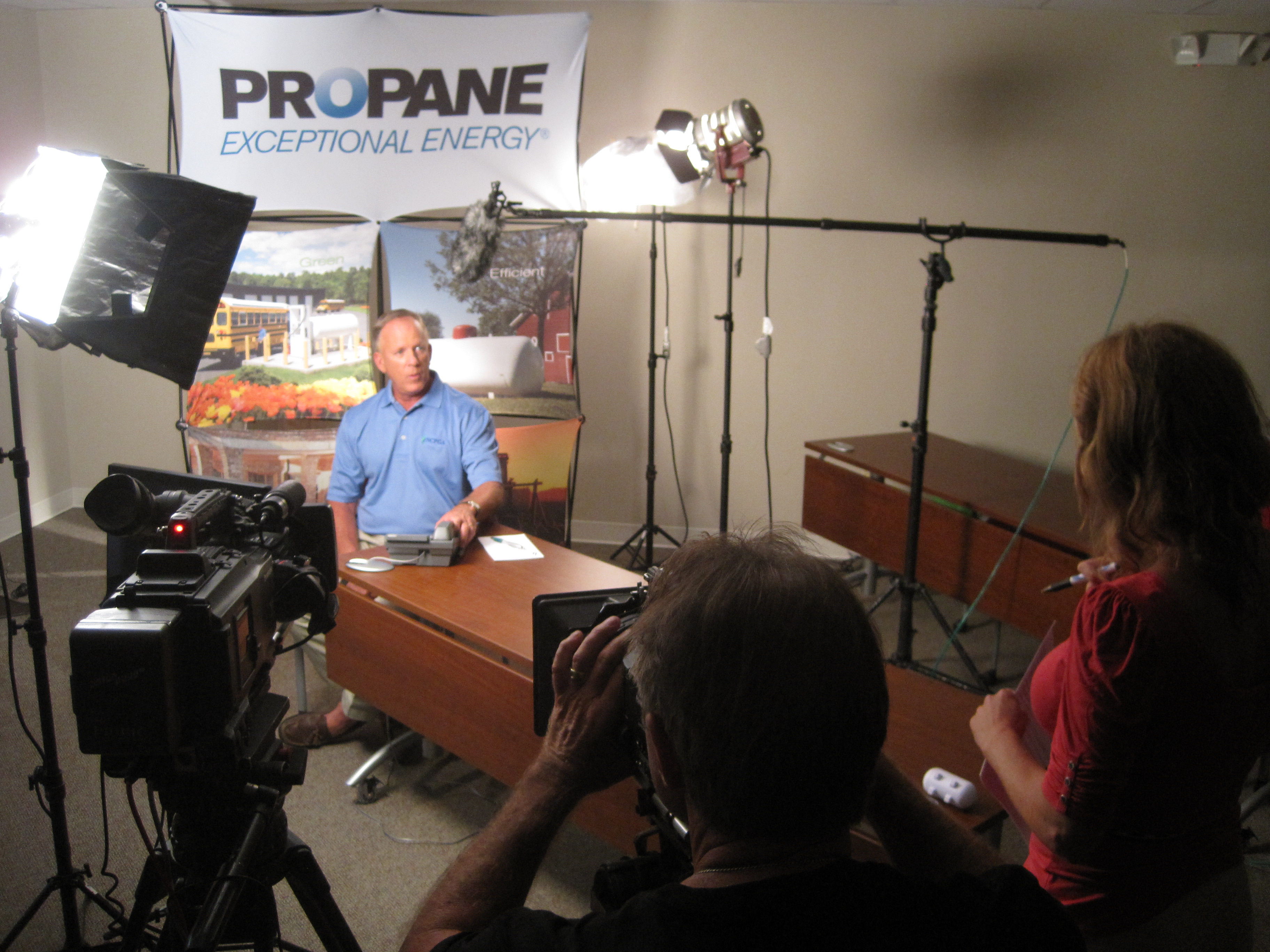
  • Small Projects: For simpler projects, such as talking head interviews or small event coverage, consider hiring a smaller crew. A skilled videographer equipped with a camera, microphone, and basic lighting can handle such tasks effectively.
  • Large Projects: For more complex productions like commercials or large-scale corporate events, a larger crew is necessary. However, even here, efficiencies can be found by hiring a team that can multitask, thereby reducing the number of people on set.

3. Utilize Local Talent

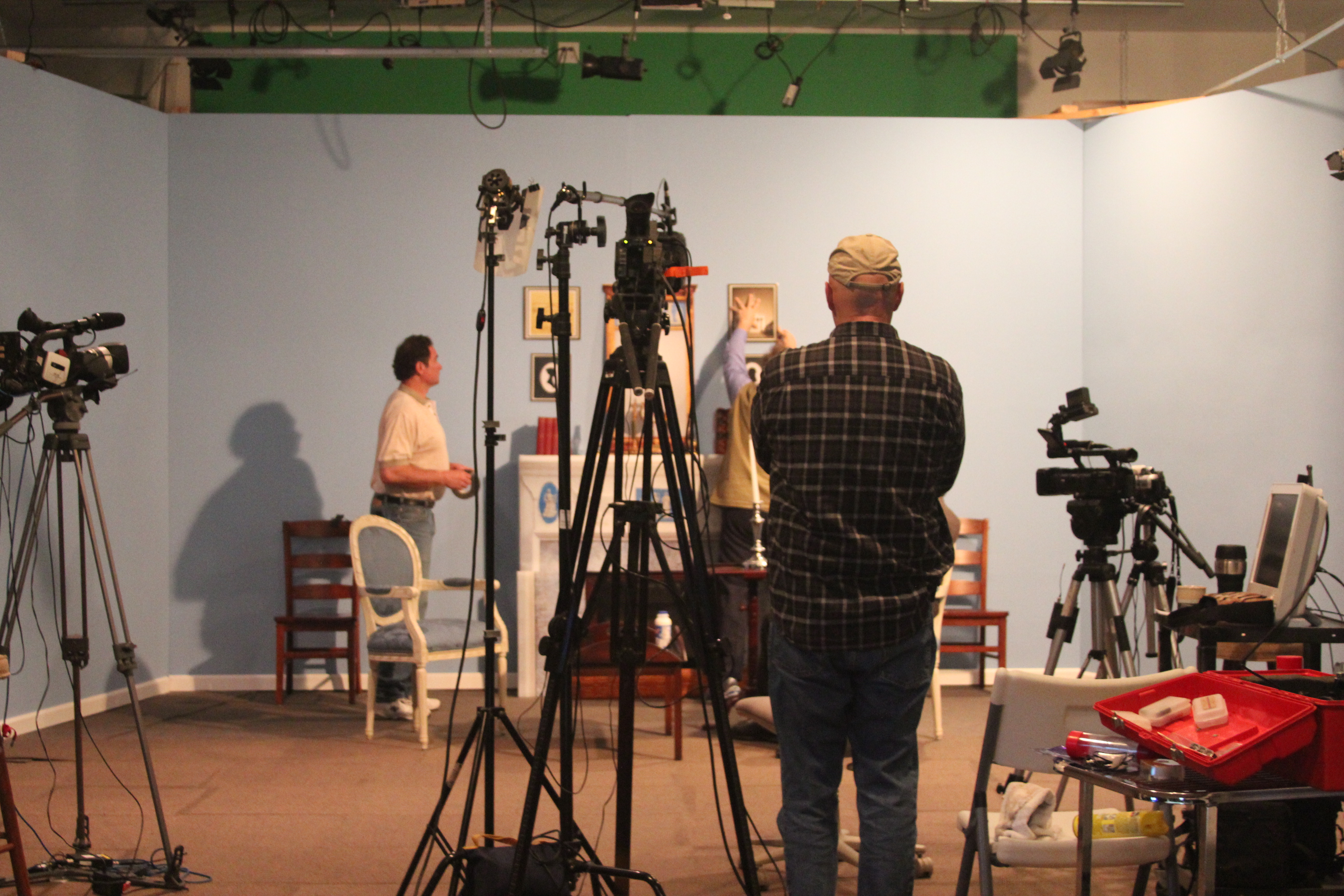
Hiring a local video production company can significantly reduce costs associated with travel and accommodations for the crew. Local teams like St Louis Video Studio not only reduce these overheads but also bring a wealth of knowledge about local settings, which can be invaluable for your production.

4. Leverage Technology

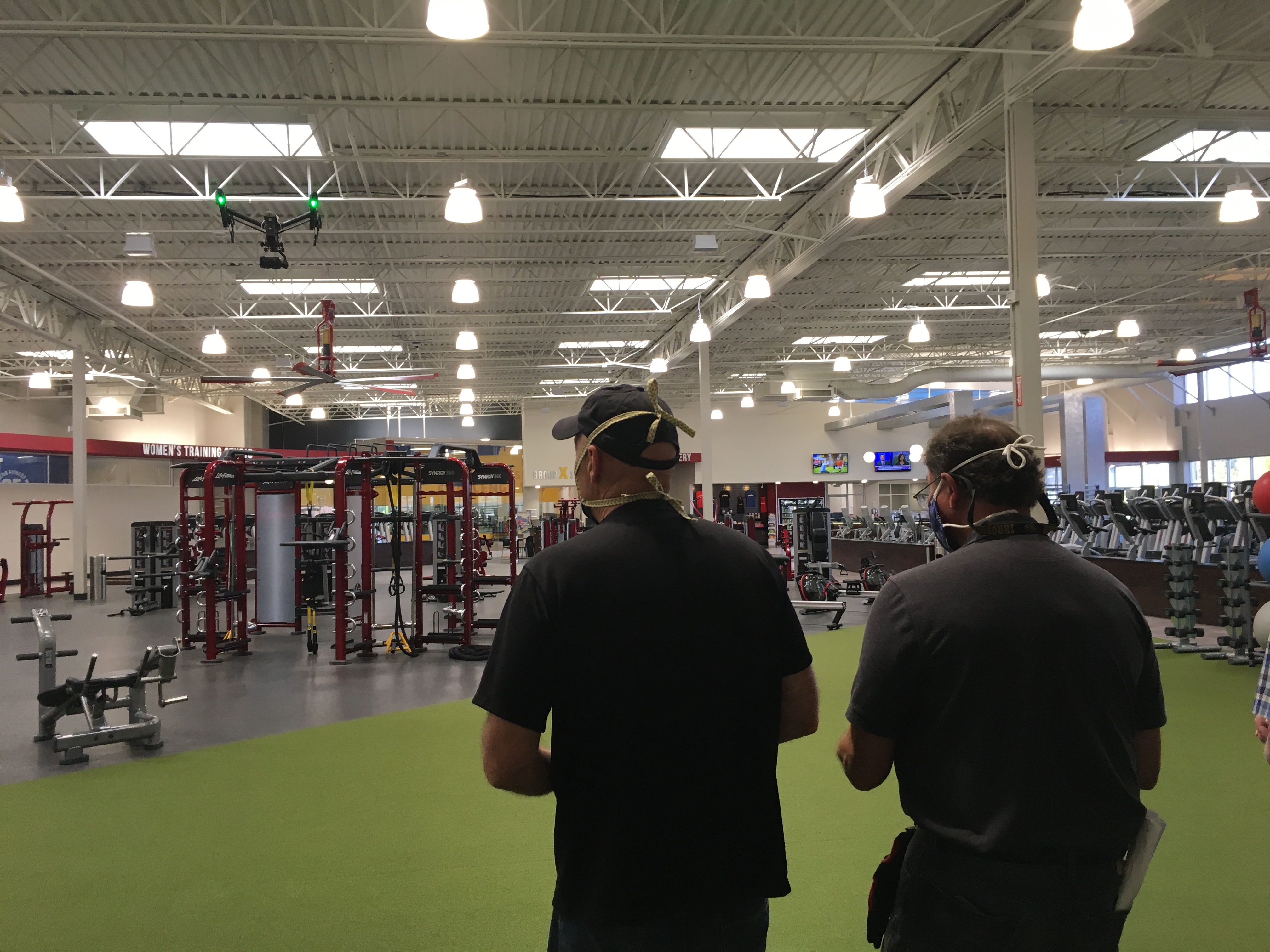
Advancements in video production technology mean that high-quality results can now be achieved with less manpower and lower costs. For example, drones can capture aerial shots that would have previously required expensive crane or helicopter rentals. Similarly, using gimbal stabilizers allows for smooth moving shots without extensive rigging.

5. Plan Efficiently

Efficient planning can save a lot of money. This includes scripting in advance, planning the shoot to minimize location changes, and scheduling to avoid overtime. A well-planned shoot reduces the likelihood of unexpected costs and ensures that the project stays within budget.

6. Consider Post-Production Needs

Post-production can be a time-consuming and costly phase. By discussing these needs in advance with your production company, you can plan for cost-effective solutions. This might include shooting with post-production in mind to reduce the need for extensive color correction or special effects.

7. Reuse and Repurpose Content

Creating a video that can be repurposed in different contexts (e.g., social media clips, training videos, customer testimonials) can provide better return on investment. St Louis Video Studio specializes in repurposing photography and video branding to help extend the life and utility of your content across multiple platforms.

Partner with St Louis Video Studio

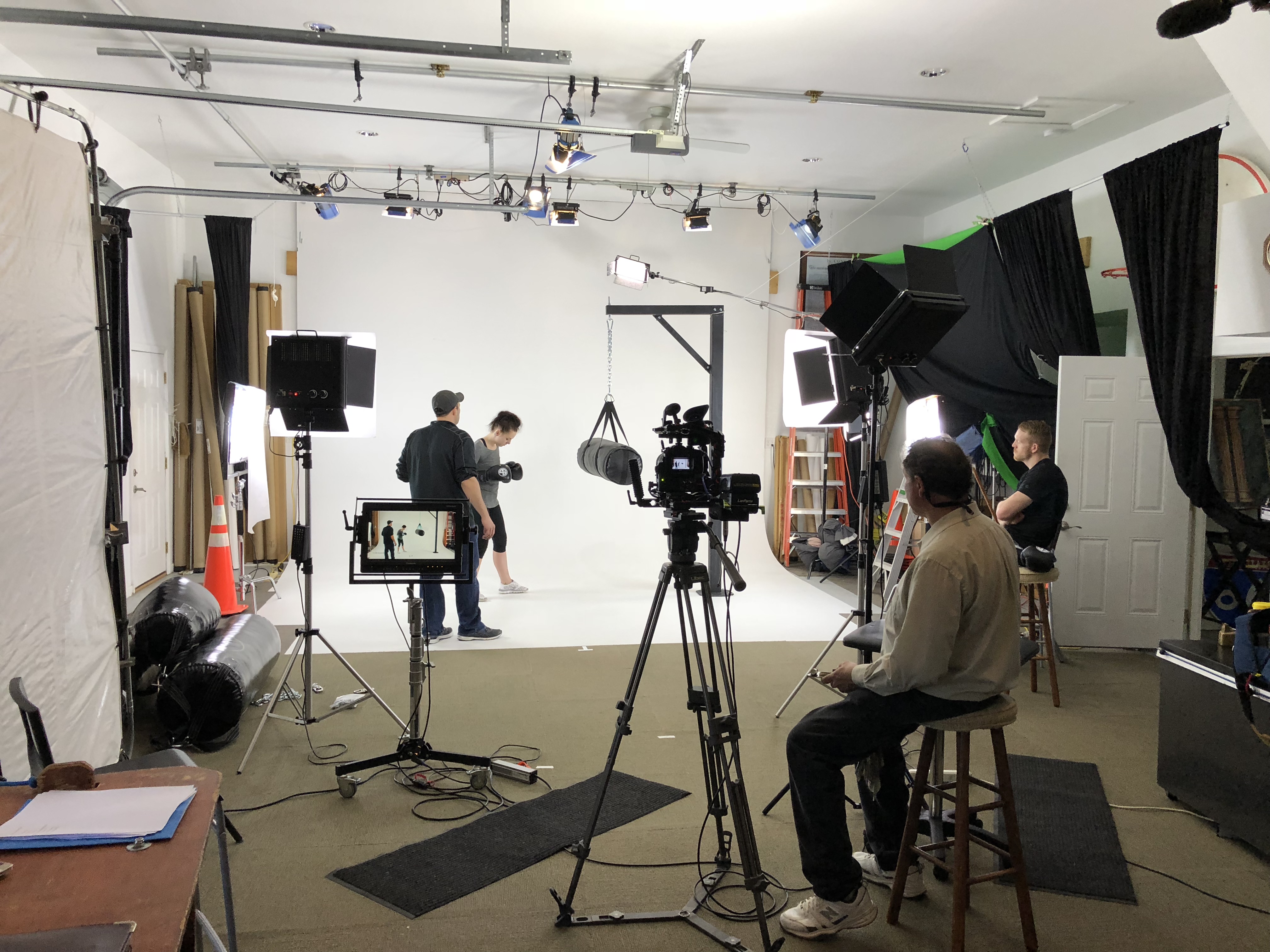
At St Louis Video Studio, we pride ourselves on being a full-service professional commercial photography and video production company. We offer both studio and location video and photography, complete with editing, post-production, and licensed drone pilots. Our facilities are equipped with private studio lighting and visual setups perfect for small productions and interview scenes, and our large studio can incorporate props to enhance your set.

Since 1982, we have worked with countless businesses, marketing firms, and agencies in the St. Louis area, delivering tailored video solutions that meet diverse media requirements. Whether you need a private custom interview studio setup or specialized indoor drone shots, we have the equipment, expertise, and experience to ensure your next video production is a success.

Choosing the right video production partner is crucial to achieving your marketing and communication goals while staying on budget. St Louis Video Studio is your trusted partner in creating impactful video content that delivers results.

314-913-5626

stlouisvideostudio@gmail.com

Unknown's avatar

How Long Should Your Video Testimonials Be?

In the realm of corporate communications and marketing, client video testimonials are a powerful tool. They provide authentic, relatable, and persuasive content that can significantly enhance your brand’s credibility and appeal. However, one of the most common questions decision-makers face is: How long should these testimonials be? The answer depends on several factors, including your audience, the platform where the video will be shared, and the message you want to convey.

Ask clients to share any measurable improvements they have seen since using your service.

Understanding Your Audience

The length of your client video testimonial should primarily be determined by your audience’s attention span and preferences. In today’s fast-paced digital world, audiences often have limited time and a shorter attention span. For most business-related content, keeping videos concise and to the point is crucial.

  1. Short Attention Spans: Studies have shown that viewers tend to lose interest in videos that are too long. A general guideline is to keep testimonial videos between 1 to 3 minutes. This duration is long enough to provide valuable insights and keep the viewer engaged without overwhelming them.
  2. Platform Considerations: Different platforms have varying optimal video lengths. For example:
    • Social Media (Facebook, Instagram, LinkedIn): Aim for 30 seconds to 1 minute. These platforms cater to users who scroll quickly through content.
    • YouTube: Videos can be slightly longer, ranging from 2 to 3 minutes, as users on this platform are more inclined to watch longer content.
    • Website: For embedding on your company’s website, 1 to 2 minutes is often ideal. This provides enough time to convey the testimonial’s message while maintaining viewer interest.

Crafting the Message

The content of your client video testimonial is as important as its length. Here are some key elements to include to ensure your video is both impactful and engaging:

  1. Clear Introduction: Start with a brief introduction of the client, their business, and their relationship with your company. This sets the context and establishes credibility.
  2. Specific Benefits: Encourage clients to speak about specific benefits they have experienced from your product or service. Detailed, real-world examples resonate more than vague praises.
  3. Problem-Solution Narrative: Highlight the problem the client faced before working with you and how your solution effectively addressed it. This narrative structure is compelling and relatable.
  4. Results and Outcomes: Quantifiable results and outcomes make testimonials more convincing. Ask clients to share any measurable improvements they have seen since using your service.
  5. Emotional Appeal: Testimonials that convey genuine emotion and enthusiasm are more engaging. Encourage clients to express their satisfaction and the impact on their business or personal life.

Editing and Post-Production

Effective editing is crucial in ensuring your video testimonial is concise, clear, and professional. Here are some tips:

  1. Cut Unnecessary Content: Trim any irrelevant or repetitive content to keep the video focused.
  2. Add Visuals and Graphics: Use visuals, graphics, and on-screen text to reinforce key points and make the video more visually appealing.
  3. Maintain High Quality: Ensure high-quality audio and visuals. Poor production quality can distract from the message and reduce credibility.

The Expertise of St Louis Video Studio

At St Louis Video Studio, we understand the nuances of creating impactful client video testimonials. Our experience as a full-service professional commercial photography and video production company equips us with the right equipment and creative crew service experience for successful image acquisition. We offer full-service studio and location video and photography, as well as editing, post-production, and licensed drone pilots.

We can customize your productions for diverse types of media requirements, ensuring your photography and video branding gain maximum traction. Our team is well-versed in all file types and styles of media and accompanying software. Our private studio lighting and visual setup is perfect for small productions and interview scenes, while our studio is large enough to incorporate props to round out your set.

From a private custom interview studio setup to providing sound and camera operators and equipment, we have everything needed to make your next video production perfect. Our specialized drones can even fly indoors, adding a unique perspective to your shoots. Since 1982, St Louis Video Studio has worked with numerous businesses, marketing firms, and agencies in the St. Louis area for their corporate photography and video needs.

By choosing St Louis Video Studio, you are partnering with a team of experienced professionals dedicated to delivering high-quality visual content that meets your specific needs. Let us help you create compelling client video testimonials that effectively communicate your brand’s success stories and build trust with your audience.

314-913-5626

stlouisvideostudio@gmail.com

Unknown's avatar

Timing Tactics: A Guide to Shooting B-Roll Before or After Interviews

When producing a compelling video for your business or organization, one crucial element that often goes unnoticed is the timing of your B-roll shots in relation to your interviews. B-roll footage enhances your narrative, adds depth, and provides visual context to the story you’re telling. But should you shoot your B-roll before or after conducting interviews? This decision can significantly impact the efficiency and quality of your production.

Post-interview B-roll ensures that the footage is highly relevant and specific to the content of the interviews.

Understanding B-Roll and Its Importance

B-roll refers to supplementary footage that complements your primary shots (A-roll), which typically consist of interviews or main scenes. This footage is invaluable in providing:

  • Visual Context: It illustrates what the interviewee is talking about, making the narrative more engaging.
  • Transition Shots: It helps in creating smooth transitions between different segments of the video.
  • Emotional Impact: Well-chosen B-roll can evoke emotions and strengthen the overall message.

Given its importance, the timing of capturing B-roll needs careful consideration to maximize its effectiveness.

Shooting B-Roll Before Interviews

Advantages

  1. Planning and Visualization:
    • Shooting B-roll beforehand allows you to visualize the narrative structure of your video. This helps in planning interview questions and ensuring that the B-roll footage aligns seamlessly with the interview content.
  2. Efficiency:
    • By capturing B-roll in advance, you can streamline the production process. This reduces the time spent in post-production searching for suitable B-roll to match the interviews.
  3. Creative Inspiration:
    • Pre-shot B-roll can inspire more in-depth and creative interview questions. Seeing the B-roll can trigger specific topics or angles to explore during the interviews.

Disadvantages

  1. Lack of Specificity:
    • Without the interviews, you might miss out on specific details or nuances that could have informed your B-roll choices. The footage might end up being too generic.
  2. Redundancy:
    • There’s a risk of capturing irrelevant or redundant footage if the interview doesn’t touch on topics you’ve anticipated.

Shooting B-Roll After Interviews

Advantages

  1. Relevance and Precision:
    • Post-interview B-roll ensures that the footage is highly relevant and specific to the content of the interviews. You can tailor the shots to directly complement the spoken content.
  2. Enhanced Storytelling:
    • You can capture footage that directly responds to key points made during the interview, enhancing the storytelling aspect and making the narrative more cohesive.

Disadvantages

  1. Time Constraints:
    • Waiting until after the interviews to shoot B-roll can prolong the production schedule. It may require additional planning and scheduling.
  2. Lost Opportunities:
    • If time is limited, you may not be able to revisit locations or capture certain events that were mentioned in the interviews.

Finding the Right Balance

The optimal approach often involves a hybrid strategy. Here’s how to achieve a balanced production workflow:

  1. Preliminary B-Roll:
    • Capture some general B-roll footage before the interviews to set the scene and provide initial context. This includes establishing shots and general visuals related to the topic.
  2. Interview-Driven B-Roll:
    • After conducting the interviews, identify key themes, topics, and specific mentions that require additional footage. Schedule targeted B-roll shoots to gather precise and relevant visuals.
  3. Flexibility and Adaptation:
    • Be prepared to adapt and capture impromptu B-roll during and after the interviews. This spontaneous footage can often add an authentic and dynamic element to your production.

Conclusion

Deciding whether to shoot B-roll before or after interviews depends on various factors including the nature of the project, the story you aim to tell, and the logistical constraints of your production. A thoughtful combination of both approaches often yields the best results, providing both general context and specific, relevant footage.

At St Louis Video Studio, we bring extensive experience and a comprehensive suite of services to ensure your production is executed flawlessly. Our full-service professional commercial photography and video production company is equipped with the latest technology and a creative crew skilled in all aspects of image acquisition. From studio and location shoots to editing, post-production, and licensed drone operations, we customize your productions to meet diverse media requirements.

Our expertise in repurposing your photography and video branding helps you gain more traction across various platforms. Whether it’s our private studio setup for small productions and interviews or flying our specialized drones indoors, we have everything you need to make your next video production perfect. Having collaborated with numerous businesses, marketing firms, and agencies in the St. Louis area, St Louis Video Studio is your trusted partner for all your corporate photography and video needs.

314-913-5626

stlouisvideostudio@gmail.com

Unknown's avatar

Best Practices Studio Production Techniques

In today’s competitive market, the quality of your visual content can significantly influence your brand’s perception and reach. Whether you’re capturing the essence of a product, telling a compelling story, or engaging your audience with dynamic video content, adhering to best practices in studio production is crucial. Here, we explore essential techniques to elevate your photography and video production, ensuring you make a lasting impact.

Pre-Production Planning

Define Your Objectives

Before diving into the technical aspects, clearly define the purpose of your shoot. Are you aiming to showcase a product, conduct an interview, or create a promotional video? Understanding your goals will guide every subsequent decision, from equipment selection to post-production.

Storyboarding and Scripting

For video productions, storyboarding and scripting are vital. Create a visual and textual outline of your project to ensure a smooth flow during shooting. This preparation helps in visualizing the final product and identifying potential challenges early on.

Scouting Locations

If you’re shooting outside your studio, scout locations in advance. Consider lighting conditions, space availability, and potential background noise. For studio shoots, plan your set design meticulously to reflect the desired mood and message.

Lighting Techniques

Three-Point Lighting

The three-point lighting setup is a staple in both photography and videography. It consists of:

  1. Key Light: The primary light source that highlights the subject.
  2. Fill Light: A softer light that reduces shadows created by the key light.
  3. Back Light: Adds depth by separating the subject from the background.

Soft Lighting

Soft lighting creates a more flattering and natural look, ideal for portraits and interviews. Use diffusers or softboxes to achieve this effect, avoiding harsh shadows and creating a gentle glow.

Lighting for Mood

Adjust your lighting to convey the desired mood. Warm lights create a cozy and inviting atmosphere, while cool lights can evoke a sense of professionalism and modernity.

Sound Considerations

Microphone Selection

Select the right microphone for your needs. Lavaliere mics are excellent for interviews, while shotgun mics are great for capturing directional sound. Ensure your microphones are positioned correctly to avoid background noise and echo.

Soundproofing

Soundproof your studio to minimize external noise. Use acoustic panels, carpets, and heavy curtains to absorb sound and create a controlled audio environment.

Camera Techniques

Camera Settings

Familiarize yourself with your camera’s settings. Adjust the ISO, aperture, and shutter speed to suit your lighting conditions and achieve the desired depth of field and motion blur.

Framing and Composition

Use the rule of thirds, leading lines, and other composition techniques to create visually appealing shots. Ensure your subject is well-framed and the background complements the overall composition.

Camera Movement

Incorporate smooth camera movements to add dynamism to your shots. Use gimbals, sliders, or drones for stable and creative motion.

Post-Production

Editing Software

Invest in professional editing software like Adobe Premiere Pro, Final Cut Pro, or DaVinci Resolve. These tools offer advanced features for color grading, audio mixing, and special effects.

Color Grading

Enhance your footage with color grading to achieve a consistent and polished look. Adjust the brightness, contrast, and color balance to match your project’s tone.

Sound Editing

Clean up your audio tracks by removing background noise, balancing levels, and adding effects where necessary. Clear and crisp audio is as important as high-quality visuals.

Drone Photography and Videography

Safety and Regulations

Ensure your drone operations comply with local regulations and safety guidelines. Obtain the necessary permits and licenses, and always conduct a pre-flight check.

Creative Angles

Drones offer unique perspectives that can add a wow factor to your productions. Experiment with different heights, angles, and movements to capture stunning aerial shots.

Repurposing Content

Multi-Platform Optimization

Repurpose your content for various platforms by creating different versions tailored to each medium’s requirements. This approach maximizes your reach and engagement across social media, websites, and traditional media.

Consistent Branding

Maintain consistent branding across all your visual content. Use the same color schemes, fonts, and logo placements to reinforce brand identity and recognition.

Conclusion

St. Louis Video Studio is a full-service professional commercial photography and video production company with the right equipment and creative crew service experience for successful image acquisition. We offer full-service studio and location video and photography, as well as editing, post-production, and licensed drone pilots.

St. Louis Video Studio can customize your productions for diverse types of media requirements. Repurposing your photography and video branding to gain more traction is another specialty. We are well-versed in all file types and styles of media and accompanying software. Our private studio lighting and visual setup is perfect for small productions and interview scenes, large enough to incorporate props to round out your set.

We can help with every part of your production, from a private custom interview studio setup to providing sound and camera operators to equipment. We have everything to make your next video production perfect, including flying our specialized drones indoors. As a full-service video and photography production company, St. Louis Video Studio has worked with many businesses, marketing firms, and agencies in the St. Louis area for their corporate photography and video needs.

Choose St. Louis Video Studio for your next project, and let us help you create visual content that captivates and engages your audience.

314-913-5626

stlouisvideostudio@gmail.com

Unknown's avatar

Sizzle Reels vs. Traditional Marketing: Which Is More Effective for Conventions?

In the realm of business promotion and marketing, especially in the context of conventions and large-scale events, the choice between sizzle reels and traditional marketing methods is pivotal. Both avenues offer unique advantages and serve distinct purposes in capturing audience attention and conveying brand messages effectively. Let’s delve into the nuances of each approach to help decision-makers discern the most suitable strategy for their upcoming conventions.

Maintain consistency in branding across all traditional marketing collateral to reinforce brand recognition and credibility.

Understanding Sizzle Reels

What are Sizzle Reels? Sizzle reels, also known as demo reels or highlight reels, are short, captivating videos designed to showcase the essence and highlights of a product, service, or brand. These reels are typically fast-paced, visually stimulating, and infused with dynamic editing techniques to create excitement and intrigue.

Advantages of Sizzle Reels:

  • Engagement: Sizzle reels excel at grabbing viewers’ attention within the first few seconds, making them ideal for capturing the fleeting focus of convention attendees amidst the hustle and bustle.
  • Memorability: The condensed format of sizzle reels facilitates easy recall, ensuring that key brand messages and visuals stay etched in the minds of the audience long after the convention ends.
  • Versatility: Sizzle reels can be tailored to suit various platforms and purposes, whether displayed on large screens at the convention venue or shared across social media channels to extend reach beyond the event.

Best Practices for Sizzle Reels:

  • Keep it Concise: Aim for brevity to maintain audience interest and avoid information overload.
  • Focus on Impactful Visuals: Emphasize compelling imagery and dynamic sequences to evoke emotion and captivate viewers.
  • Align with Brand Identity: Ensure that the tone, style, and messaging of the sizzle reel align closely with the overarching brand identity and marketing objectives.

Exploring Traditional Marketing Methods

Traditional Marketing Approaches: Traditional marketing methods encompass a spectrum of strategies such as print advertisements, brochures, banners, and face-to-face interactions. While not as technologically advanced as sizzle reels, these methods retain their relevance and effectiveness in certain contexts, especially within the realm of conventions.

Advantages of Traditional Marketing:

  • Tangibility: Physical marketing materials offer a tactile experience that digital media cannot replicate, allowing attendees to engage more intimately with the brand.
  • Personalized Interaction: Face-to-face interactions facilitated by traditional marketing methods enable direct communication between representatives and potential clients, fostering trust and rapport.
  • Complementary Role: Traditional marketing methods can complement sizzle reels by providing supplementary information and reinforcing key messages conveyed in the videos.

Best Practices for Traditional Marketing:

  • Strategic Placement: Position marketing materials strategically throughout the convention venue to maximize visibility and foot traffic.
  • Interactive Elements: Incorporate interactive elements into traditional marketing materials, such as QR codes linking to sizzle reels or augmented reality experiences, to enhance engagement and interactivity.
  • Consistent Branding: Maintain consistency in branding across all traditional marketing collateral to reinforce brand recognition and credibility.

Making the Decision: Sizzle Reels vs. Traditional Marketing

Considerations for Decision-Makers:

  • Audience Demographics: Understanding the demographics and preferences of convention attendees is crucial in determining which approach will resonate most effectively.
  • Event Goals and Objectives: Align the choice of marketing strategy with the overarching goals and objectives of the convention, whether it’s to generate leads, raise brand awareness, or showcase new products/services.
  • Budget and Resources: Evaluate the budgetary constraints and available resources to ensure optimal allocation between sizzle reels and traditional marketing methods.

The Hybrid Approach: In many cases, a hybrid approach that combines elements of both sizzle reels and traditional marketing can yield the most comprehensive and impactful results. By leveraging the strengths of each method synergistically, businesses can create a multifaceted marketing campaign that engages attendees on multiple levels and maximizes ROI.

St Louis Video Studio: Your Partner in Success

At St Louis Video Studio, we understand the intricacies of effective image acquisition and brand promotion in the context of conventions and business events. As a full-service professional commercial photography and video production company, we offer a comprehensive suite of services tailored to meet diverse media requirements.

Our experienced team of photographers, videographers, editors, and licensed drone pilots is equipped with the latest technology and creative expertise to elevate your brand presence and captivate your target audience. Whether you require full-service studio and location video and photography, editing, post-production, or customized branding solutions, we have the capabilities and experience to bring your vision to life.

Contact St Louis Video Studio today to discover how we can collaborate to make your next convention or event a resounding success.


St Louis Video Studio Full-Service Professional Commercial Photography and Video Production Company

Services Offered:

  • Studio and Location Video and Photography
  • Editing and Post-Production
  • Licensed Drone Pilots
  • Customized Branding Solutions

In conclusion, the decision between sizzle reels and traditional marketing for conventions depends on various factors, including audience demographics, event goals, and budget considerations. By leveraging the expertise and services of St Louis Video Studio, businesses can maximize the effectiveness of their marketing efforts and leave a lasting impression on convention attendees.

314-913-5626

stlouisvideostudio@gmail.com

Unknown's avatar

Mistakes to Avoid When Hiring a Videographer for Your Business

In the realm of business, the visual aspect plays a pivotal role in capturing attention, conveying messages, and establishing brand identity. With the proliferation of digital media, hiring a professional videographer has become essential for businesses aiming to create impactful visual content. However, not all videographers are created equal, and making the wrong choice can lead to wasted resources and disappointing results. Here are some common mistakes to avoid when hiring a videographer for your business:

An experienced videographer not only has a keen eye for detail but also possesses the technical proficiency to handle various shooting conditions and challenges.

1. Neglecting to Review Portfolios

One of the most critical mistakes is failing to thoroughly review the videographer’s portfolio. A portfolio showcases the videographer’s style, expertise, and versatility. By neglecting this step, you risk hiring someone whose aesthetic doesn’t align with your brand or whose skill level doesn’t meet your expectations.

2. Ignoring Experience and Expertise

Experience matters significantly in videography. An experienced videographer not only has a keen eye for detail but also possesses the technical proficiency to handle various shooting conditions and challenges. Ignoring experience and opting for a cheaper, inexperienced option can compromise the quality of your final product.

3. Overlooking Equipment Quality

Quality equipment is indispensable in videography. High-resolution cameras, professional-grade microphones, and lighting equipment contribute to the overall quality of the video. Hiring a videographer who lacks access to proper equipment may result in subpar visuals and audio, ultimately diminishing the impact of your content.

4. Failing to Communicate Expectations Clearly

Effective communication is key to a successful collaboration with a videographer. Failing to communicate your expectations clearly regarding the project scope, timeline, budget, and creative vision can lead to misunderstandings and dissatisfaction. Establishing open and transparent communication from the outset ensures that both parties are aligned and working towards the same goals.

5. Not Considering Post-Production Services

The role of post-production should not be underestimated. Editing, color grading, and adding visual effects are essential steps in enhancing the final product’s quality and appeal. Hiring a videographer who lacks proficiency in post-production or doesn’t offer these services may result in an unfinished or underwhelming video.

Conclusion: Choose Wisely, Choose St Louis Video Studio

In conclusion, when hiring a videographer for your business, it’s crucial to avoid these common mistakes to ensure a successful outcome. At St Louis Video Studio, we understand the importance of delivering high-quality visual content that resonates with your audience and enhances your brand image.

As a full-service professional commercial photography and video production company, St Louis Video Studio offers:

  • Full-service studio and location video and photography
  • Editing and post-production services
  • Licensed drone pilots for aerial footage
  • Expertise in all file types and styles of media
  • Customized productions tailored to diverse media requirements
  • Specialization in repurposing photography and video branding for increased traction

With our extensive experience and state-of-the-art equipment, we have served numerous businesses, marketing firms, and agencies in the St. Louis area for their corporate photography and video needs. Don’t compromise on quality. Choose St Louis Video Studio for your next project and experience the difference firsthand.

Contact us today to discuss your videography needs and discover how we can elevate your visual content.

314-913-5626

stlouisvideostudio@gmail.com

Unknown's avatar

Planning and Scripting Your Corporate Branding Video for Maximum Impact

In the dynamic landscape of corporate branding, video content has become an indispensable tool for businesses to convey their message effectively. Whether you’re aiming to introduce a new product, showcase company culture, or communicate your brand’s values, a well-planned and scripted video can make a significant impact. As an experienced photographer and video director at St. Louis Video Studio, I’ve witnessed firsthand the power of strategic planning and scripting in creating compelling corporate branding videos. In this guide, I’ll walk you through the essential steps to plan and script your corporate branding video for maximum impact.

Whether you opt for a polished and professional aesthetic or a more casual and relatable tone, stay true to your brand persona to resonate with viewers on a deeper level.

Understanding Your Audience and Goals

Before diving into the creative process, it’s crucial to have a clear understanding of your target audience and the goals you aim to achieve with your video. Conduct thorough market research to identify your audience’s demographics, preferences, and pain points. This information will guide the tone, style, and messaging of your video, ensuring it resonates with your intended viewers. Additionally, define specific objectives for your video, whether it’s increasing brand awareness, driving sales, or fostering customer loyalty.

Crafting a Compelling Storyline

Every successful corporate branding video tells a story that captivates and engages the audience. Begin by outlining the key message you want to convey and brainstorming creative ways to bring it to life. Consider incorporating elements such as customer testimonials, behind-the-scenes footage, or visual storytelling techniques to make your narrative more compelling. Remember to keep your storyline concise and focused to maintain viewer interest throughout the video.

Developing a Detailed Script

Once you have a solid storyline in place, it’s time to draft a detailed script for your video. A well-written script serves as the blueprint for your production, guiding the dialogue, narration, and scene transitions. Start by structuring your script into distinct sections, including an attention-grabbing introduction, informative body content, and a strong call-to-action. Pay attention to pacing and flow, ensuring that each segment seamlessly transitions into the next.

Visualizing the Production

With your script finalized, it’s essential to visualize how each scene will come to life on screen. Consider factors such as location, lighting, props, and talent casting to create a visually captivating experience for your viewers. Storyboarding can be a valuable tool in this process, allowing you to sketch out each shot and determine the composition and camera angles beforehand. Collaborate closely with your production team to ensure that your vision aligns with technical feasibility and budget constraints.

Leveraging Brand Identity

Your corporate branding video should serve as a reflection of your brand identity and values. Incorporate elements such as brand colors, logos, and messaging consistently throughout the video to reinforce brand recognition and recall. Additionally, infuse your video with authenticity and sincerity to establish a genuine connection with your audience. Whether you opt for a polished and professional aesthetic or a more casual and relatable tone, stay true to your brand persona to resonate with viewers on a deeper level.

Editing and Post-Production

The editing and post-production phase is where your corporate branding video truly comes to life. Work closely with skilled editors and post-production specialists to refine the footage, add visual effects, and enhance audio quality. Pay attention to pacing, transitions, and storytelling elements to ensure a cohesive and engaging final product. Incorporate feedback from stakeholders and conduct thorough quality assurance testing to guarantee that your video meets the highest standards of excellence.

Conclusion

Planning and scripting your corporate branding video is a meticulous process that requires careful consideration of your audience, goals, and brand identity. By following the steps outlined in this guide, you can create a compelling video that resonates with your viewers and achieves your business objectives. Remember to stay true to your brand voice and leverage the expertise of experienced professionals to bring your vision to life.

As a full-service video and photography production company, St. Louis Video Studio has worked with many businesses, marketing firms, and agencies in the St. Louis area for their corporate photography and video. Contact us today to learn more about how we can help you create impactful corporate branding videos that elevate your brand presence and drive results.

Contact St. Louis Video Studio


By Bruce Robert, Photographer and Video Director at St. Louis Video Studio

St. Louis Video Studio is a full-service professional commercial photography and video production company with the right equipment and creative crew service experience for successful conference documentation. We offer full-service studio and location video and photography, as well as editing and post-production. St. Louis Video Studio can customize your productions for diverse types of media requirements. Repurposing your photography and video branding to gain more traction is another specialty. We are well-versed in all file types and styles of media and accompanying software.

314-913-5626

stlouisvideostudio@gmail.com

Unknown's avatar

Training Videos Production and Editing Techniques

In the ever-evolving landscape of corporate communication and education, training videos have emerged as a powerful tool to convey information, inspire learning, and ensure consistency in message delivery. At St. Louis Video Studio, we understand the importance of producing high-quality training videos that not only inform but also engage and inspire your audience. With a team of experienced videographers, directors, and producers, as well as state-of-the-art equipment and a creative crew, we have the expertise to create impactful training videos tailored to your specific needs. In this comprehensive guide, we will delve into the art and science of training video production and editing techniques, sharing our insights and industry best practices.

What specific skills, knowledge, or information do you want your audience to gain from watching the video?

The Power of Training Videos

Before we dive into the technical aspects of training video production and editing, let’s explore why training videos are such a valuable tool for businesses and organizations.

1. Accessibility and Consistency

Training videos offer the advantage of accessibility. They can be viewed anytime, anywhere, allowing employees or learners to access crucial information at their convenience. This accessibility ensures that everyone receives the same message consistently, reducing the risk of miscommunication.

2. Engagement and Retention

Engagement is the key to effective learning. Well-produced training videos have the ability to captivate the audience’s attention and maintain their focus throughout the training. When learners are engaged, they are more likely to retain the information being presented.

3. Cost-Effective Training

Compared to traditional in-person training sessions, producing training videos can be more cost-effective in the long run. Once created, these videos can be used repeatedly without incurring additional expenses, making them a smart investment for organizations of all sizes.

4. Scalability

Training videos can be easily scaled to accommodate a growing audience. Whether you need to train a small team or an entire organization, video content can be distributed effortlessly to reach everyone who needs it.

Planning Your Training Video

Effective training videos begin with careful planning. Here are the key steps to consider when creating your training video:

1. Define Your Objectives

Before you even pick up a camera, you must clearly define the objectives of your training video. What specific skills, knowledge, or information do you want your audience to gain from watching the video? Understanding your goals will guide every aspect of the production process.

2. Identify Your Target Audience

Consider the demographics, experience levels, and needs of your target audience. Tailoring your training video to their preferences and requirements will ensure that it resonates with them and effectively conveys the intended message.

3. Scripting and Storyboarding

A well-crafted script is the backbone of any training video. It should be concise, easy to understand, and engaging. Consider breaking down complex topics into manageable sections and using visual aids to enhance comprehension. Storyboarding can help you visualize the flow of your video and plan the shots you need.

4. Choose the Right Location

Depending on your content, you may need to shoot your training video in a studio, on location, or even outdoors. At St. Louis Video Studio, we offer full-service studio and location video production, ensuring that you have the right environment for your training video.

5. Selecting the Right Equipment

The quality of your video production equipment matters. High-definition cameras, professional lighting, and audio recording equipment are essential for producing a polished and engaging training video. At St. Louis Video Studio, we are equipped with state-of-the-art tools to ensure your video looks and sounds exceptional.

Video Production Techniques

Now that we’ve covered the planning phase, let’s delve into the video production techniques that will help you create a training video that truly shines.

1. Professional Videography

Our team of experienced videographers at St. Louis Video Studio understands the nuances of capturing compelling footage. Whether you’re shooting in a studio or on location, our professionals know how to compose shots, manage lighting, and ensure that the video looks visually appealing.

2. Interviews and Testimonials

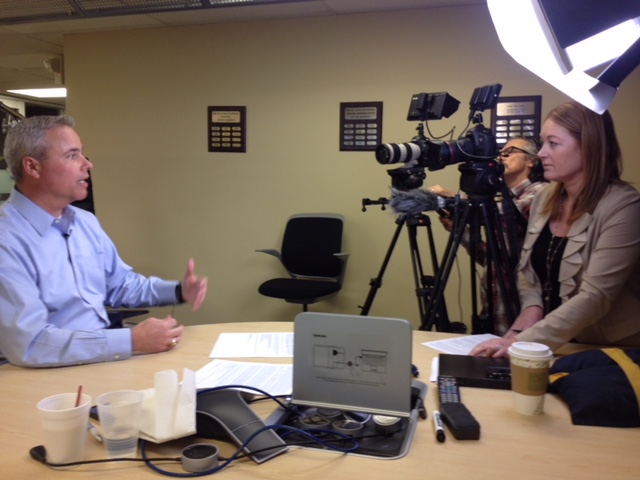
Including interviews and testimonials in your training video can add a human touch and credibility to your message. We excel at shooting talking heads, interviews, and testimonials, ensuring that your subjects come across as confident and relatable.

3. B-Roll Footage

In post-production editing, having ample B-roll footage is invaluable. B-roll footage provides context, visual interest, and helps smooth transitions between different segments of your training video. We always capture appropriate B-roll to enhance the final product.

4. Teleprompters for Professional Delivery

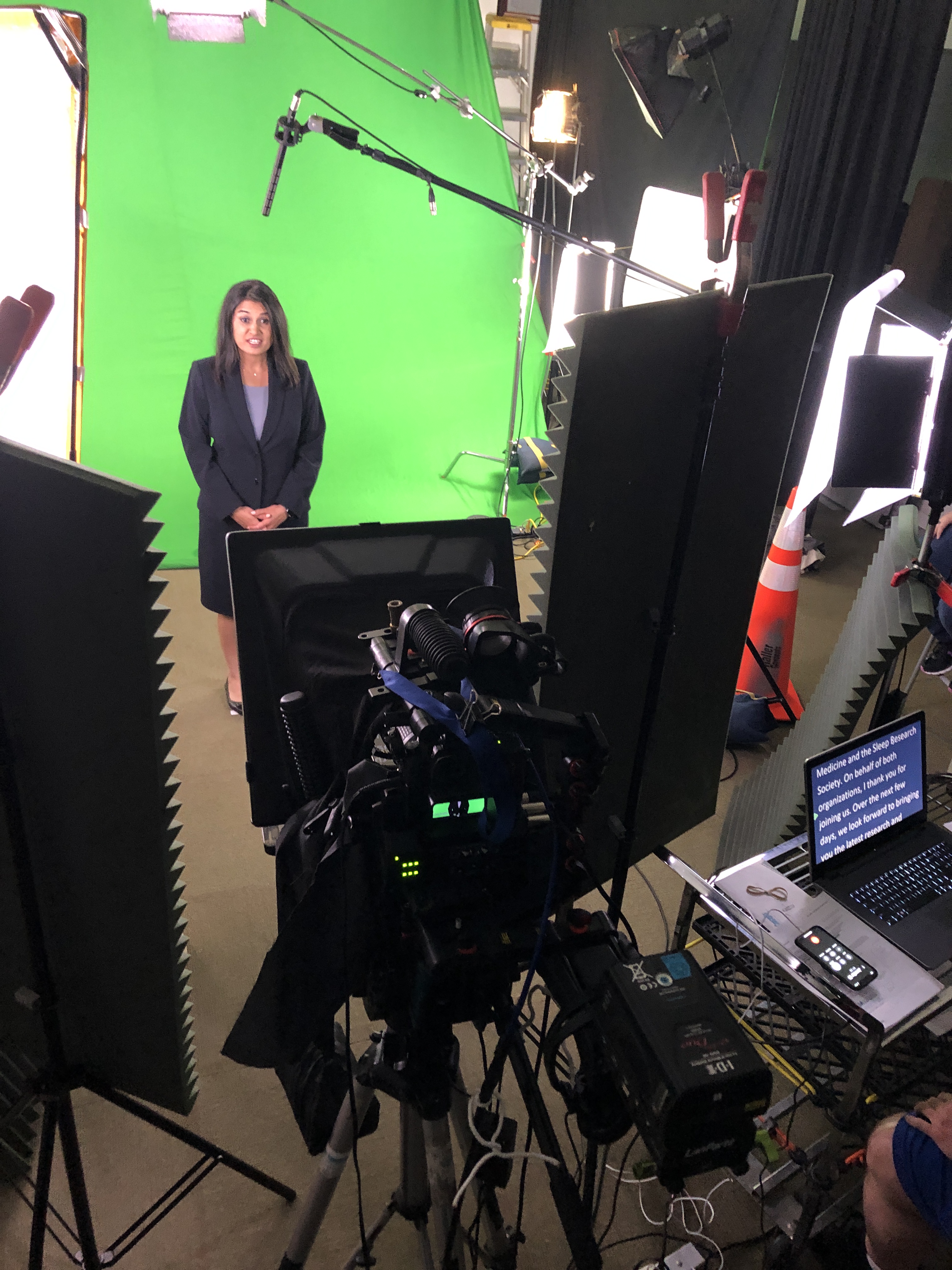
For training videos that require a scripted message, using teleprompters can greatly enhance the delivery. Teleprompters help presenters maintain eye contact with the camera while seamlessly delivering their lines. This results in a more professional and efficient message delivery.

5. Aerial Video

For certain training videos, aerial footage can provide a unique perspective and captivate the audience. At St. Louis Video Studio, we have the capability to fly drones and capture stunning aerial shots for your training video’s B-roll.

Post-Production Editing

The magic of training video production often happens in the post-production phase. Here, skilled editors bring together all the elements to create a cohesive and engaging final product.

1. Video Editing

Video editing involves selecting the best shots, arranging them in a logical sequence, and adding transitions to ensure a smooth flow. This process also includes color correction, audio enhancement, and the addition of text overlays or graphics when necessary.

2. Audio Enhancement

Clean and clear audio is crucial for effective training videos. Our post-production team employs audio enhancement techniques to eliminate background noise, balance audio levels, and ensure that the message is heard loud and clear.

3. Graphics and Animation

To clarify complex concepts or highlight key points, graphics and animation can be integrated into your training video. Our team has experience in creating visually appealing and informative graphics that enhance the learning experience.

4. Music and Sound Effects

The right music and sound effects can elevate the emotional impact of your training video. We can help you select appropriate music or create custom soundscapes that enhance the overall viewing experience.

5. File Types and Delivery

At St. Louis Video Studio, we are well-versed in all file types and styles of media. Whether you need your training video in a specific format or require various versions for different platforms, we can deliver the final product in the exact specifications you need.

Repurposing Your Training Videos

Training videos can be a valuable asset beyond their initial purpose. Repurposing your productions can help you gain more traction and maximize your investment. Here are some strategies for repurposing training videos:

1. Microlearning Modules

Break down longer training videos into bite-sized microlearning modules. These shorter segments can be shared independently, making it easier for learners to absorb and revisit specific topics.

2. Webinars and Live Training

Use excerpts from your training videos in webinars or live training sessions. This can serve as a teaser to encourage participation and later reference the full video for a comprehensive understanding.

3. Social Media Clips

Create short clips or highlights from your training videos to share on social media platforms. This can generate interest and direct viewers to the full video for more in-depth information.

4. Training Manuals and Guides

Integrate video content into your training manuals or guides to provide a multimedia learning experience. Videos can complement written instructions and make them more engaging.

5. Continuous Learning

Encourage continuous learning by making training videos accessible in your learning management system (LMS) or on your company’s intranet. This allows employees to revisit training materials whenever they need a refresher.

Conclusion

As a full-service video creation company, St. Louis Video Studio has worked with numerous businesses and organizations in the St. Louis area to create impactful training videos and other video productions. Our experienced videographers, directors, and producers are dedicated to delivering high-quality content that meets your unique needs. Whether you require training videos, talking heads, interviews, testimonials, or aerial B-roll footage, we have the expertise and equipment to bring your vision to life.

Don’t miss the opportunity to harness the power of training videos for your organization’s growth and development. Contact St. Louis Video Studio today to discuss your project, and let us help you create training videos that educate, engage, and inspire. Elevate your training initiatives with our creative expertise and state-of-the-art production capabilities. Your success is our priority.

314-913-5626

stlouisvideostudio@gmail.com

Unknown's avatar

Essential Tips for Retouching Professional Headshots

In the world of business, first impressions matter. And when it comes to making a lasting impression, a professional headshot can be your secret weapon. Whether it’s for your LinkedIn profile, company website, or promotional materials, a well-retouched headshot can convey confidence, professionalism, and approachability. At St. Louis Video Studio, we understand the importance of a polished image, and as experienced business photographers, we’re here to share some essential tips for retouching professional headshots.

Skin retouching is often the most crucial step in headshot retouching.

Why a Professional Headshot Matters

Before we dive into the nitty-gritty of retouching, let’s briefly discuss why having a professional headshot is so crucial in today’s business landscape.

  1. First Impressions: Your headshot is often the first thing potential clients, employers, or colleagues see. A professional headshot can leave a positive and memorable impression.
  2. Brand Image: Your headshot is a reflection of your personal and corporate brand. It conveys a sense of professionalism, trustworthiness, and attention to detail.
  3. Consistency: Using professionally retouched headshots across all your marketing materials ensures consistency in your brand image, making it easier for your audience to recognize and remember you.
  4. Engagement: Research has shown that profiles with professional headshots receive more engagement and connection requests on platforms like LinkedIn.

Now that we’ve established the importance of professional headshots, let’s delve into the art of retouching to make those headshots shine.

The Art of Retouching

1. Start with the Basics

Before diving into advanced retouching techniques, start with the basics. Ensure that the exposure, color balance, and sharpness of your headshot are on point. Use professional software like Adobe Photoshop or Lightroom to make these adjustments. Properly exposed and well-balanced photos provide a solid foundation for further enhancements.

2. Skin Retouching

Skin retouching is often the most crucial step in headshot retouching. Here’s how to do it effectively:

  • Blemish Removal: Use the healing brush or spot healing tool to eliminate minor blemishes, acne, or skin imperfections. Be cautious not to overdo it, as you want to maintain a natural appearance.
  • Skin Smoothing: The key to skin smoothing is subtlety. Use the frequency separation technique to separate texture and color. Then, use a soft brush to even out skin tones without losing skin texture completely.
  • Dodge and Burn: Use the dodge and burn tools to emphasize highlights and shadows, giving the skin a more three-dimensional look.

3. Eyes and Teeth

The eyes are the windows to the soul, and they should be the focus of your headshot. Here’s how to make them pop:

  • Whiten Teeth: Use the teeth whitening tool to brighten the subject’s smile. Keep it natural; overly white teeth can look unnatural.
  • Enhance Eyes: Use the dodge tool to brighten the whites of the eyes and enhance the iris’s color. Pay attention to removing any red-eye effect if present.

4. Hair Retouching

Hair is another crucial element of a headshot. Here’s how to make it look its best:

  • Flyaway Hair: Use the clone stamp or healing brush to remove stray hairs that may be distracting.
  • Hair Volume: To add volume to hair, use the dodge and burn tools selectively. Enhance the highlights and shadows to give hair a fuller look.

5. Clothing and Accessories

Pay attention to clothing and accessories, as they contribute to the overall impression:

  • Wrinkles: Use the clone stamp or healing brush to remove wrinkles or creases in clothing.
  • Jewelry and Accessories: Enhance the appearance of jewelry or accessories by adjusting highlights and shadows.

6. Background

Consider the background of your headshot. A clean and simple background often works best for professional headshots. Use the selection tools to isolate the subject and then apply changes to the background if necessary.

7. Color Grading

Color grading can help create a cohesive and visually appealing look for your headshot. Adjust the colors to match your brand or desired mood. Be subtle with color grading to maintain a natural appearance.

8. Save in the Right Format

When you’ve completed the retouching process, save your headshot in the appropriate format. JPEG is suitable for web use, while TIFF or PNG may be preferable for high-quality prints.

Customizing Headshot Images for Diverse Media

At St. Louis Video Studio, we understand that different media platforms and purposes require tailored headshot images. Our experienced team of photographers and retouchers can customize your headshots to meet the specific requirements of various media types. Whether you need headshots for your website, social media profiles, business cards, or printed materials, we’ve got you covered.

Repurposing Your Branding Images

In today’s fast-paced digital world, repurposing your branding images can help you gain more traction and extend the lifespan of your content. At St. Louis Video Studio, we are well-versed in all file types and styles of media, as well as the accompanying software necessary for repurposing. We can assist you in repurposing your headshots for different marketing campaigns, presentations, and social media posts, ensuring that your brand message reaches a wider audience.

St. Louis Video Studio: Your Trusted Partner in Professional Headshots

In conclusion, a professional headshot is a powerful tool for making a strong first impression in the business world. However, achieving the perfect headshot often requires expert retouching skills. Whether you’re a corporate professional, entrepreneur, or job seeker, having a polished headshot can make a significant difference in how you are perceived.

At St. Louis Video Studio, we have the expertise, experience, and state-of-the-art equipment needed to create stunning headshots that align with your brand and convey professionalism. Our full-service approach means we can handle every aspect of your headshot, from the initial photoshoot to retouching and customization for diverse media needs.

As a full-service photographer, St. Louis Video Studio has worked with many businesses and agencies in the St. Louis area for their corporate photography and video. Trust us to deliver exceptional headshots that will elevate your professional image and leave a lasting impression. Contact us today to schedule your headshot session and experience the difference our expertise can make.

Contact St. Louis Video Studio for all your professional headshot needs, and let us help you shine in the business world.

314-913-5626

stlouisvideostudio@gmail.com

Unknown's avatar

Mastering the Art of Speaking on Camera with Teleprompters

In the world of videography, the ability to speak confidently and smoothly on camera is a skill that can make or break a production. Whether you’re filming a corporate interview, a promotional video, or a documentary, delivering your message effectively is paramount. One tool that can greatly assist in this endeavor is the teleprompter. In this comprehensive guide, we will delve into the art of speaking on camera with teleprompters, covering everything from setup and usage to tips and tricks for a natural and engaging delivery.

To appear more authentic, incorporate natural hand gestures and facial expressions while speaking.

What is a Teleprompter?

A teleprompter, short for “television prompter,” is a device used to display a script or text for a presenter or speaker to read while looking directly into the camera lens. It consists of a transparent glass or acrylic screen that is mounted in front of the camera lens, with a screen positioned at the base of the teleprompter. The text is displayed on this screen in a mirrored format, making it appear normal when reflected onto the glass in front of the camera. This allows the speaker to maintain eye contact with the audience while reading the script.

Teleprompters are widely used in various media productions, including news broadcasts, talk shows, and video marketing content, to ensure that the speaker can deliver their lines smoothly and confidently.

The Benefits of Using a Teleprompter

Using a teleprompter offers several advantages, especially for individuals who may not have extensive experience speaking on camera. Here are some key benefits:

1. Improved Script Delivery

One of the primary advantages of using a teleprompter is that it helps ensure the speaker delivers the script exactly as intended. This can be crucial when conveying important information, maintaining a consistent tone, or sticking to a specific time frame.

2. Enhanced Eye Contact

Maintaining eye contact with the camera is essential for connecting with your audience. Teleprompters enable speakers to read their lines while appearing to look directly at the viewers, creating a more engaging and personal connection.

3. Reduced Memorization Stress

For those who struggle with memorizing lengthy scripts, a teleprompter can alleviate the pressure. Instead of relying on memory, speakers can focus on delivering their lines naturally and confidently.

4. Greater Efficiency

Teleprompters can significantly speed up the production process. With the script displayed in front of them, speakers can read their lines more quickly and reduce the number of retakes, saving time and resources.

5. Professional Appearance

Using a teleprompter can elevate the overall production quality and make your videos appear more polished and professional.

Setting Up a Teleprompter

Now that we’ve covered the benefits of using a teleprompter, let’s dive into the process of setting one up for your video shoot.

1. Choose the Right Teleprompter

There are various teleprompter models available, ranging from portable options for on-location shoots to larger studio setups. Consider your specific needs and budget when selecting the right teleprompter for your project.

2. Mounting the Teleprompter

Position the teleprompter in front of the camera lens. It should be at eye level or slightly above the camera, ensuring the text is aligned with the lens. Use a sturdy tripod or mount to secure the teleprompter in place.

3. Adjusting Font Size and Speed

Most teleprompter software allows you to customize the font size and scrolling speed of the text. Adjust these settings to suit the speaker’s reading pace and comfort.

4. Calibrating the Reflection

Ensure that the text on the teleprompter screen is reflected correctly onto the glass or acrylic panel. The text should be easy to read and not distorted.

5. Rehearse with the Teleprompter

Before the actual shoot, have the speaker practice reading from the teleprompter. This will help them become comfortable with the device and ensure a more natural delivery.

Tips for Speaking Effectively with a Teleprompter

While using a teleprompter can make script delivery smoother, it still requires some practice and technique to appear natural and engaging. Here are some tips for mastering the art of speaking on camera with a teleprompter:

1. Focus on Pacing

Pay attention to the speed at which you read the text. Avoid rushing through it or speaking too slowly. Practice maintaining a steady pace that matches the tone of your message.

2. Use Natural Gestures

To appear more authentic, incorporate natural hand gestures and facial expressions while speaking. Avoid rigid or robotic movements, which can make you seem disconnected from the content.

3. Emphasize Key Points

Even when using a teleprompter, it’s essential to emphasize key points and convey enthusiasm or conviction when appropriate. Adjust your tone and delivery to match the content.

4. Maintain Eye Contact

While it’s tempting to focus solely on the teleprompter, make a conscious effort to connect with the camera lens. This creates a sense of engagement with your audience.

5. Practice, Practice, Practice

The more you practice with a teleprompter, the more comfortable and proficient you will become. Consider rehearsing with different scripts to improve your versatility.

Common Challenges and How to Overcome Them

Using a teleprompter may seem straightforward, but like any skill, it comes with its own set of challenges. Here are some common issues and strategies to address them:

1. Appearing Stiff

Some speakers may appear stiff or unnatural when using a teleprompter. To overcome this, practice relaxation techniques and focus on maintaining a relaxed posture.

2. Losing Your Place

It’s not uncommon for speakers to lose their place on the teleprompter screen. To avoid this, use a pointer or your finger to follow along as you read. This can help you stay on track.

3. Over-Reliance on the Teleprompter

While a teleprompter is a valuable tool, it’s essential not to become overly dependent on it. Familiarize yourself with the content beforehand so that you can speak confidently even if the teleprompter fails.

4. Technical Issues

Teleprompters can sometimes experience technical glitches. Have a backup plan in place, such as printed cue cards or a memorized version of the script, just in case.

Teleprompter Software and Apps

In addition to the physical teleprompter hardware, there is a wide range of teleprompter software and apps available for various devices and platforms. These tools offer additional features and flexibility for teleprompter users. Here are a few popular options:

  • Teleprompter Pro: A versatile teleprompter app available for iOS and Android devices. It offers customizable text settings, remote control options, and mirroring capabilities.
  • ProPrompter: A professional teleprompter software used by many broadcasters and production companies. It offers advanced features such as script editing, live script updates, and compatibility with external controllers.
  • CuePrompter: A free web-based teleprompter tool that is simple to use. It allows you to import and edit scripts, control scrolling speed, and offers a clean and user-friendly interface.
  • PromptSmart: A teleprompter app for iOS devices that uses voice recognition to scroll the script automatically. It also provides adjustable scrolling speed and customizable fonts.

Conclusion

Mastering the art of speaking on camera with teleprompters can significantly enhance the quality of your video productions. By using this valuable tool effectively, you can ensure that your message is delivered smoothly, maintain eye contact with your audience, and project a professional image.

As a full-service photo and video creation company, St Louis Video Studio has worked with many businesses in the St. Louis area to create impactful communication and branding productions. We specialize in business video either on location or in our studio. We have experienced videographers and photographers to cover any project that you might have. If you’re looking to take your video production to the next level and want to explore the possibilities of using teleprompters, don’t hesitate to reach out to us. Our extensive equipment and broad crew experience ensure that we can help you create memorable videos that get results. Contact us today to discuss your video needs and how we can assist you in achieving your communication goals.

314-913-5626

stlouisvideostudio@gmail.com

Unknown's avatar

Shoot The Proper Use of B-Roll for Your Client Testimonials

In the world of video production, creating compelling client testimonials is an essential component of showcasing your company’s success stories. While the spoken words of your satisfied clients are undoubtedly important, the visual element that accompanies these testimonials can make all the difference. This visual component is often referred to as B-roll footage, and when used effectively, it can elevate your client testimonials to a whole new level. In this comprehensive guide, we will delve deep into the art and science of using B-roll to enhance your client testimonials.

Avoid shaky or handheld footage, as it can be distracting and diminish the quality of your video.

Understanding the Role of B-Roll

Before we dive into the specifics of using B-roll effectively, let’s clarify what B-roll actually is and why it is so crucial in the context of client testimonials.

What Is B-Roll?

B-roll is supplementary or secondary footage that is used alongside the primary or “A-roll” footage. In the context of client testimonials, the A-roll typically consists of the interview or dialogue with the client, where they share their experiences and opinions. The B-roll, on the other hand, consists of footage that supports and enhances the narrative by providing visual context, variety, and depth.

Why Is B-Roll Important?

B-roll serves several important purposes in client testimonials:

  1. Visual Engagement: B-roll helps maintain visual interest throughout the video. It prevents viewers from getting bored by continuously staring at a talking head.
  2. Storytelling: B-roll can help tell a more comprehensive and compelling story. It adds context to the client’s words and reinforces their message.
  3. Professionalism: High-quality B-roll footage can make your video production appear more professional and polished.

Now that we’ve established the importance of B-roll, let’s explore how to use it effectively in your client testimonials.

Planning Your B-Roll Shots

Creating effective B-roll footage begins with thoughtful planning. Here are some key considerations to keep in mind:

1. Know Your Client’s Story

Understanding your client’s story is paramount. Before shooting any B-roll, conduct thorough interviews with your clients to uncover the most compelling aspects of their experience. This will help you identify what visuals will best support their narrative.

2. Create a Shot List

Once you have a clear understanding of the client’s story, create a shot list. This list should outline specific shots or scenes you need to capture to illustrate their journey or success story. Include a variety of shots, such as close-ups, wide shots, and action shots, to keep the visual narrative dynamic.

3. Scout Locations

If your client testimonials include on-location shots, scout the locations in advance. This allows you to plan your shots, assess lighting conditions, and address any potential challenges.

4. Consider Lighting and Composition

Pay careful attention to lighting and composition when shooting B-roll. Proper lighting can make or break a shot, and well-composed frames add to the overall visual appeal of your video.

Shooting Techniques for B-Roll

Now that you have your plan in place, let’s explore some shooting techniques to capture stunning B-roll footage:

1. Steady Camera Work

Stability is key to professional-looking B-roll. Use a tripod or a stabilizer to ensure smooth and steady shots. Avoid shaky or handheld footage, as it can be distracting and diminish the quality of your video.

2. Capture Detail

Close-up shots of relevant details can add depth and texture to your video. Whether it’s a product, a location, or a person’s expression, capturing details can help convey the story more effectively.

3. Establishing Shots

Begin your B-roll sequences with establishing shots. These are wide-angle shots that set the scene and provide context for the viewer. They are especially useful when transitioning to a new location or segment.

4. Action Shots

To create dynamic B-roll, capture action shots that show your client or product in motion. This can add energy and excitement to your testimonials.

5. Natural Lighting

Whenever possible, utilize natural lighting. It can create a visually appealing and authentic look. If you must use artificial lighting, make sure it complements the scene and doesn’t create harsh shadows.

Editing B-Roll Into Your Testimonials

Once you have captured your B-roll footage, it’s time to integrate it into your client testimonials effectively.

1. Align B-Roll with the Narrative

During the editing process, ensure that your B-roll aligns seamlessly with the client’s narrative. The visuals should complement and enhance what is being said, creating a cohesive story.

2. Maintain a Smooth Flow

Transitions between A-roll and B-roll should be smooth and unobtrusive. Use techniques like crossfades or cutaways to avoid abrupt changes that can disrupt the viewer’s engagement.

3. Use Sound Design

Sound design plays a significant role in enhancing B-roll footage. Consider adding ambient sounds or music that complements the visuals and helps convey the intended mood.

Examples of Effective B-Roll Usage

To further illustrate the power of B-roll in client testimonials, let’s look at some examples:

Example 1: Product Showcase

Imagine a client testimonial for a tech company. The client is raving about the ease of use and functionality of their product. To complement this narrative, the B-roll includes close-up shots of the product being interacted with, highlighting its user-friendly features.

Example 2: Success Story

In a client testimonial for a business consultancy, the client discusses how their company’s revenue doubled after implementing the consultancy’s strategies. The B-roll includes before-and-after shots of the client’s office, team meetings, and financial charts displaying the growth.

Example 3: Service Experience

For a client testimonial related to a luxury hotel, the client praises the exceptional service they received. The B-roll showcases hotel staff providing personalized service, luxurious room amenities, and stunning views from the hotel’s location.

Final Thoughts on B-Roll for Client Testimonials

In the world of video production, B-roll is a powerful tool that can elevate your client testimonials to new heights. When used thoughtfully and strategically, it adds depth, engagement, and professionalism to your videos. By following the tips and techniques outlined in this guide, you can create client testimonials that leave a lasting impression on your audience.

As a full-service video company, St. Louis Video Studio has worked with businesses of all sizes in the St. Louis area. We are experts at working with firms of all types. With extensive experience in both studio and location video production, our team is well-versed in all aspects of video production. Whether you need compelling client testimonials or any other video production service, we can customize our visual productions to meet your specific needs. Contact us today to discuss how we can help with your internal and external communications through the power of video.

314-913-5626

stlouisvideostudio@gmail.com

Unknown's avatar

Studio Video Production Best Practices

In the ever-evolving world of corporate branding and business marketing, video content has emerged as a powerful tool for engaging audiences and conveying messages effectively. It’s no secret that high-quality video production can make a significant impact on your marketing efforts. Whether you’re looking to create promotional videos, corporate presentations, product demos, or any other type of video content, understanding the best practices for studio video production is crucial.

Studio Video Production offers numerous advantages, including consistent lighting, controlled acoustics, and a distraction-free setting.

At St. Louis Video Studio, we’ve spent years honing our craft, working with a diverse range of clients, and producing exceptional video content. In this comprehensive guide, we’ll delve deep into the world of studio video production, sharing our expertise and insights to help you create videos that truly resonate with your target audience.

Understanding the Basics of Studio Video Production

Before we dive into the nitty-gritty details of studio video production, let’s start with the fundamentals. Studio video production involves shooting video content within a controlled indoor environment, typically a dedicated studio space. This approach offers numerous advantages, including consistent lighting, controlled acoustics, and a distraction-free setting.

Studio video production is widely used for a variety of purposes, including:

  • Corporate Videos: These can encompass anything from brand introductions and company culture presentations to training videos and CEO messages.
  • Product Demonstrations: Showcase your products or services in a professional, controlled environment to highlight their features and benefits.
  • Interviews: Conducting interviews with experts or employees can lend authenticity and credibility to your content.
  • Webinars and Livestreams: Engage your audience in real-time through webinars and livestreams, all produced in-studio.

Now that we have a solid foundation, let’s explore the key steps to achieve exceptional studio video production.

Pre-Production Planning

Define Your Goals and Audience

Before you even step into the studio, it’s essential to clearly define your objectives and identify your target audience. What message are you trying to convey, and who are you trying to reach? Having a well-defined strategy in place will guide your entire production process.

Scriptwriting and Storyboarding

Crafting a compelling script and creating a storyboard are crucial pre-production steps. Your script should convey your message concisely and engage your viewers, while a storyboard helps you plan the visual elements of your video, shot by shot.

Casting and Talent

Selecting the right talent for your video is paramount. Whether you’re featuring internal team members, professional actors, or spokespersons, ensure that they align with your brand and can effectively communicate your message.

Setting Up Your Studio

Studio Layout and Design

The layout and design of your studio space play a significant role in the overall look and feel of your video. Consider elements like backdrop, props, and furniture to create a visually appealing set that complements your brand.

Camera Placement and Composition

Position your cameras strategically to capture the best angles and compositions. Experiment with different camera placements to achieve the desired visual impact.

Choosing the Right Equipment

Cameras

Investing in high-quality cameras is non-negotiable for studio video production. Choose cameras that offer good resolution, low noise levels, and the ability to shoot in various formats, depending on your project’s requirements.

Lenses

Different lenses can dramatically alter the look of your video. Wide-angle lenses capture more of the scene, while telephoto lenses create a more focused, intimate look. Select lenses that suit your storytelling style.

Tripods and Stabilization

To maintain steady shots, use tripods and stabilizers. This prevents shaky footage and ensures a professional look.

The Importance of Lighting

Lighting is one of the most critical aspects of studio video production. Proper lighting can make or break your video’s quality.

Three-Point Lighting

Three-point lighting is a standard setup in studio production. It includes the key light, fill light, and backlight. This arrangement provides depth, reduces shadows, and enhances facial features.

Color Temperature

Understanding color temperature is essential. Adjust the color of your lights to match the ambient lighting conditions, ensuring your subjects appear natural and true to life.

Lighting Control

Use lighting modifiers such as softboxes, diffusers, and reflectors to shape and control the quality of light. This helps create the desired mood and atmosphere.

Sound Quality Matters

Sound quality is often underestimated, but it’s equally as important as video quality. Poor audio can ruin an otherwise well-produced video.

Microphones

Invest in quality microphones suited for your project. Options include lavalier microphones for interviews and shotgun microphones for capturing audio from a distance.

Acoustic Treatment

Studio acoustics should be optimized to minimize echo and unwanted noise. Consider acoustic panels and soundproofing to create a controlled audio environment.

Effective Shooting Techniques

Framing and Composition

Pay attention to framing and composition. Use the rule of thirds, leading lines, and other compositional techniques to create visually engaging shots.

Camera Movement

Experiment with camera movement to add dynamism to your video. Techniques like pans, tilts, and dolly shots can enhance storytelling.

Focus and Depth of Field

Adjust focus and depth of field to draw attention to specific subjects or elements within your frame. This adds visual interest and directs the viewer’s gaze.

Post-Production Magic

Post-production is where your video truly comes to life.

Video Editing

Edit your footage to remove mistakes, add graphics, incorporate music, and create a seamless narrative flow. Software like Adobe Premiere Pro or Final Cut Pro can be powerful tools in the editing process.

Color Correction and Grading

Enhance the visual aesthetics of your video through color correction and grading. Achieve a consistent look and feel that aligns with your brand.

Sound Editing

Clean up and enhance audio in post-production. Remove background noise, balance audio levels, and add music and sound effects as needed.

Distribution and Marketing

Once your video is ready, it’s time to share it with the world. Effective distribution and marketing strategies are essential to maximize your video’s impact.

Video Hosting Platforms

Consider hosting your video on platforms like YouTube, Vimeo, or Wistia, depending on your target audience and goals. These platforms offer built-in analytics and sharing options.

Social Media Promotion

Leverage social media channels to promote your video. Craft compelling captions, use appropriate hashtags, and engage with your audience to generate buzz.

Email Marketing

Include video content in your email marketing campaigns. Videos can significantly increase click-through rates and engagement.

The St. Louis Video Studio Advantage

At St. Louis Video Studio, we understand the intricacies of studio video production better than anyone. Our experienced team has produced hundreds of

studio video productions for a wide range of successful businesses in the St. Louis area. We take pride in our commitment to delivering top-notch video content that meets and exceeds our clients’ expectations.

Our Expertise

With years of experience in the industry, we have honed our skills to perfection. Our team of videographers, directors, scriptwriters, and editors work seamlessly together to bring your vision to life. We are well-versed in the latest industry trends and technologies, ensuring that your videos are not only current but also future-proofed.

State-of-the-Art Facilities

Our studio in St. Louis boasts state-of-the-art facilities, including cutting-edge camera equipment, lighting setups, and sound recording systems. Our studio space is meticulously designed to cater to various production needs, offering the flexibility to create diverse video content.

Customized Solutions

We understand that each project is unique, and that’s why we offer tailored solutions to meet your specific requirements. Whether you need a corporate video, product demonstration, or a creative promotional piece, we have the expertise to deliver exceptional results.

Streamlined Production Process

Our streamlined production process ensures that your project runs smoothly from concept to completion. We take care of all aspects of production, including pre-production planning, filming, editing, and post-production, so you can focus on your core business.

Attention to Detail

Details matter in video production, and our team is meticulous in every aspect of the process. From perfecting the lighting and sound to crafting engaging scripts and storyboards, we leave no stone unturned to create a polished final product.

Cost-Effective Solutions

We understand the importance of staying within budget without compromising on quality. Our cost-effective solutions are designed to provide the best value for your investment, ensuring that you get the most out of your video marketing efforts.

Exceptional Customer Service

Customer satisfaction is at the heart of everything we do. We work closely with you throughout the entire process, keeping you informed and involved at every stage. Your feedback is invaluable, and we are dedicated to making sure your vision is realized.

Proven Track Record

Our portfolio speaks for itself. Over the years, we have had the privilege of working with a diverse range of clients, from startups to established corporations. Our videos have helped our clients engage their target audiences, drive conversions, and achieve their marketing goals.

Your Video Production Partner

When you choose St. Louis Video Studio as your video production partner, you’re not just hiring a service – you’re gaining a creative collaborator dedicated to your success. We are committed to helping you enhance your corporate branding and business marketing through the power of video.

In conclusion, studio video production is a multifaceted process that requires careful planning, attention to detail, and a commitment to quality. Whether you’re new to video production or looking to elevate your existing efforts, following the best practices outlined in this guide can make a significant difference in the impact of your videos.

At St. Louis Video Studio, we have the experience, expertise, and resources to take your video projects to the next level. Our team is passionate about helping businesses like yours leverage the power of video to connect with your audience, convey your message effectively, and achieve your marketing objectives.

As a professional video studio, St. Louis Video Studio has produced hundreds of studio video productions for all types of successful businesses in the St. Louis area. We invite you to explore our portfolio and get in touch with us to discuss how we can collaborate on your next video project. Whether you need a corporate video, a promotional video, or any other type of video content, we’re here to help you shine in the world of corporate branding and business marketing.

314-913-5626

stlouisvideostudio@gmail.com

Unknown's avatar

Guide to Producing PSA Videos

Welcome to St. Louis Video Studio, your trusted partner in creating compelling and impactful PSA (Public Service Announcement) videos. With our years of experience in the field of commercial video and photography, we understand the power of PSA videos in conveying important messages and driving social change. In this comprehensive guide, we’ll walk you through the essential steps and considerations for producing effective PSA videos that resonate with your target audience and leave a lasting impact.

PSA – A vital tool for fostering a sense of responsibility and unity.

Understanding the Importance of PSA Videos

PSA videos are a dynamic medium for raising awareness about social issues, promoting charitable causes, and advocating positive change. These videos serve as a bridge between organizations and the community, making them a vital tool for fostering a sense of responsibility and unity.

Step 1: Define Your Message and Goals

Every successful PSA video begins with a clear and concise message. Define the core issue you want to address and outline the goals you aim to achieve through your video. Whether it’s raising awareness, encouraging donations, or promoting volunteerism, a well-defined message will guide the entire production process.

Step 2: Know Your Audience

Understanding your target audience is crucial for crafting a message that resonates. Research their preferences, interests, and demographics to create content that captures their attention and motivates them to take action.

Step 3: Develop a Compelling Storyline

PSA videos are most effective when they tell a compelling story. Create a narrative that engages emotions, connects with the audience on a personal level, and conveys the urgency of the issue. Consider using real-life testimonials, relatable scenarios, or emotional appeals to drive your message home.

Step 4: Scriptwriting and Storyboarding

A well-crafted script is the backbone of any successful PSA video. Collaborate with experienced scriptwriters to develop a concise and impactful script that effectively communicates your message. Once the script is finalized, create a storyboard to visualize the flow of the video and plan the shots accordingly.

Step 5: Pre-production Planning

Before you start filming, ensure all logistics are in place. Secure locations, gather props, and assemble your production team. This is also the time to decide on the visual style, tone, and mood that best align with your message.

Step 6: Lights, Camera, Action!

Filming is where your vision comes to life. Capture high-quality visuals and audio, paying attention to lighting, composition, and sound. Collaborate closely with your team to ensure smooth coordination and seamless execution.

Step 7: Editing and Post-production

Post-production is where the magic happens. Edit your footage, add graphics, animations, and music to enhance the emotional impact of your PSA video. Strive for a polished and professional look that captures and holds the viewer’s attention.

Step 8: Test and Refine

Before releasing your PSA video to the public, gather feedback from a diverse group of individuals. Make necessary revisions to ensure your message is clear, relatable, and persuasive.

Step 9: Distribution and Promotion

Once your PSA video is finalized, it’s time to share it with the world. Utilize social media platforms, your organization’s website, and relevant community channels to reach your target audience. Engage with viewers, encourage shares, and foster conversations around the topic.

Step 10: Measure Impact and Adapt

Monitor the performance of your PSA video by tracking metrics such as views, engagement, and conversions. Use this data to assess the effectiveness of your message and make informed decisions for future campaigns.

How St. Louis Video Studio Can Elevate Your PSA Campaign

At St. Louis Video Studio, we take pride in being a full-service commercial video and photography company based in St. Louis. Our extensive experience and expertise in multimedia productions uniquely position us to meet your branding and business marketing communication needs. We have successfully partnered with numerous businesses and organizations, both large and small, to create impactful PSA videos that drive meaningful change.

As professional videographers and photographers, we understand the intricacies of storytelling, visual composition, and emotional resonance. Our team is well-versed in all aspects of video and photography production, from conceptualization and scriptwriting to filming, editing, and post-production. We bring creativity, technical excellence, and a deep commitment to our craft to every project we undertake.

Over the years, we have had the privilege of producing PSA videos for a wide range of causes and campaigns. Our work has helped amplify the voices of organizations striving to make a positive impact in the St. Louis region. By collaborating with St. Louis Video Studio, you are tapping into a wealth of experience and creativity that will elevate your PSA campaign and drive results.

In conclusion, PSA videos are a powerful medium for spreading awareness, driving change, and fostering community engagement. With the right approach and the support of a dedicated team like St. Louis Video Studio, your PSA video can become a catalyst for positive transformation. Let us help you create a compelling PSA video that resonates with your audience and contributes to a better tomorrow.

Contact us today to discuss how St. Louis Video Studio can partner with you to create impactful PSA videos that leave a lasting impression. Together, we can make a difference.

As professional videographers and photographers, St. Louis Video Studio has shot for hundreds of PSA’s for all types of large and small businesses and organizations in the St. Louis region.

314-913-5626

stlouisvideostudio@gmail.com

Unknown's avatar

Crafting Authentic Testimonial Videos: Key Questions for Capturing Customer Experiences

by St. Louis Video Studio

In the world of marketing, one of the most powerful tools at your disposal is the testimonial video. Testimonials provide social proof and establish credibility for your brand, giving potential customers a glimpse into the positive experiences of others who have already used your products or services. These videos can be a game-changer for your business, but creating authentic and compelling testimonial videos requires careful planning and execution.

Harness the power of testimonial videos to enhance your branding and business marketing communications.

At St. Louis Video Studio, we understand the importance of testimonial videos and have helped numerous businesses in St. Louis and beyond create impactful visual content. As a full-service commercial photography and video production company, we specialize in crafting high-quality testimonial videos that resonate with your target audience and drive results. With our expertise and state-of-the-art facilities, we can help you capture the essence of your customers’ experiences and showcase them in a way that enhances your branding and business marketing communications.

The Power of Testimonial Videos

Testimonial videos are an invaluable asset in your marketing toolkit for several reasons. Firstly, they offer an authentic and relatable perspective on your products or services. Potential customers are more likely to trust the opinions and experiences of their peers rather than the claims made by a company. By featuring real people sharing their genuine thoughts and feelings, testimonial videos create a sense of trust and credibility.

Moreover, testimonial videos provide an opportunity to showcase the tangible benefits and real-world impact your offerings have had on customers’ lives. They allow viewers to see how your products or services have solved specific problems, improved efficiency, or enhanced the overall experience. This emotional connection is crucial in building brand loyalty and encouraging potential customers to take the desired action.

Key Questions for Capturing Authentic Experiences

Crafting compelling testimonial videos requires careful planning and skillful interviewing. Here are some key questions to consider when capturing customer experiences:

1. What problem were you facing before using our product/service?

Understanding the initial pain point or challenge your customer faced sets the stage for their journey and creates a relatable narrative for viewers.

2. How did our product/service address your specific needs?

Focus on the specific features, benefits, or unique selling points of your offerings that resonated with the customer. This helps highlight the value your business brings to the table.

3. What results have you achieved since using our product/service?

Capture the tangible outcomes and measurable results your customer experienced. This could include increased revenue, improved efficiency, saved time, or enhanced satisfaction.

4. How has our product/service made a difference in your life or business?

Encourage your customer to share personal anecdotes or stories that demonstrate the positive impact your offerings have had. These emotional connections are highly effective in engaging viewers and building trust.

5. Would you recommend our product/service to others, and why?

This question acts as a powerful call to action within the testimonial video. Hearing a satisfied customer explicitly recommend your product or service can be a persuasive factor for potential customers on the fence.

Enhancing Testimonial Videos with B-roll and Drone Footage

To create visually captivating testimonial videos, it’s important to supplement the interview footage with relevant b-roll shots. B-roll refers to additional footage that complements the main interview and helps visually illustrate the customer’s story.

At St. Louis Video Studio, we excel in capturing and incorporating high-quality b-roll footage that enhances the overall impact of your testimonial videos. Whether it’s showcasing your product in action, capturing behind-the-scenes footage of your service in operation, or highlighting your team’s expertise, we ensure that the visuals align seamlessly with the narrative.

Additionally, our company offers drone services to take your testimonial videos to new heights. Aerial shots captured by drones can add a fresh and dynamic perspective to your videos, providing a visually stunning view of your business location, facilities, or outdoor activities. Our experienced drone operators are skilled in capturing cinematic shots that add production value and elevate the storytelling of your testimonial videos.

St. Louis Video Studio: Your Partner in Branding and Business Marketing Communications

As an experienced multimedia production company based in St. Louis, St. Louis Video Studio is committed to helping businesses like yours succeed in their branding and marketing efforts. We understand the power of testimonial videos and the impact they can have on your target audience. With our expertise in video production and photography, we can guide you through the entire process of creating authentic and compelling testimonial videos that resonate with your customers.

Our state-of-the-art facilities are equipped with the latest technology and equipment, ensuring that your testimonial videos are of the highest quality. From professional lighting and sound setup to high-resolution cameras and editing suites, we have the resources to bring your vision to life. Our skilled team of videographers, photographers, and editors work collaboratively with you to capture and showcase the essence of your customers’ experiences in a visually engaging and emotionally impactful manner.

Whether you are a small local business or a large corporation, we tailor our services to meet your unique needs and budget. We take the time to understand your brand, target audience, and marketing goals to deliver testimonial videos that align with your overall marketing strategy. Our attention to detail, creativity, and dedication to excellence sets us apart as a trusted partner in helping you effectively communicate your brand message and drive business growth.

Get Started with St. Louis Video Studio Today!

If you’re ready to harness the power of testimonial videos to enhance your branding and business marketing communications, St. Louis Video Studio is here to help. Our team of experienced professionals is passionate about storytelling and creating impactful visual content. We are dedicated to understanding your business and capturing the authentic experiences of your customers.

Contact us today to discuss your testimonial video project and learn more about our comprehensive video production services. As experienced multimedia creators, St. Louis Video Studio has successfully produced numerous interview and testimonial video productions, and we look forward to bringing your vision to life.

314-913-5626

stlouisvideostudio@gmail.com

Unknown's avatar

Maximizing Your Space: Tips for Setting Up a Small Video Studio

In today’s digital age, video content has become a powerful tool for businesses and individuals to communicate their messages effectively. Whether you’re a content creator, a small business owner, or a marketer, having a dedicated video studio can significantly enhance your production quality and brand presence. However, setting up a video studio in a small space can be a challenging task. In this article, we will provide you with expert tips on how to maximize your space and create an efficient small video studio.

Once your small video studio is set up, it’s important to test the equipment, lighting, and audio quality before starting your actual production.

1. Define Your Goals and Plan Ahead

Before diving into the setup process, it’s crucial to define your goals and determine what kind of videos you’ll be producing. Are you focusing on interviews, product demonstrations, or creative storytelling? Understanding your objectives will help you make informed decisions about equipment and layout.

Once you’ve defined your goals, create a detailed plan for your studio. Consider the dimensions of your space, the equipment you’ll need, and the layout that works best for your specific requirements. Planning ahead will save you time, money, and headaches in the long run.

2. Choose the Right Location

When dealing with limited space, choosing the right location for your video studio is paramount. Look for a spot with good natural lighting and minimal noise disturbances. A space near a window can provide ample natural light, reducing the need for additional lighting equipment.

Additionally, consider the acoustics of the room. Spaces with hard surfaces can create echoes and unwanted audio reflections. To mitigate this, add soundproofing materials like foam panels or curtains to absorb excess sound and improve audio quality.

3. Optimize Lighting

Lighting is one of the most critical factors in creating high-quality videos. In a small video studio, maximizing the available light is essential. Here are some tips to optimize lighting in your small space:

  • Utilize natural light: Position your shooting area near a window to make the most of natural light. Keep in mind that the intensity and quality of natural light can change throughout the day, so plan your shooting schedule accordingly.
  • Invest in lighting equipment: Supplement natural light with artificial lighting to maintain consistent illumination. LED panels or softboxes are affordable and versatile lighting options for small spaces.
  • Use reflectors and diffusers: Reflectors bounce light back onto the subject, filling in shadows, while diffusers soften harsh light. These inexpensive tools can significantly improve the quality of your videos.

4. Consider Backgrounds and Set Design

The background and set design play a crucial role in creating a visually appealing video. In a small studio, you need to be strategic in utilizing the limited space effectively. Here are some tips for background and set design in a small video studio:

  • Keep it simple: Avoid cluttered backgrounds that can distract viewers from your main subject. Opt for solid colors or simple patterns that complement your branding.
  • Create depth: Use depth and perspective techniques to make your small space appear larger. Experiment with different camera angles and depth of field to add visual interest.
  • Portable backdrops: Invest in portable backdrop systems that can be easily set up and removed. This allows you to switch backgrounds quickly, depending on the type of video you’re producing.

5. Use Space-Saving Equipment

In a small video studio, every inch of space matters. Choosing compact and space-saving equipment is crucial to maximize your available area. Consider the following:

  • Camera and tripod: Select a compact camera with excellent video capabilities to save space. A tripod with a small footprint will provide stability without occupying too much floor space.
  • Foldable equipment: Look for collapsible light stands, reflectors, and diffusers that can be easily folded and stored when not in use.
  • Wall-mounted equipment: Opt for wall-mounted or ceiling-mounted equipment such as lights, microphones, and monitors. This frees up valuable floor space and keeps your studio clutter-free.
  • Multifunctional furniture: Use furniture that serves multiple purposes. For example, a desk can double as a workstation and storage space for your equipment, or a bookshelf can store props and accessories while also acting as a backdrop.
  • Wire management: Keep your cables organized and out of the way. Consider using cable management solutions such as cable clips, velcro straps, or cable sleeves to avoid a messy and hazardous setup.

6. Efficient Storage Solutions

Effective storage solutions are essential to maintain a well-organized and functional small video studio. Here are some ideas to optimize your storage space:

  • Shelving units: Install sturdy shelves to store equipment, props, and accessories. Adjustable shelves allow you to customize the height according to your needs.
  • Carts and rolling racks: Invest in carts or rolling racks to store frequently used equipment, allowing for easy access and mobility. This is particularly useful if your studio serves multiple purposes or needs to be moved around.
  • Vertical storage: Make use of vertical space by installing hooks, pegboards, or wall-mounted racks to hang and store items such as cables, headphones, and smaller equipment.

7. Soundproofing and Acoustic Treatment

In a small video studio, soundproofing and acoustic treatment are crucial to ensure professional audio quality. Here are some tips for soundproofing and acoustic treatment:

  • Seal gaps and cracks: Inspect the room for any gaps or cracks where sound can leak. Use weatherstripping or acoustic sealant to seal them and prevent external noise from entering your recordings.
  • Add sound-absorbing materials: Install sound-absorbing panels or acoustic foam on the walls to reduce echoes and unwanted reflections. Place a thick rug or carpet on the floor to further improve sound quality.
  • Isolate noisy equipment: If you have equipment that generates noise, such as air conditioning units or computer fans, try to isolate them or use soundproof enclosures to minimize their impact on your recordings.

8. Optimizing Post-Production Workflow

Efficient post-production workflow is essential for small video studios to maximize productivity and deliver high-quality content. Consider the following tips:

  • Invest in a fast computer: A powerful computer with sufficient processing power and RAM will ensure smooth video editing and rendering processes.
  • Use external storage: External hard drives or network-attached storage (NAS) devices provide additional storage space for your video files, keeping your computer’s storage uncluttered.
  • Organize your files: Create a clear folder structure to organize your video files, project files, and assets. Naming conventions and tagging systems can help you locate files quickly and avoid confusion.
  • Streamline your editing process: Learn keyboard shortcuts and utilize video editing software features that can speed up your editing process. Consider creating templates or presets for common tasks or effects to save time.

9. Test and Iterate

Once your small video studio is set up, it’s important to test the equipment, lighting, and audio quality before starting your actual production. Make adjustments as needed and iterate on your setup to achieve the best results.

Experiment with different camera angles, lighting setups, and background options to find what works best for your specific content and style. Don’t be afraid to make changes and improvements along the way.

Conclusion

Setting up a small video studio may come with its challenges, but with careful planning and optimization, you can create a highly functional and efficient space. By defining your goals, optimizing lighting and sound, utilizing space-saving

314-913-5626

stlouisvideostudio@gmail.com