
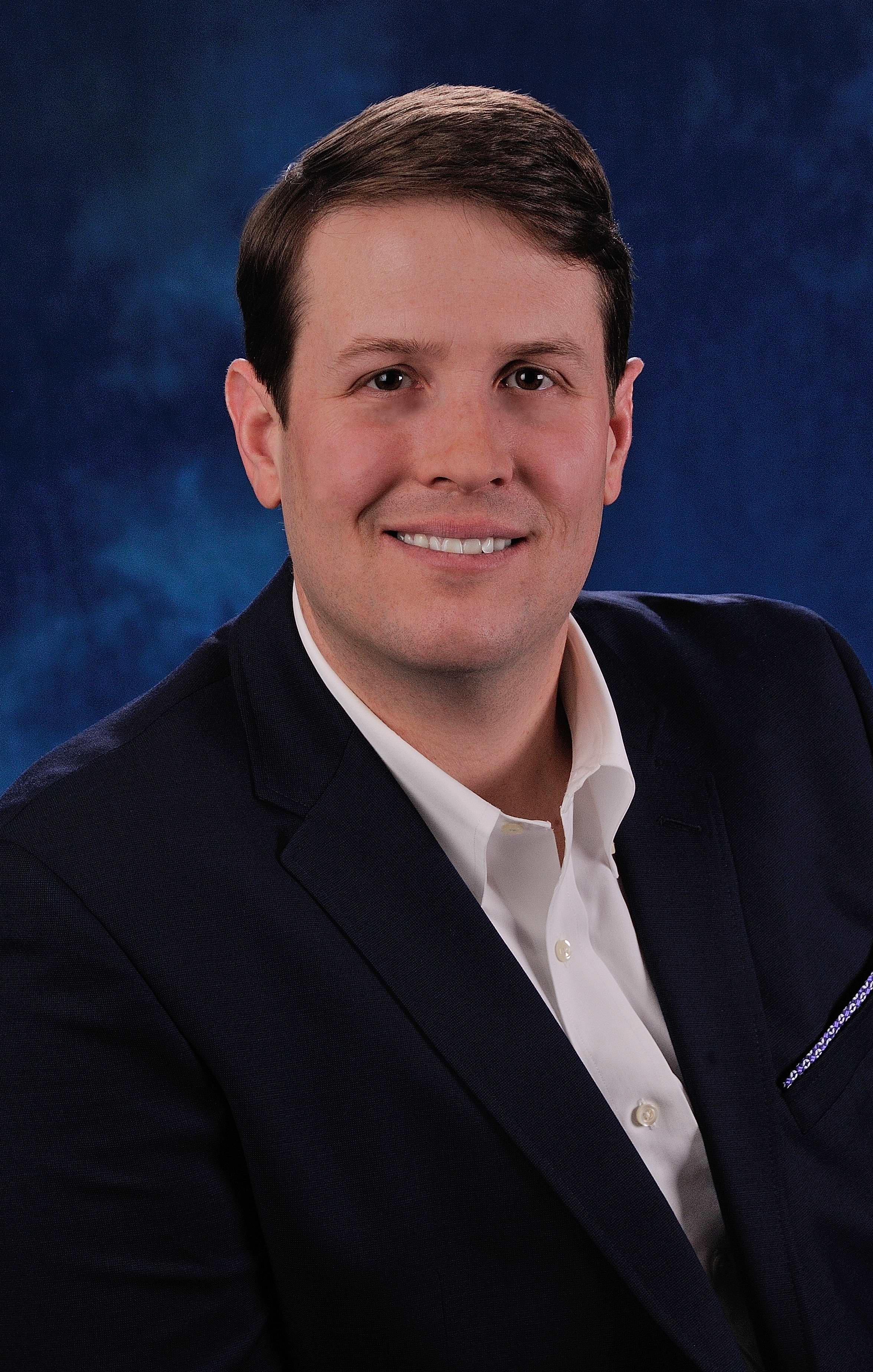
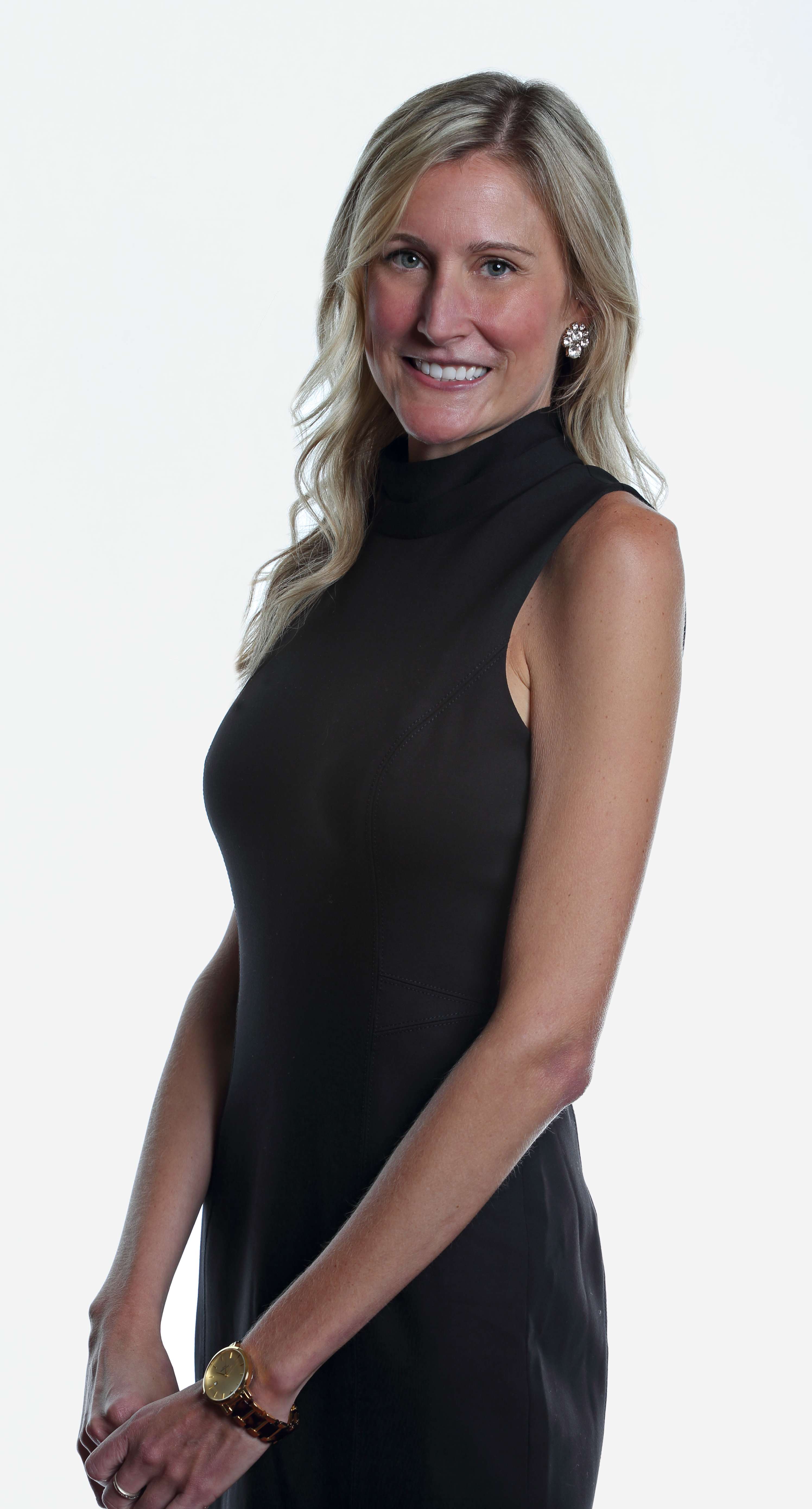
In the world of business, first impressions matter. And when it comes to making a lasting impression, a professional headshot can be your secret weapon. Whether it’s for your LinkedIn profile, company website, or promotional materials, a well-retouched headshot can convey confidence, professionalism, and approachability. At St. Louis Video Studio, we understand the importance of a polished image, and as experienced business photographers, we’re here to share some essential tips for retouching professional headshots.
Why a Professional Headshot Matters
Before we dive into the nitty-gritty of retouching, let’s briefly discuss why having a professional headshot is so crucial in today’s business landscape.
- First Impressions: Your headshot is often the first thing potential clients, employers, or colleagues see. A professional headshot can leave a positive and memorable impression.
- Brand Image: Your headshot is a reflection of your personal and corporate brand. It conveys a sense of professionalism, trustworthiness, and attention to detail.
- Consistency: Using professionally retouched headshots across all your marketing materials ensures consistency in your brand image, making it easier for your audience to recognize and remember you.
- Engagement: Research has shown that profiles with professional headshots receive more engagement and connection requests on platforms like LinkedIn.
Now that we’ve established the importance of professional headshots, let’s delve into the art of retouching to make those headshots shine.
The Art of Retouching
1. Start with the Basics
Before diving into advanced retouching techniques, start with the basics. Ensure that the exposure, color balance, and sharpness of your headshot are on point. Use professional software like Adobe Photoshop or Lightroom to make these adjustments. Properly exposed and well-balanced photos provide a solid foundation for further enhancements.
2. Skin Retouching
Skin retouching is often the most crucial step in headshot retouching. Here’s how to do it effectively:
- Blemish Removal: Use the healing brush or spot healing tool to eliminate minor blemishes, acne, or skin imperfections. Be cautious not to overdo it, as you want to maintain a natural appearance.
- Skin Smoothing: The key to skin smoothing is subtlety. Use the frequency separation technique to separate texture and color. Then, use a soft brush to even out skin tones without losing skin texture completely.
- Dodge and Burn: Use the dodge and burn tools to emphasize highlights and shadows, giving the skin a more three-dimensional look.
3. Eyes and Teeth
The eyes are the windows to the soul, and they should be the focus of your headshot. Here’s how to make them pop:
- Whiten Teeth: Use the teeth whitening tool to brighten the subject’s smile. Keep it natural; overly white teeth can look unnatural.
- Enhance Eyes: Use the dodge tool to brighten the whites of the eyes and enhance the iris’s color. Pay attention to removing any red-eye effect if present.



4. Hair Retouching
Hair is another crucial element of a headshot. Here’s how to make it look its best:
- Flyaway Hair: Use the clone stamp or healing brush to remove stray hairs that may be distracting.
- Hair Volume: To add volume to hair, use the dodge and burn tools selectively. Enhance the highlights and shadows to give hair a fuller look.
5. Clothing and Accessories
Pay attention to clothing and accessories, as they contribute to the overall impression:
- Wrinkles: Use the clone stamp or healing brush to remove wrinkles or creases in clothing.
- Jewelry and Accessories: Enhance the appearance of jewelry or accessories by adjusting highlights and shadows.
6. Background
Consider the background of your headshot. A clean and simple background often works best for professional headshots. Use the selection tools to isolate the subject and then apply changes to the background if necessary.
7. Color Grading
Color grading can help create a cohesive and visually appealing look for your headshot. Adjust the colors to match your brand or desired mood. Be subtle with color grading to maintain a natural appearance.
8. Save in the Right Format
When you’ve completed the retouching process, save your headshot in the appropriate format. JPEG is suitable for web use, while TIFF or PNG may be preferable for high-quality prints.
Customizing Headshot Images for Diverse Media
At St. Louis Video Studio, we understand that different media platforms and purposes require tailored headshot images. Our experienced team of photographers and retouchers can customize your headshots to meet the specific requirements of various media types. Whether you need headshots for your website, social media profiles, business cards, or printed materials, we’ve got you covered.
Repurposing Your Branding Images
In today’s fast-paced digital world, repurposing your branding images can help you gain more traction and extend the lifespan of your content. At St. Louis Video Studio, we are well-versed in all file types and styles of media, as well as the accompanying software necessary for repurposing. We can assist you in repurposing your headshots for different marketing campaigns, presentations, and social media posts, ensuring that your brand message reaches a wider audience.
St. Louis Video Studio: Your Trusted Partner in Professional Headshots
In conclusion, a professional headshot is a powerful tool for making a strong first impression in the business world. However, achieving the perfect headshot often requires expert retouching skills. Whether you’re a corporate professional, entrepreneur, or job seeker, having a polished headshot can make a significant difference in how you are perceived.
At St. Louis Video Studio, we have the expertise, experience, and state-of-the-art equipment needed to create stunning headshots that align with your brand and convey professionalism. Our full-service approach means we can handle every aspect of your headshot, from the initial photoshoot to retouching and customization for diverse media needs.
As a full-service photographer, St. Louis Video Studio has worked with many businesses and agencies in the St. Louis area for their corporate photography and video. Trust us to deliver exceptional headshots that will elevate your professional image and leave a lasting impression. Contact us today to schedule your headshot session and experience the difference our expertise can make.
Contact St. Louis Video Studio for all your professional headshot needs, and let us help you shine in the business world.


 St Louis Video Studio